Brand: KYOCERA
Category: Cell Phone
Document Type:
Language: EN
Brand: KYOCERA
Category: Cell Phone
Document Type:
Language: EN
Uploaded: Aug. 10, 2025, 12:08 a.m.
Copyright © 2006 Kyocera Wireless Corp. All rights reserved. Ringer Tones Copyright © 2000-2002 Kyocera Wireless Corp.
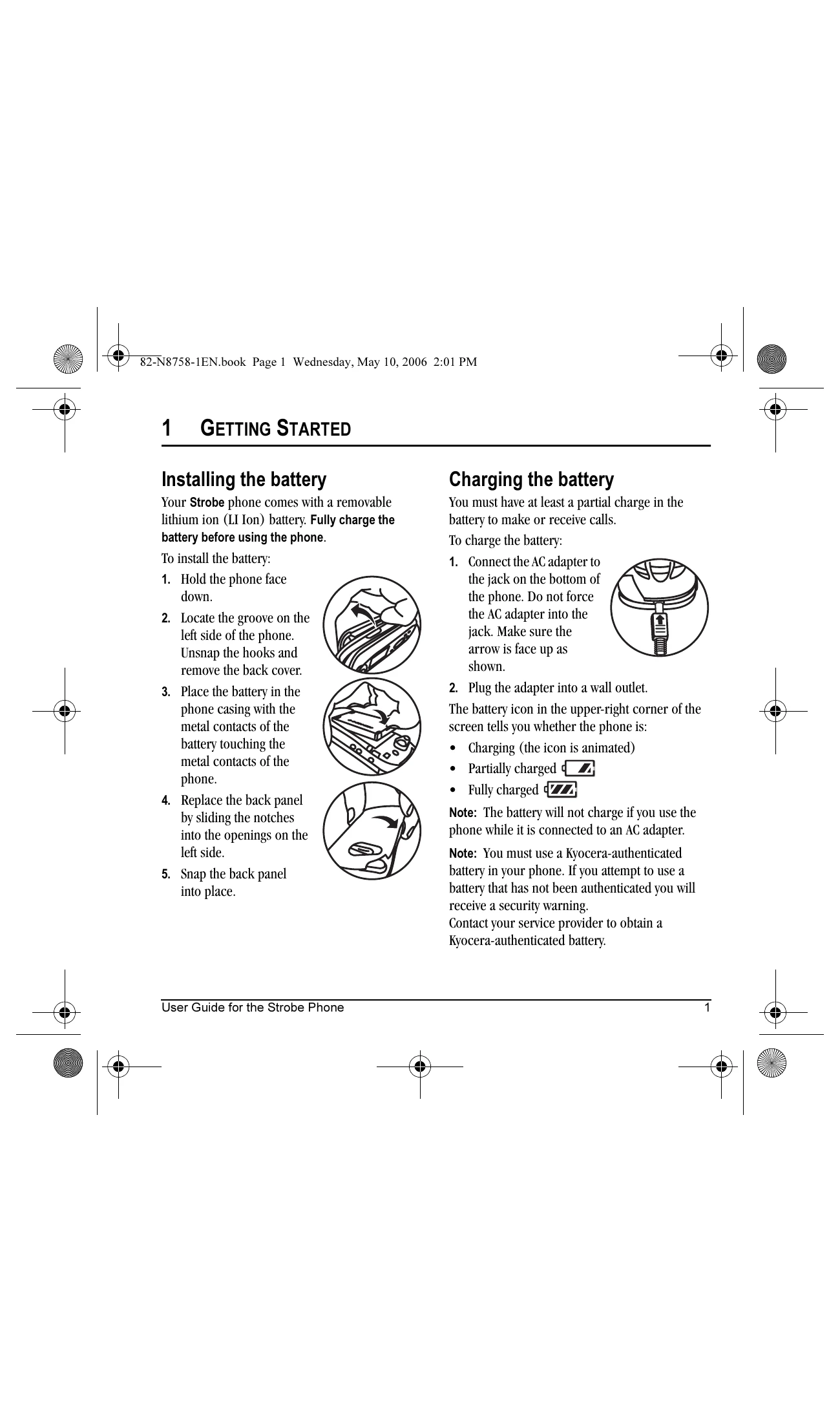
Installing the Battery:
Charging the Battery:
Making a Call:
Answering a Call:
| Problem | Solution |
|---|---|
| Screen frozen and keypad unresponsive |
1. Remove the battery door. 2. Remove and replace the battery. If the problem persists, return the phone to the dealer for service. |