This manual does not contain specific warranty period information.
Getting Started
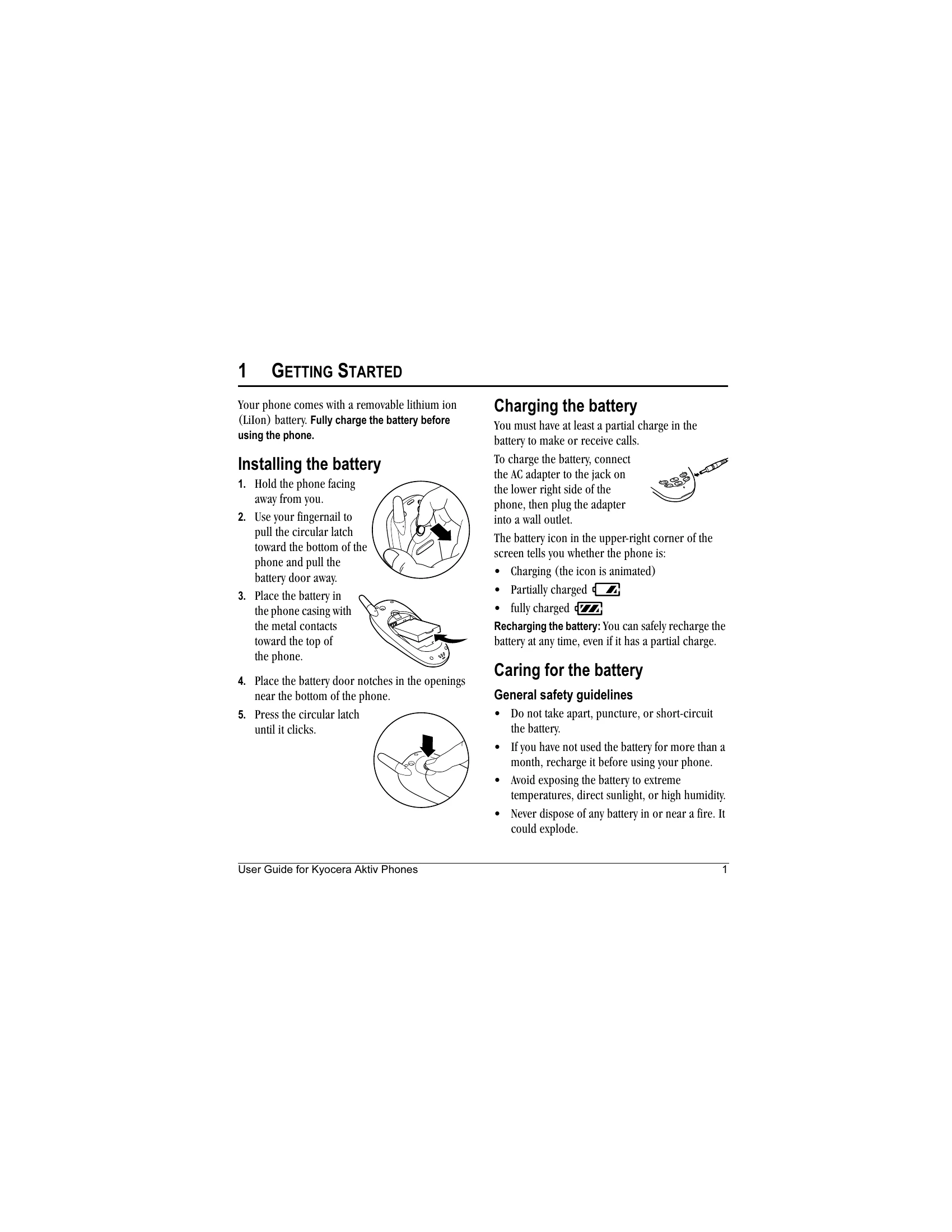
Charging the battery: Connect the AC adapter to charge the phone. The battery icon indicates the charge level.
Installing the battery: Follow the numbered steps to install the removable lithium-ion battery.
Replacing the faceplate: Remove the old faceplate and install a new one by following the illustrated steps.
Performing basic functions: Learn how to turn the phone on/off, make/end calls, answer calls, access voicemail, silence the ringer, and lock the keypad.
Getting to know your phone: Identify key components like the flashlight, headset jack, home screen, OK key, navigation key, keypad, and antenna.
Using menus: Navigate through various menus like Messages, Settings, Contacts, Fun & Games, and Tools.
Understanding screen icons: Familiarize yourself with icons indicating phone status, signal strength, messages, battery level, and more.