Brand: KYOCERA
Category: Cell Phone
Document Type:
Language: EN
Brand: KYOCERA
Category: Cell Phone
Document Type:
Language: EN
Uploaded: Aug. 10, 2025, 12:08 a.m.
None
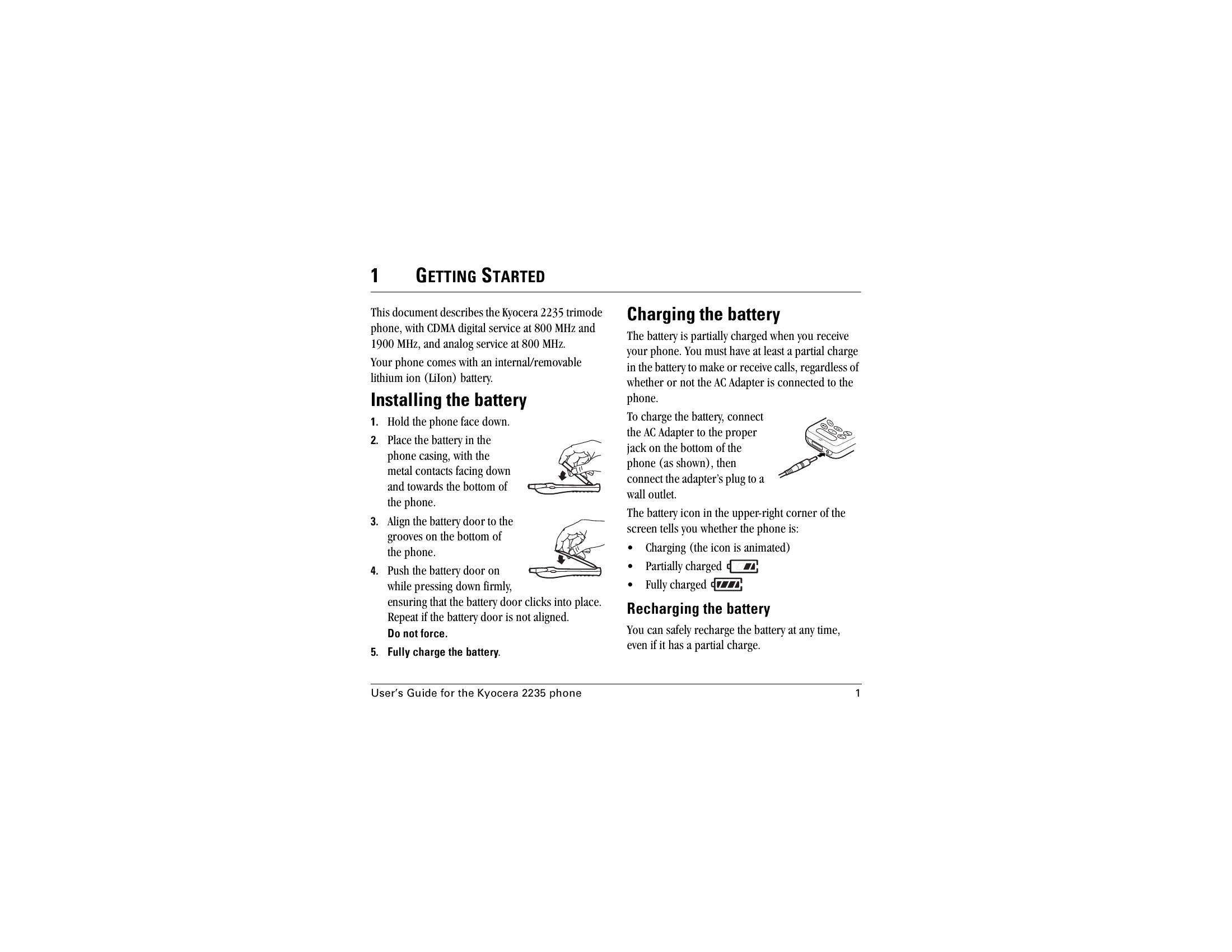
To charge the battery, connect the AC Adapter to the proper jack on the bottom of the phone, then connect the adapter's plug to a wall outlet.
When a call comes in, press SEND/TALK to answer.
Press MENU to select Menu. Use the Navigator key to scroll through menus and options. Press OK to select an item.
| Problem | Possible Cause | Solution |
|---|---|---|
| Phone does not turn on | Battery is not charged | Connect the AC adapter and charge the battery. |
| Cannot make or receive calls | No signal | Move to an area with better reception. |
| Screen is frozen | Software issue | Remove and replace the battery. |