Welcome
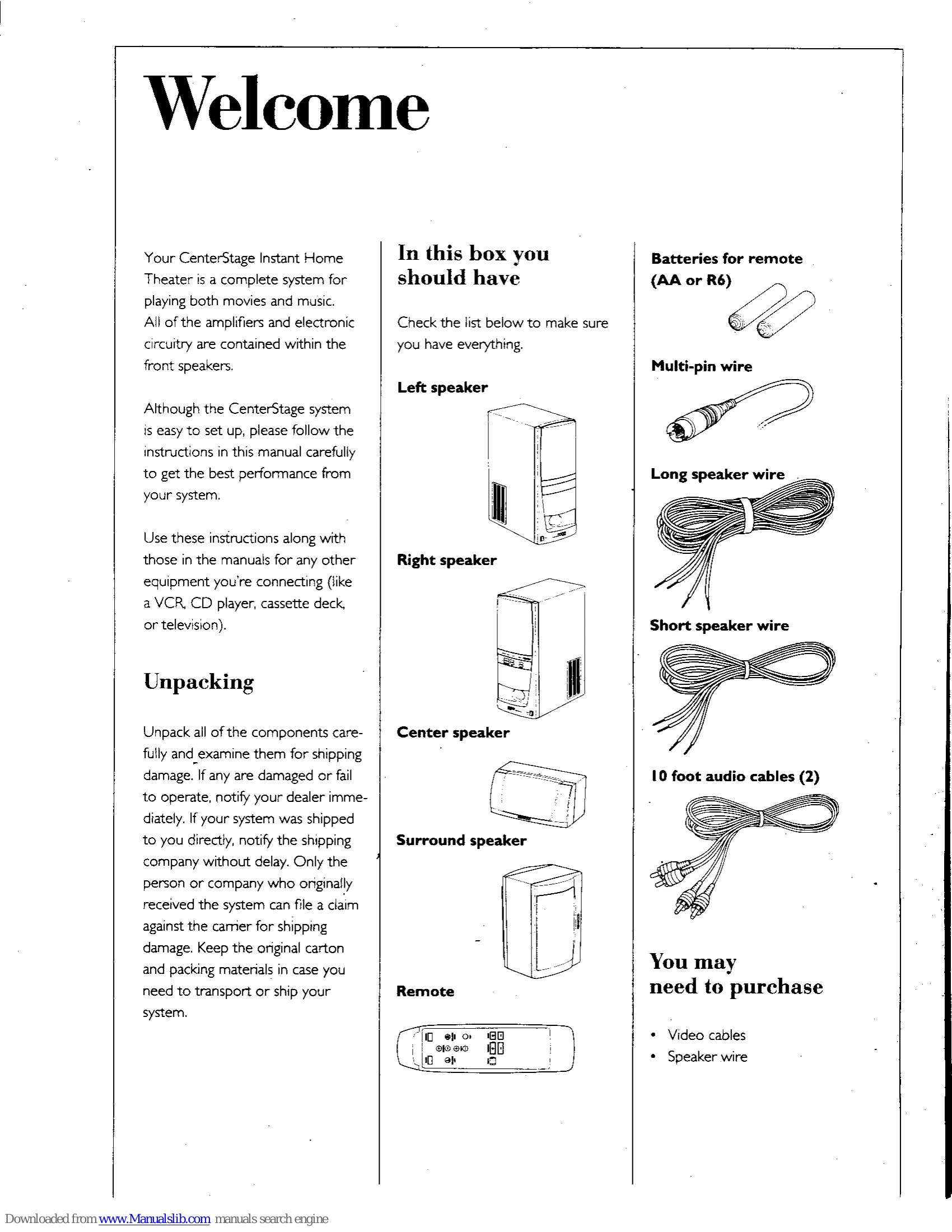
Your CenterStage Instant Home Theater is a complete system for playing both movies and music. All amplifiers and electronic circuitry are within the front speakers. Follow instructions carefully for best performance. Use this manual along with manuals for other equipment (VCR, CD player, etc.).
Unpacking
Unpack and examine all components for shipping damage. Notify your dealer or the shipping company immediately if damaged. Keep original carton and packing materials.
Positioning the speakers
- Place left and right speakers on each side of the TV. Ensure 4 inches of space on each side for ventilation.
- Center speaker should be placed above or below the TV screen, aimed at ear level. Magnetically shielded.
- Surround speaker should be placed on a wall directly behind the listening area, at least 2 feet above listeners' heads.
Connecting the system components
- Connect speakers using the provided wires, noting positive (+) and negative (-) terminals.
- Ensure correct polarity for stereo and surround effects.
Connecting audio and video components
- Connect VCR, CD player, or other sources.
- Ensure stereo input signal for surround sound.
- Do not connect a turntable.
Operating your system
- Use the right speaker's front panel controls for volume, bass, and surround volume.
- Connect power cords and turn speakers ON.
- The system has an auto-standby feature. Turn off power switches for extended periods.
Using the remote
- Use selectors for audio or movie sources.
- Adjust speaker balances (left, right, center, surround) and volume.
- Mute button available. Bass control adjusts bass volume.
- Test button activates test noise for speaker balancing.
Loading batteries
Insert 2 AA-size batteries into the remote, paying attention to polarity. Close the cover.
Balancing the speaker levels
- Room should be quiet. Sit in listening location.
- Press TEST button to hear noise circulate through speakers (LEFT>CENTER>RIGHT>SURROUND).
- Adjust MASTER VOLUME to a comfortable level.
- Press TEST again and adjust speaker balances using BALANCE, CENTER, and SURROUND keys until volumes are equal.
Balancing the system with movies or music
Fine-tune speaker levels while watching movies or listening to music.
Playing a movie or music
- To play a movie: Play source, system will switch ON automatically.
- To play music: Play source, select AUDIO input using the remote.
About the volume indicator
Indicator lights show maximum or minimum volume and adjustments.
About changing the bass volume
Adjust bass volume from the remote or the front panel.