Brand: JVC
Category: Television
Document Type: Manual
Language: EN
Brand: JVC
Category: Television
Document Type: Manual
Language: EN
Uploaded: Nov. 21, 2025, 8:34 p.m.
This limited warranty is valid for 1 year for parts and labor, covering defects in materials and workmanship for the original retail purchaser.
Step One - The Remote Control
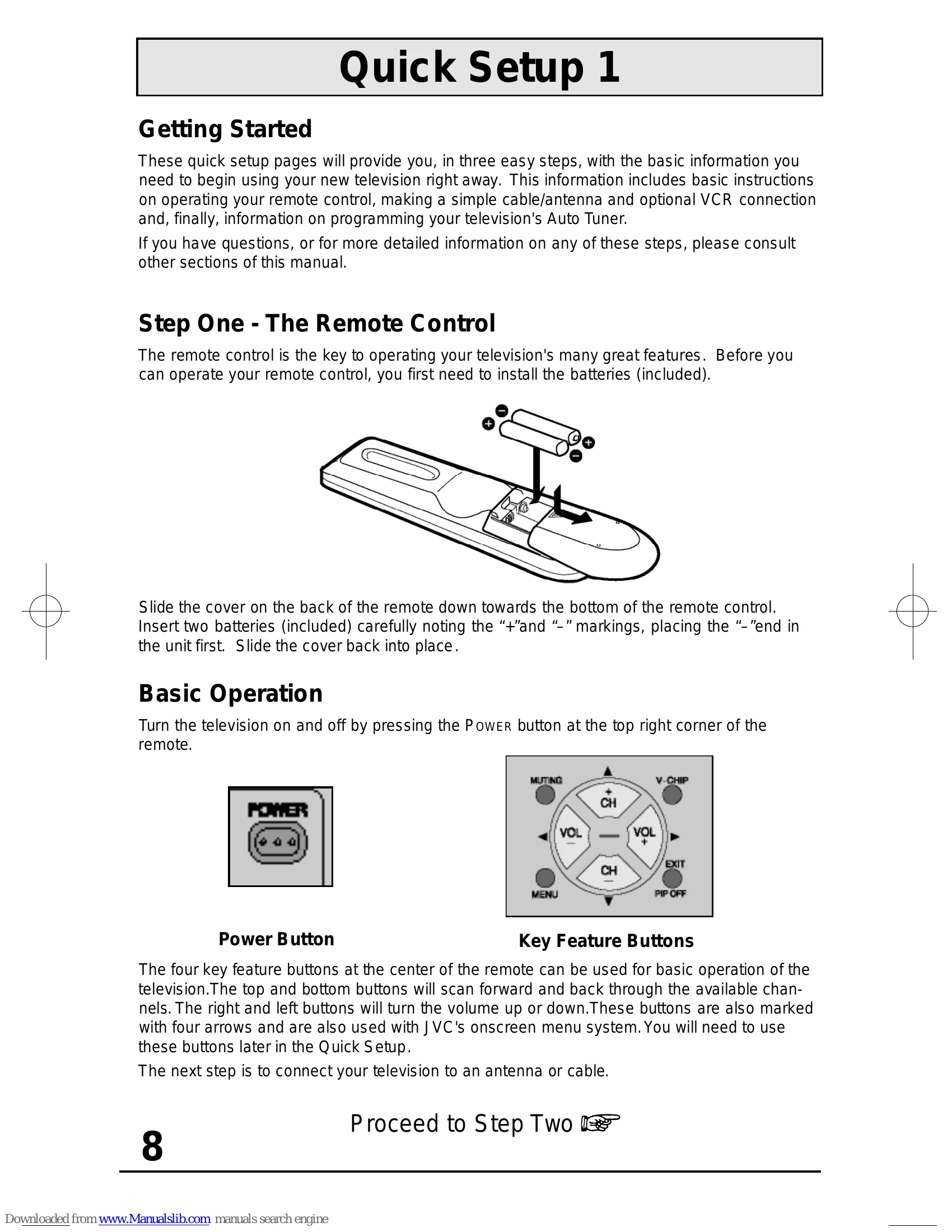
Install the included AA batteries into the remote control, noting the '+' and '-' markings. Slide the battery cover down, insert batteries with the '-' end first, and slide the cover back.
Basic Operation
Press the POWER button on the remote to turn the TV on or off. The four key feature buttons (arrow keys and channel up/down) are used for basic TV operation and navigating the onscreen menu system. The arrow keys also control volume.
Step Two - Making Basic Connections
Connect your TV to an antenna or cable system using an RF cable. Connect a VCR using AV cables (yellow for video, white/red for audio) or an S-Video cable. Plug the power cord into an outlet and turn on the TV.
Step Three - The Plug In Menu
Upon first turning on the TV, the Plug In Menu appears. It allows you to set Language, Auto Tuner Setup, and Set Clock. For immediate viewing, run the Auto Tuner Setup. This scans for available channels and memorizes active ones. Select CABLE or AIR and press START. The process takes 1-2 minutes.
| PROBLEMS | CHECK |
|---|---|
| There is no power | See if the power cord became unplugged. Check for a blown fuse or circuit breaker or a power outage. |
| There is no picture or sound | The antenna could be disconnected. The input mode could be set improperly. See page 42. The tuner (Auto Tuner Setup) could be set improperly. See page 22. The TV station may be having difficulties. Check to see if other stations are working. |
| Remote control is not operating properly or at all | Check to see that the batteries are still working and properly installed. Make sure the remote has a clear sight path to the TV. Check that the TV/CATV switch is in the proper position. You may be too far from the TV. You must be within 23 feet (7 meters). |
| You cannot select a certain channel | Make sure the channels have been programmed. See "Channel Summary", page 25. Check to see if the channel is locked. See "Channel Summary - Lock" page 25. |
| The power turns off by itself | Make sure the set did not become unplugged. Perhaps the On/Off Timer is set. See page 37. Check to see if the Sleep Timer was set. See page 41. |
| The clock is wrong | The power was interrupted and the clock was not reset. See page 23. |
| The On Timer is blinking | There is a problem with the TV. Unplug the set and call for service. |
| The color quality is poor | Tint and Color may be improperly adjusted. See page 34. The Video Status mode may be turned to the wrong setting. See page 35. |
| There are lines across the picture | There could be interference from another electrical appliance, such as a computer, another TV or VCR. Move any such appliances further away from the TV. |
| The picture is spotted | There could be interference from a high-wattage appliance, like a hairdryer or vacuum, operating nearby. Move the antenna away from the appliance or change to a coaxial cable connection which is less prone to interference. |
| There are double pictures (ghosts) | A building or passing airplane can reflect the original signal and produce a second, slightly delayed one. Adjust your antenna position. |
| Picture is snowy (image noise) | Your antenna may be damaged, disconnected or turned. Check the antenna connection. If the antenna is damaged, replace it. |
| Screen is 80% black | The Closed Caption Text mode is on. Turn it off in the Closed Caption Menu, page 39. |
| Stereo or bilingual programs can't be heard | Make sure the MTS settings are correct. See "MTS" on page 36. |
| There is no sound from the TV's speakers | The TV Speaker option may be turned off. See page 38. |
| Static electricity | It is normal to feel static electricity if you brush or touch the screen. |
| You hear occasional crackling sounds | It is normal for the TV to make crackling sounds when first turned on or off. Unless the sound or picture become abnormal, this is fine. |