Brand: IndigoVision
Category: Surveillance Cameras
Document Type: Installation Guide
Language: EN
Brand: IndigoVision
Category: Surveillance Cameras
Document Type: Installation Guide
Language: EN
Uploaded: Nov. 21, 2025, 6:10 p.m.
Manual Publish Date: 2021-03-08
IndigoVision Limited and IndigoVision, Inc. disclaim all implied warranties and obligations regarding this manual.
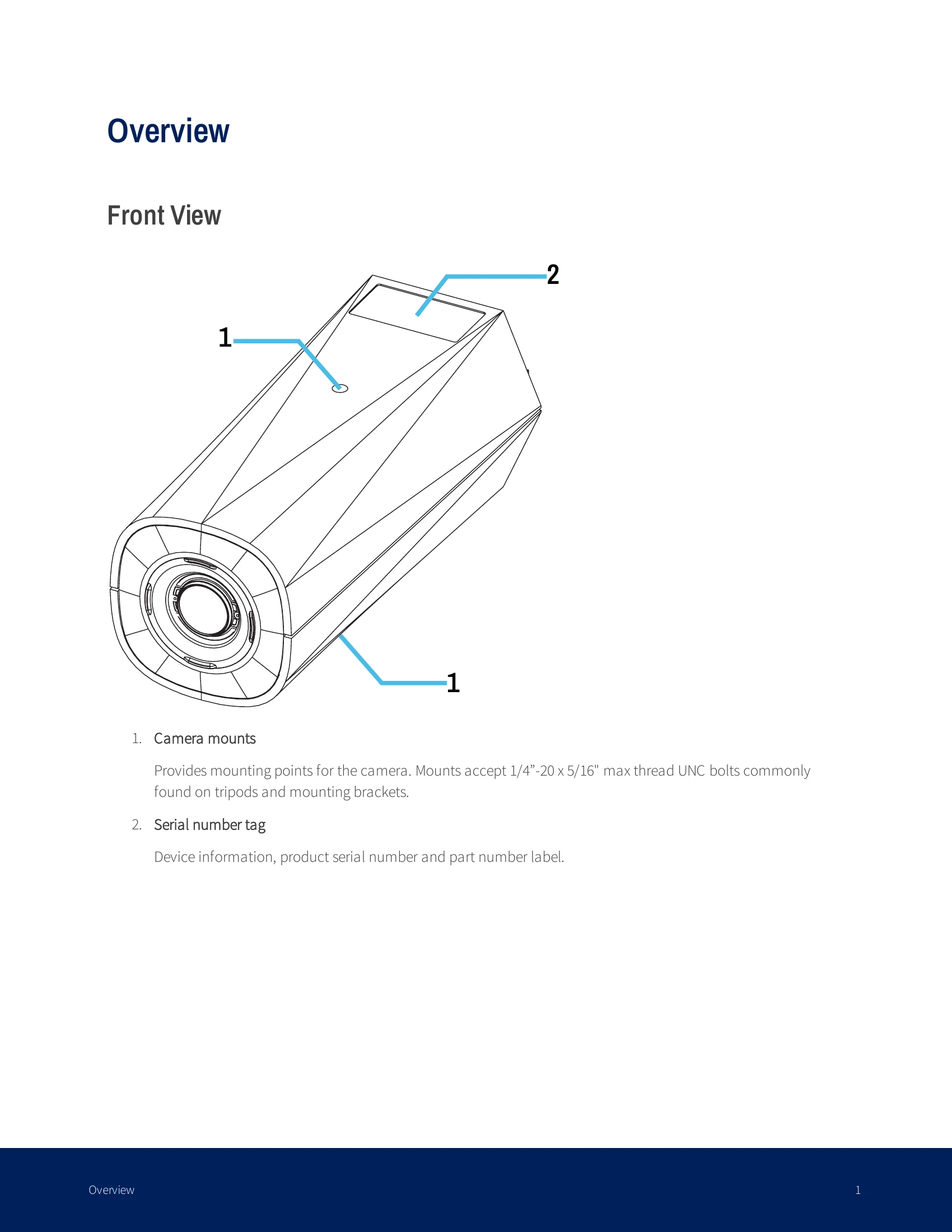
This manual provides installation and operation information for the IndigoVision UX Box Camera. It covers front and rear views, required tools, package contents, and detailed installation steps including mounting, cable connections, initializing user accounts, assigning IP addresses, accessing live streams, and camera configuration.
| Connection State | Connection Status LED Indicator | Description |
|---|---|---|
| Obtaining IP Address | One short flash every second | Attempting to obtain an IP address. |
| Discoverable | Two short flashes every second | Obtained an IP address. |
| Upgrading Firmware | Two short flashes and one long flash every second | Updating the firmware. |