Brand: HUAWEI
Category: Wireless Router
Document Type: Manual
Language: EN
Brand: HUAWEI
Category: Wireless Router
Document Type: Manual
Language: EN
Uploaded: Nov. 21, 2025, 8:39 p.m.
Please refer to the provided documentation or contact support for warranty details.
1. Introduction: Huawei EG8147X6 is an Optical Network Terminal (ONT) operating on GPON technology, featuring 4-Gigabit Ethernet Ports, 1-Telephone Port, 1-RF Video Port (EG8145V5 excludes RF port), 1-USB Port, and 2.4G/5G Wi-Fi 6 connectivity.
2. ONT Specifications: Details interfaces and LED indicators.
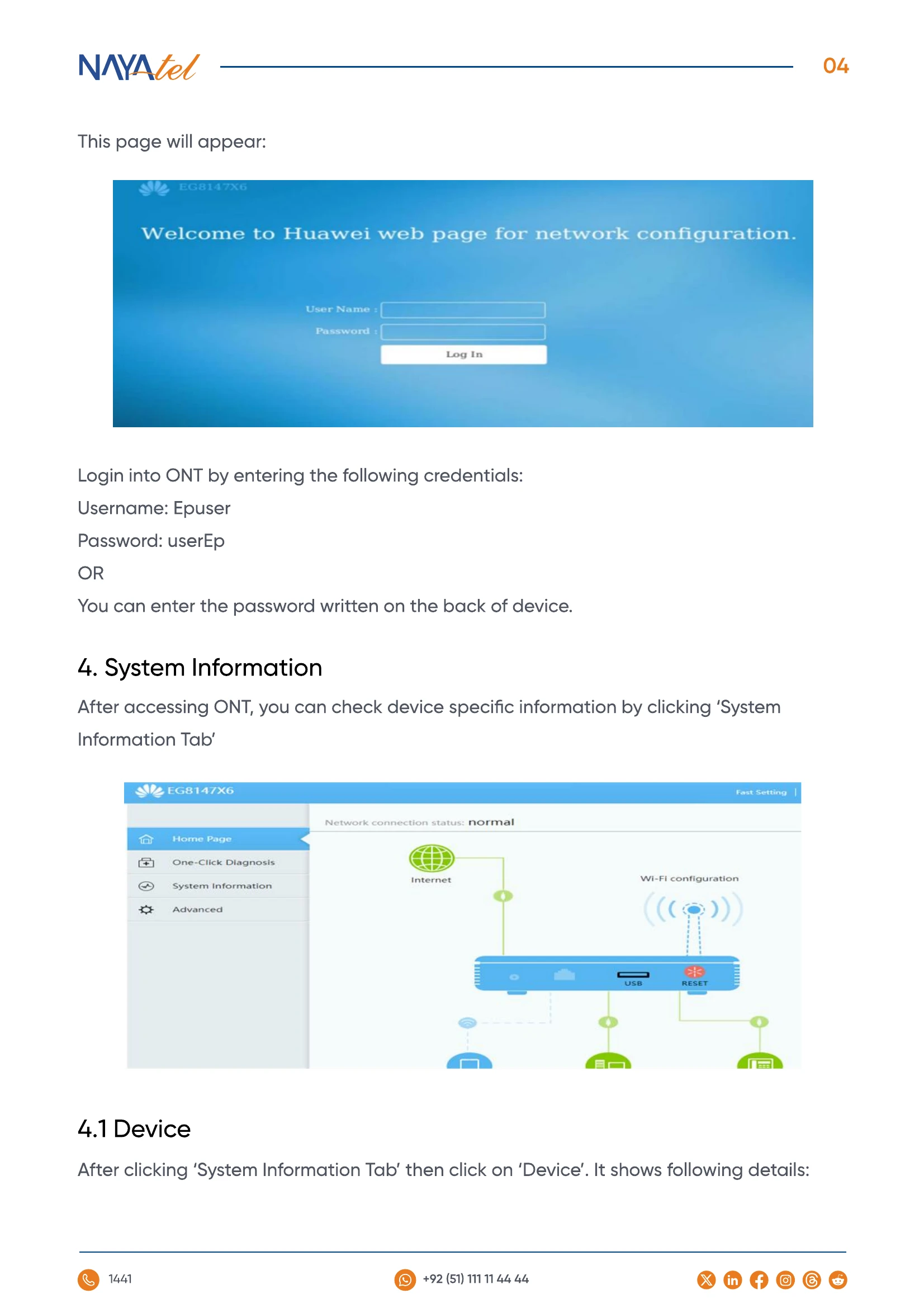
3. Web Configuration Guide: Access the ONT via web interface at 192.168.18.1 using credentials 'Epuser'/'userEp' or the password on the device.
4.1 Device: View basic device information after logging in.
4.2.1 & 4.2.2: Check connected devices to 2.4 GHz and 5 GHz networks by navigating through WLAN settings.
5. Configuring Advanced Network Settings: Set up Wi-Fi by accessing the 'Advanced' option. Configure SSID, security (WPA2/WPA3, AES), and network parameters for both 2.4 GHz and 5 GHz bands.
6. Security: Use MAC Filtering to blacklist or whitelist devices, controlling network access.
7. Forward Rules: Enable port forwarding for specific devices via IPv4 mapping.
8. Precautionary Measures: Important notes on power, UPS usage, ventilation, resetting, and device relocation.
| Light | Status | Indication |
|---|---|---|
| Power | Always On | The device is powered on |
| Power | Off | Power supply is cut off |
| WLAN | Always On | WLAN function is enabled |
| WLAN | Blinks | Data is being transmitted on WLAN port |
| PON | Always On | In case of any other status, contact Nayatel Support |
| LOS | Always Off | In case of any other status, contact Nayatel Support |
| LAN1-LAN4 | Green Stable | Ethernet connection established |
| LAN1-LAN4 | Green Blinking | Data getting transmitted |
| TEL | Off | Telephone number not configured |
| TEL | Green Stable | Number configured |
| TEL | Green Blinking | Call in progress |