Brand: HP
Category: Networking
Document Type: Manual
Language: EN
Brand: HP
Category: Networking
Document Type: Manual
Language: EN
Uploaded: Nov. 21, 2025, 7:23 p.m.
This document does not contain warranty information.
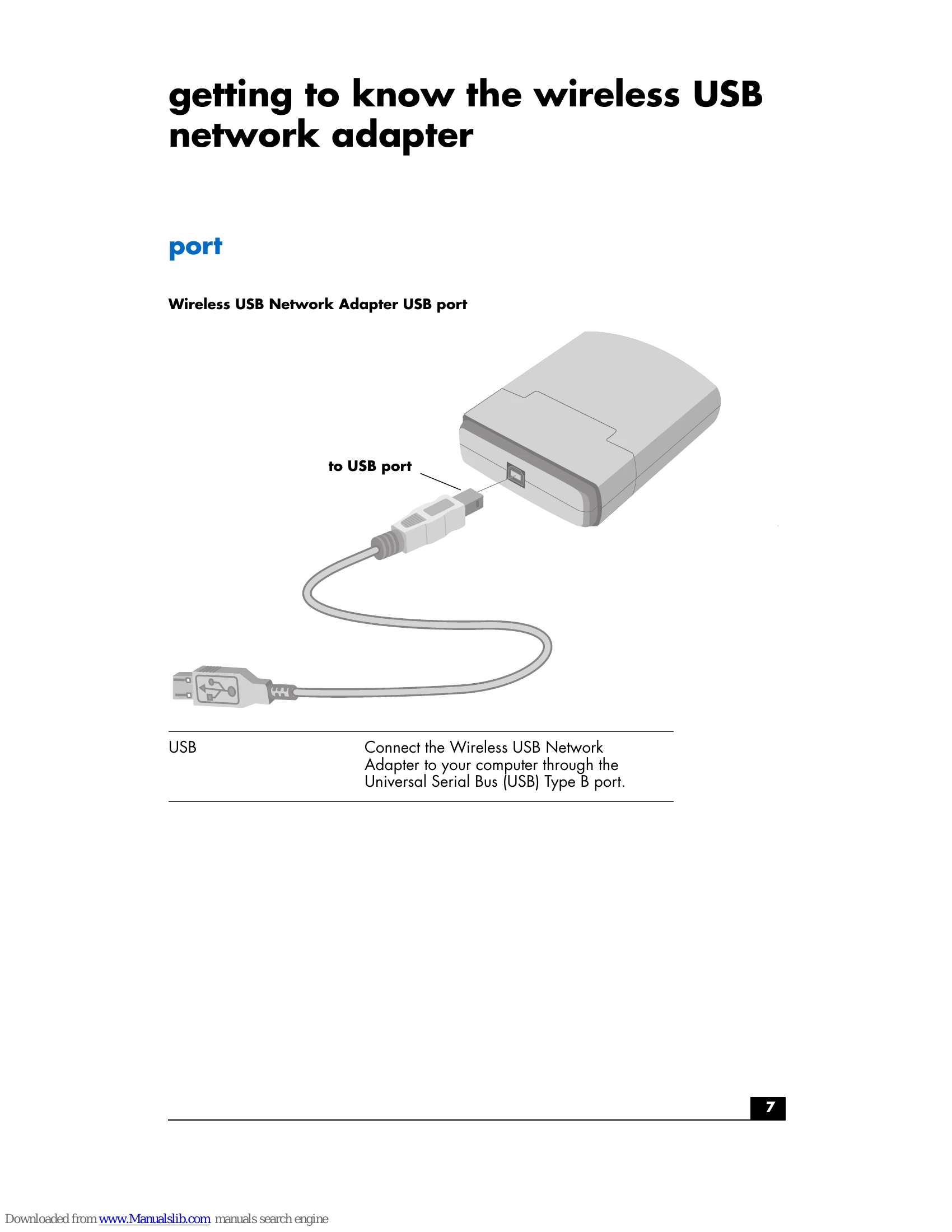
The HP Digital Home Networking Wireless USB Network Adapter operates on the Industrial, Scientific, and Medical (ISM) band using Direct Sequence Spread Spectrum (DSSS) transmission to implement the IEEE 802.11b standard. It allows users to move easily between access points without reconfiguring connections and provides freedom to work anywhere with access to networked resources. LEDs indicate power and linkage. The adapter is compatible with Windows 98, Millennium, 2000, and XP.
Key features include a 2.4 Ghz frequency band, compliance with IEEE 802.11b, a USB interface, up to 128-bit WEP encryption, wire-free access, seamless roaming between access points, a data transfer rate of up to 11 Mbps, DSSS, automatic fall-back rate, user-friendly GUI setup software, free driver/firmware upgrades, and a built-in dielectric antenna with LEDs.
| Problem | Solution |
|---|---|
| My computer does not recognize the Wireless USB Network Adapter. | Verify that the USB cable is properly connected to both the Type B USB adapter port and the Type A USB computer port. Verify that the USB controller is enabled in the computer's BIOS. Check your computer's documentation for more information. |
| The Wireless USB Network Adapter does not work properly. | Reinsert the adapter's USB cable into the computer's USB port. Verify that the adapter is installed properly: 1 Right-click My Computer. 2 Select Properties. 3 Select the Hardware tab, click Device Manager, and double-click Network Adapters. If the adapter is installed properly, it will be displayed. If you see a yellow exclamation point, there may be a resource conflict. If so, do the following:
|
| My computer cannot communicate with computers linked via Ethernet to the wireless network in the infrastructure configuration. | Verify that the computer you are trying to contact is powered on. Verify that your adapter is configured for the same channel, SSID, and WEP as the other computers in the infrastructure configuration. |