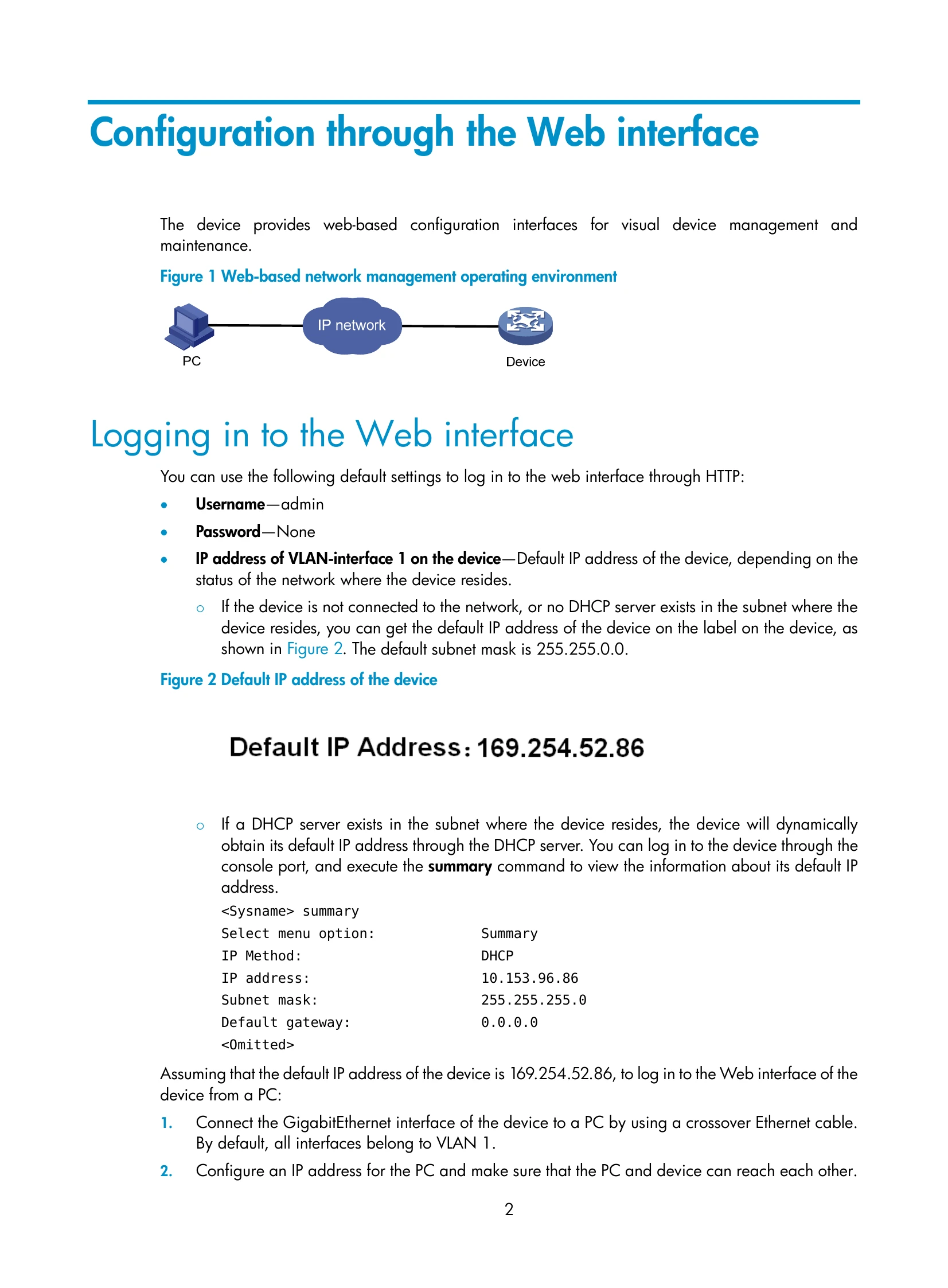
The HP 1910 Switch Series can be configured through the command line interface (CLI), Web interface, and SNMP/MIB. These configuration methods are suitable for different application scenarios. The Web interface supports all 1910 Switch Series configurations. The CLI provides some configuration commands to facilitate your operation. To perform other configurations not supported by the CLI, use the Web interface.
Logging in to the Web interface involves using default credentials (username: admin, password: None) and accessing the device via HTTP. The IP address can be obtained from the device label or dynamically via DHCP. The Web interface is composed of a navigation tree, title area, and body area. Users have different levels of access: visitor, monitor, configure, and management, each with varying permissions.