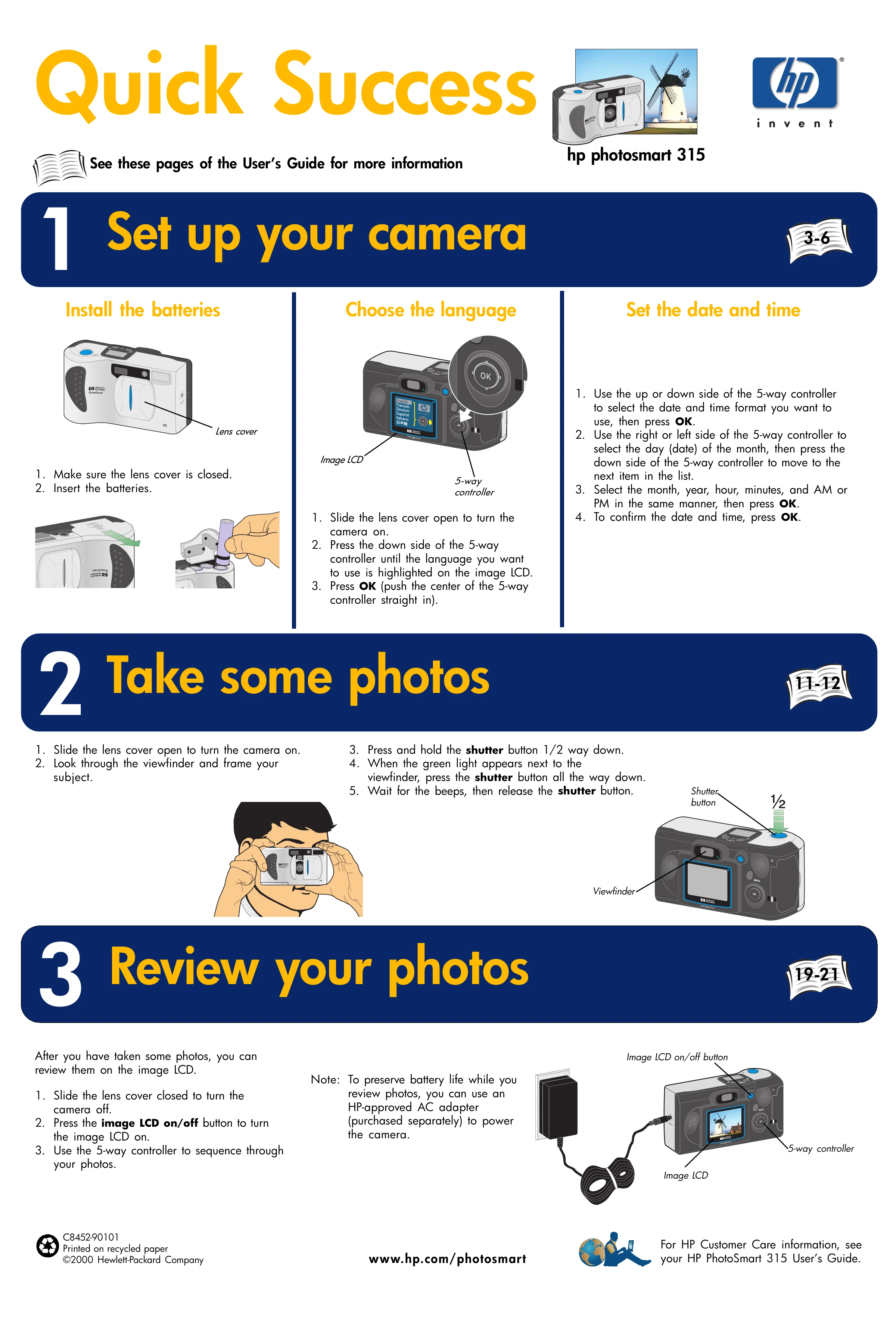
Install the batteries: Ensure the lens cover is closed and insert the batteries.
Choose the language: Slide the lens cover open to turn on the camera. Use the 5-way controller to highlight the desired language on the image LCD and press OK.
Set the date and time: Use the 5-way controller to select the date/time format and press OK. Navigate through day, month, year, hour, minutes, and AM/PM using the controller sides and press OK to confirm each.
2 Take some photos
Slide the lens cover open to turn on the camera.
Look through the viewfinder and frame your subject.
Press the shutter button halfway down. When the green light appears, press the button all the way down.
Wait for beeps and release the shutter button.
3 Review your photos
Slide the lens cover closed to turn off the camera.
Press the image LCD on/off button to turn on the LCD.
Use the 5-way controller to scroll through your photos.