Brand: Honeywell
Category: Camera
Document Type:
Language: EN
Brand: Honeywell
Category: Camera
Document Type:
Language: EN
Uploaded: Aug. 9, 2025, 11:47 p.m.
Guaranteed against defects for twelve months from date of purchase.
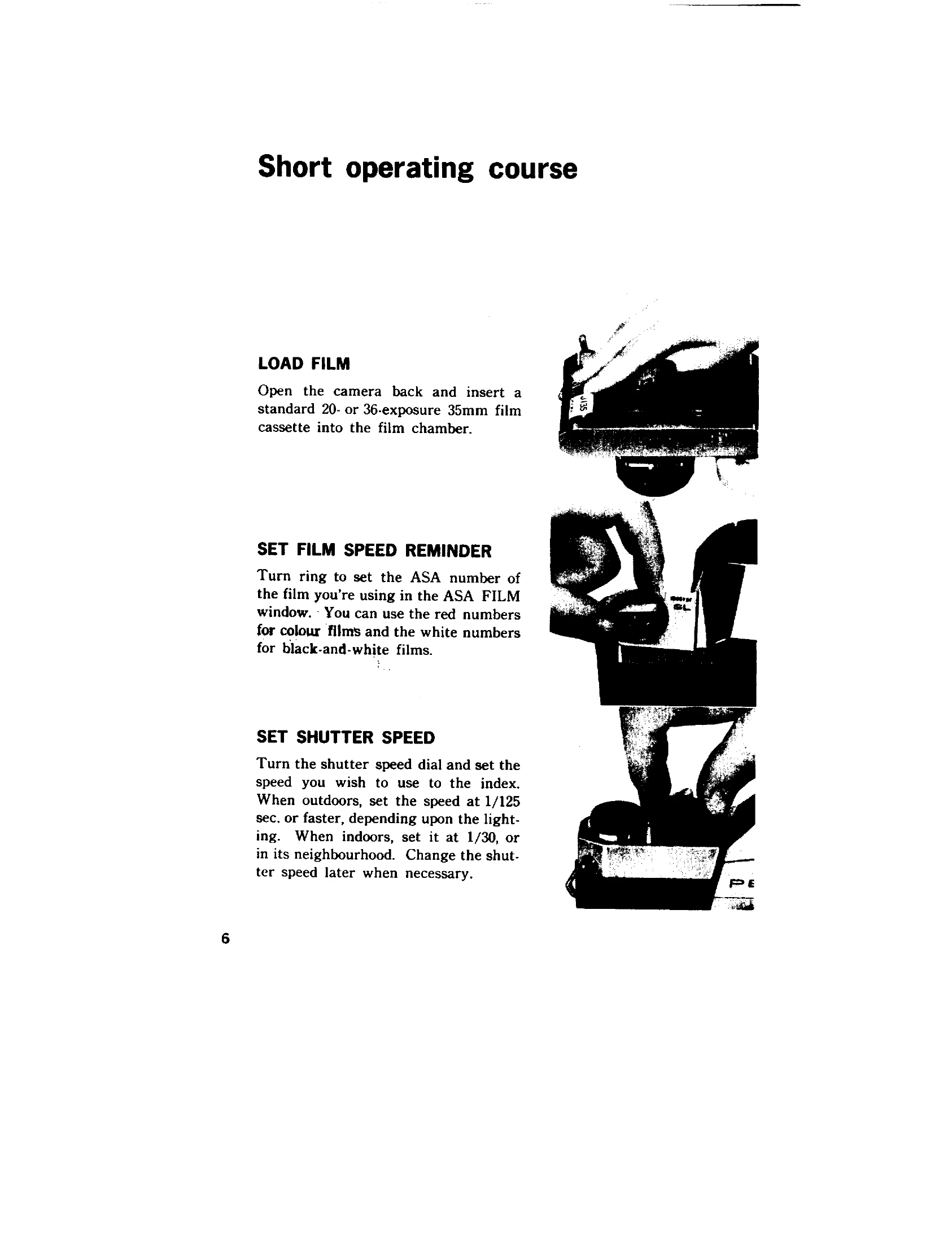
Loading Film: Open the back, insert the film cassette, draw out the leader, crease it, and insert into the take-up spool. Advance the film and cock the shutter until sprockets engage. Close the back. The rewind knob should turn counter-clockwise when advancing film.
Setting ASA Film Speed: Turn the ring to align the film's ASA number in the window. Use red numbers for color and white for black-and-white films.
Setting Shutter Speed: Turn the dial to the desired speed. For outdoors, use 1/125 sec. or faster; for indoors, 1/30 sec. or faster.
Compose and Focus: View through the viewfinder, turn the distance scale ring until the image is sharpest in the microprism center.
Rotate Diaphragm Ring: Set the desired f/stop.
Release Shutter: Hold the camera firmly and press the shutter release. The diaphragm reopens after exposure.