Brand: HITACHI
Category: TV
Document Type: Manual
Language: EN
Brand: HITACHI
Category: TV
Document Type: Manual
Language: EN
Uploaded: Nov. 21, 2025, 9:01 p.m.
Refer to warranty card for limited warranty terms.
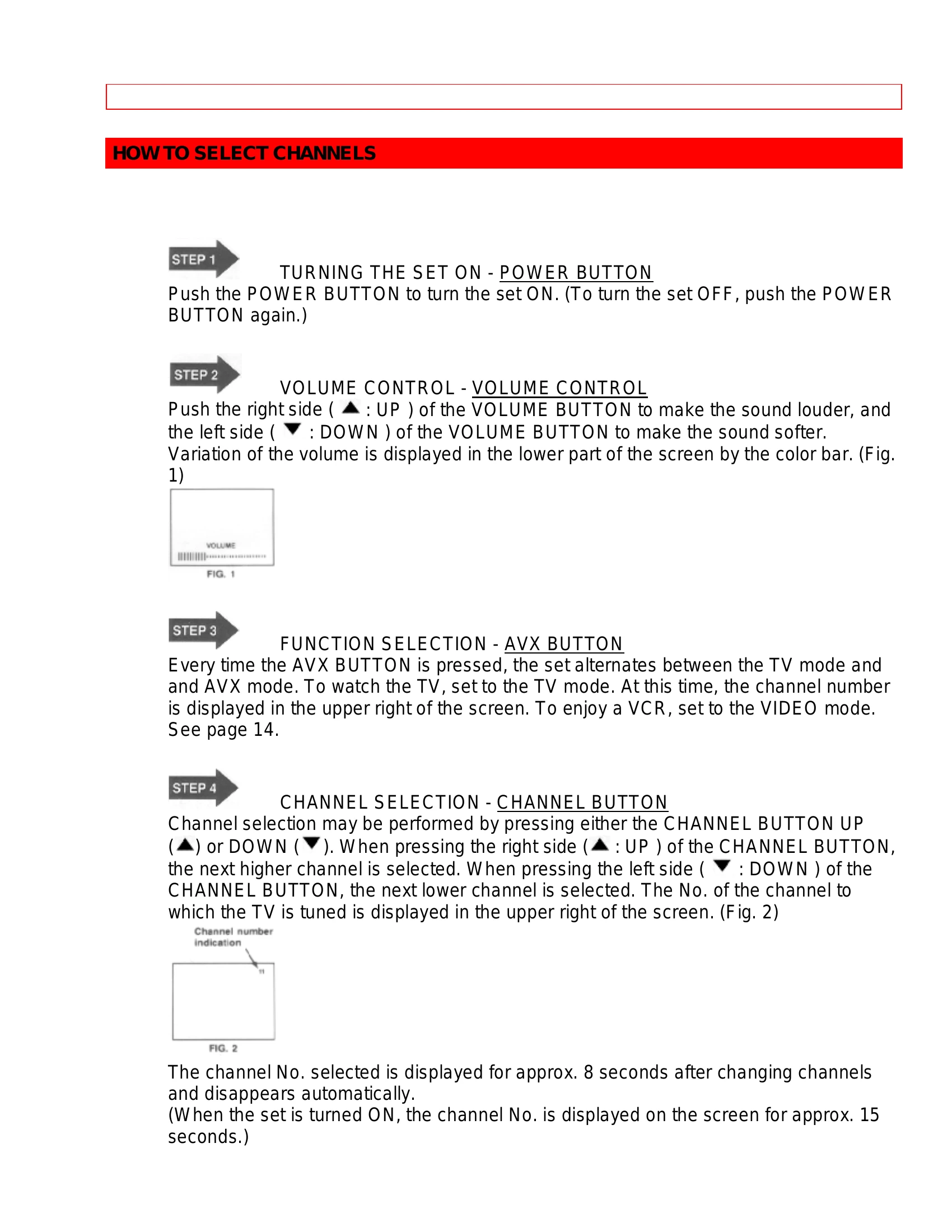
Turning the TV On/Off: Press the POWER button.
Adjusting Volume: Press the right side of the VOLUME button for louder sound, and the left side for softer sound. The variation is shown by a color bar.
Changing Functions: Press the AVX button to switch between TV and AVX modes. The channel number is displayed on screen.
Changing Channels: Press the CHANNEL UP or DOWN buttons. The channel number appears in the upper right of the screen.
Using the Remote: Point the remote at the TV's remote sensor. Use buttons like POWER, RECALL, MENU, ENTER, and CURSOR for various functions. The RECALL button can check channel, stereo status, time, and clear on-screen displays.
Volume/Mute: Use VOLUME up/down buttons for sound level. Press MUTE for instant silence; press MUTE again or VOLUME up to restore sound.
Last Channel: Use the LST-CH button to toggle between the last two channels viewed.
| Problem | Possible Cause | Solution | |
|---|---|---|---|
| Problem | IGNITION NOISE Black spots or horizontal streaks, picture flutter or drift. |
Interference from automobile ignition systems, neon lamps, electrical drills, etc. | Not specified, but implies interference reduction measures needed. |
| Problem | GHOSTS Echoes in the picture. |
Television signal following two paths (direct and reflected). Antenna system defects (unshielded leads, multiple sets without couplers). | Change antenna direction or position. Check antenna system. |
| Problem | SNOW Small dots in the picture due to weak signal. |
Located in fringe area of television station. | Install a special antenna to improve picture. |
| Problem | RADIO FREQUENCY INTERFERENCE Moving ripples or diagonal streaks, loss of contrast. |
Interference from radio frequencies. | Not specified, but implies shielding or filtering may be needed. |