Brand: HITACHI
Category: Camcorder
Document Type: Manual
Language: EN
Brand: HITACHI
Category: Camcorder
Document Type: Manual
Language: EN
Uploaded: Nov. 21, 2025, 7:14 p.m.
Warranty information is not provided in this manual.
| Power | Symptom | Check point & Correction |
|---|---|---|
| The power cannot be turned on. | Attach a battery. Use a charged battery. |
|
| The power turns off. | The unit has been in the recording pause mode for more than 5 minutes. Turn the power on again. |
|
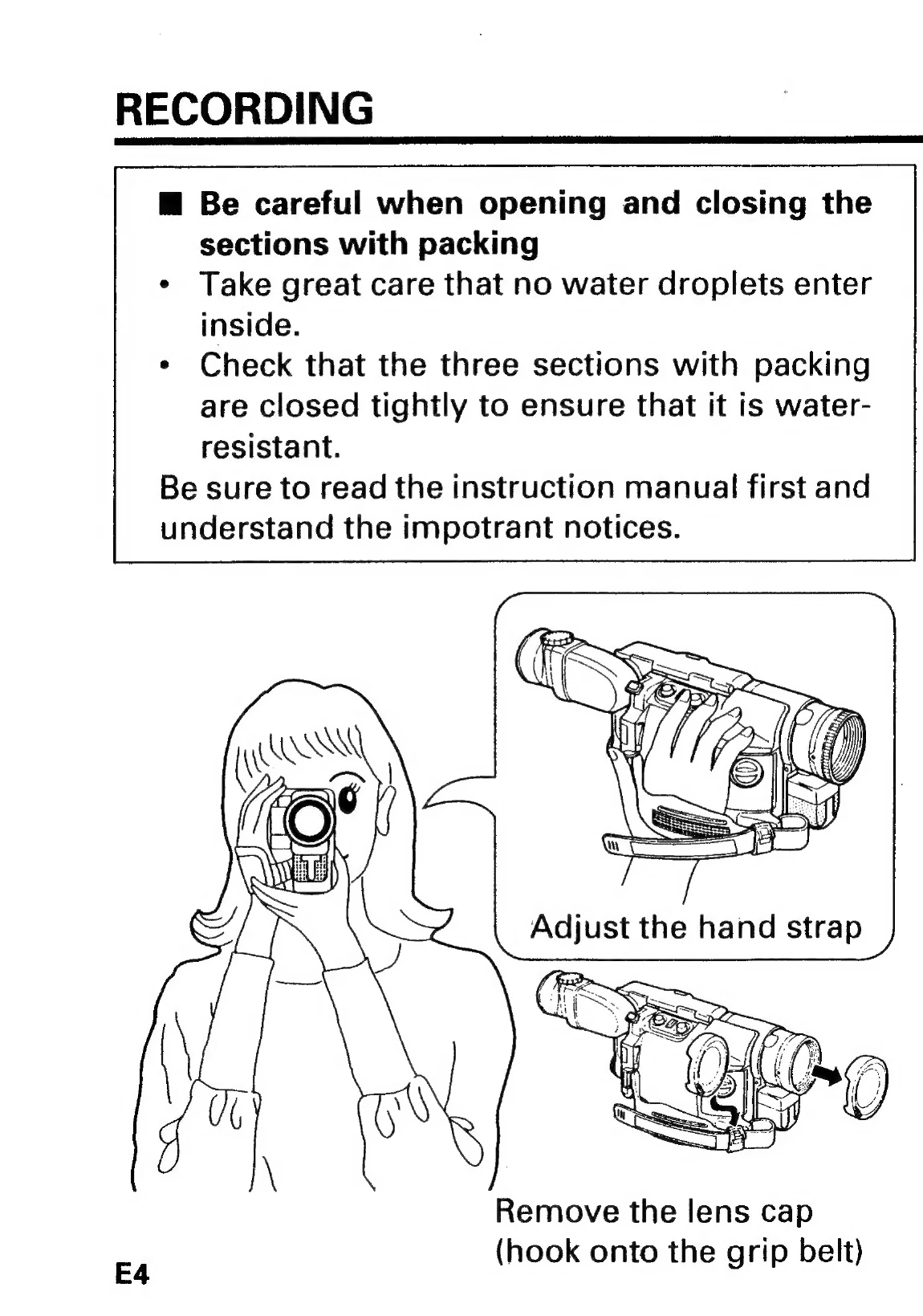
| Recording | Picture does not appear in the viewfinder. | Remove the lens cap. Slide the Operate switch to CAM. |
| Cannot be set to the recording mode. | Check the record-protect tab on the cassette. Slide the Operate switch to CAM. |
|
| Picture is out of focus. | Check that "FOCUS" is not displayed in the viewfinder. If it is displayed, press the FOCUS select button to switch to auto focus. | |
| Playing back | PLAY button cannot be engaged. | Slide the Operate switch to VIDEO. Rewind the tape. |
| Others | The cassette holder will not open when you press EJECT. | Connect a power source. |
| Power is turned on, but no button operations are accepted. | Remove the battery, and after 1 minute, push the reset switch. |