Brand: HITACHI
Category: Camcorder
Document Type: Manual
Language: EN
Brand: HITACHI
Category: Camcorder
Document Type: Manual
Language: EN
Uploaded: Aug. 10, 2025, 12:51 a.m.
Please refer to the warranty card or operating guide for limited warranty terms.
Connect the AC adapter/charger to an outlet and insert the battery. The CHARGE light indicates charging status. Allow approximately one hour for charging. A fully charged battery provides about 60 minutes of operation.
Pivot the viewfinder to a comfortable position for viewing. Adjust the eyepiece for optimum focus using the diopter control.
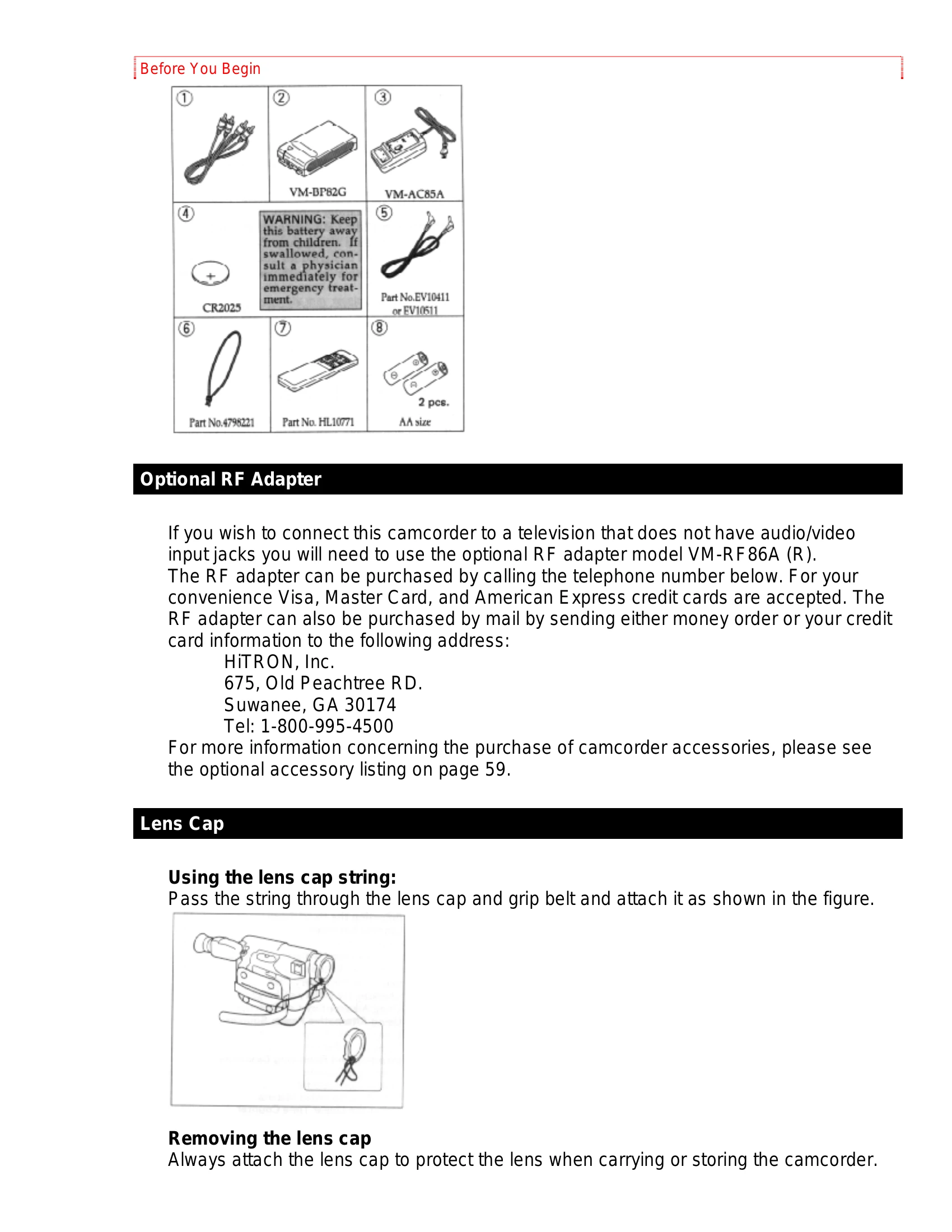
For the clock battery, pull out the battery holder, insert the battery with the '+' terminal facing up, and reinsert the holder. For the remote control, slide the cover, install two "AA" batteries with correct polarity, and re-attach the cover.
Ensure the battery pack is fully charged before first use. Lift the OPEN lever to open the power supply attachment cover. Align the arrow on the battery with the arrow on the camcorder and insert it.
| Symptom | Check Point & Correction |
|---|---|
| Cassette holder cannot be opened when you slide EJECT switch. | Connect the power source. |
| Cassette cannot be inserted into cassette compartment. | Load cassette in direction indicated by arrow on cassette. Cassette window must be toward outside. |
| Picture does not appear in the viewfinder. | Remove the lens cap. Slide the CAM/OFF/VIDEO switch to CAM. Check the record protect tab on the cassette. |
| The camcorder cannot go into the recording mode, even when the start/stop button is pressed. | Push the cassette holder embossed PUSH LOCK to close it. Slide the CAM/OFF/VIDEO switch to CAM. |
| Picture is out of focus. | Make sure that FOCUS does not appear in the viewfinder. If it is displayed, press FOCUS Control buttons to erase it. Auto-Focus does not operate if a special effects filter is attached. |
| The created title does not appear. | Insert the clock battery, then create a title. Do not remove the clock battery after creating a title. |
| "Play" button cannot be engaged. | Set the CAM/OFF/VIDEO switch to VIDEO. |
| No picture appears on television screen when "PLAY" is pressed. | Set the television to the camcorder channel.(3 or 4) depending upon the selected channel in the RF channel select switch of the RF output adapter. |
| Interference on playback picture. | When you see the playback picture on your TV, adjust fine tuning knob on television set to obtain best picture. |
| Picture bends at the top of the TV screen. | TV receiver is of older type. It needs to be modified to work properly with camcorder. |
| Color of your TV screen is too bright, too faint or change. | Tape is damaged. Try another cassette. TV set has VIR circuit. Turn if off during playback. |
| Date search function does not operate. | Slide the CAM/OFF/VIDEO switch to VIDEO. Insert the clock battery, set the date and time, then start recording. Do not remove the clock battery after recording. Do not eject the recorded cassette. Leave it in the camcorder. |
| The playback picture moves rapidly and noise appears. Also sound speeded up from normal is heard. | The camcorder is set to the double speed playback mode. Pressing the playback button to restore the normal playback mode. The sound also returns to the normal speed. Noise appears in the picture during double speed playback, but this does not indicate a fault. |
| The (+) indication in the electronic viewfinder flashes to indicate battery is discharged. | Try another battery or charge the battery. |
| Power is turned on, but no button operation are accepted. | Remove the power source and the date/title battery. And after about one minute, the display in the viewfinder will be reset. Then set the information again. |
| The camcorder does not operate when alkaline batteries are inserted. | Check that the polarities (+,-) of the batteries are correct. Insert six batteries. |
| Tape appears in the viewfinder. | Have you moved the camcorder or cassette from a cold place to a warm place so that its temperature changed abruptly? If the temperature has changed, remove the cassette and set the CAM/OFF/VIDEO switch to OFF, then wait for about one hour and remove it several times. If the indication is still shown in the viewfinder, use a cleaning tape to clean the heads and replace the cassette. |