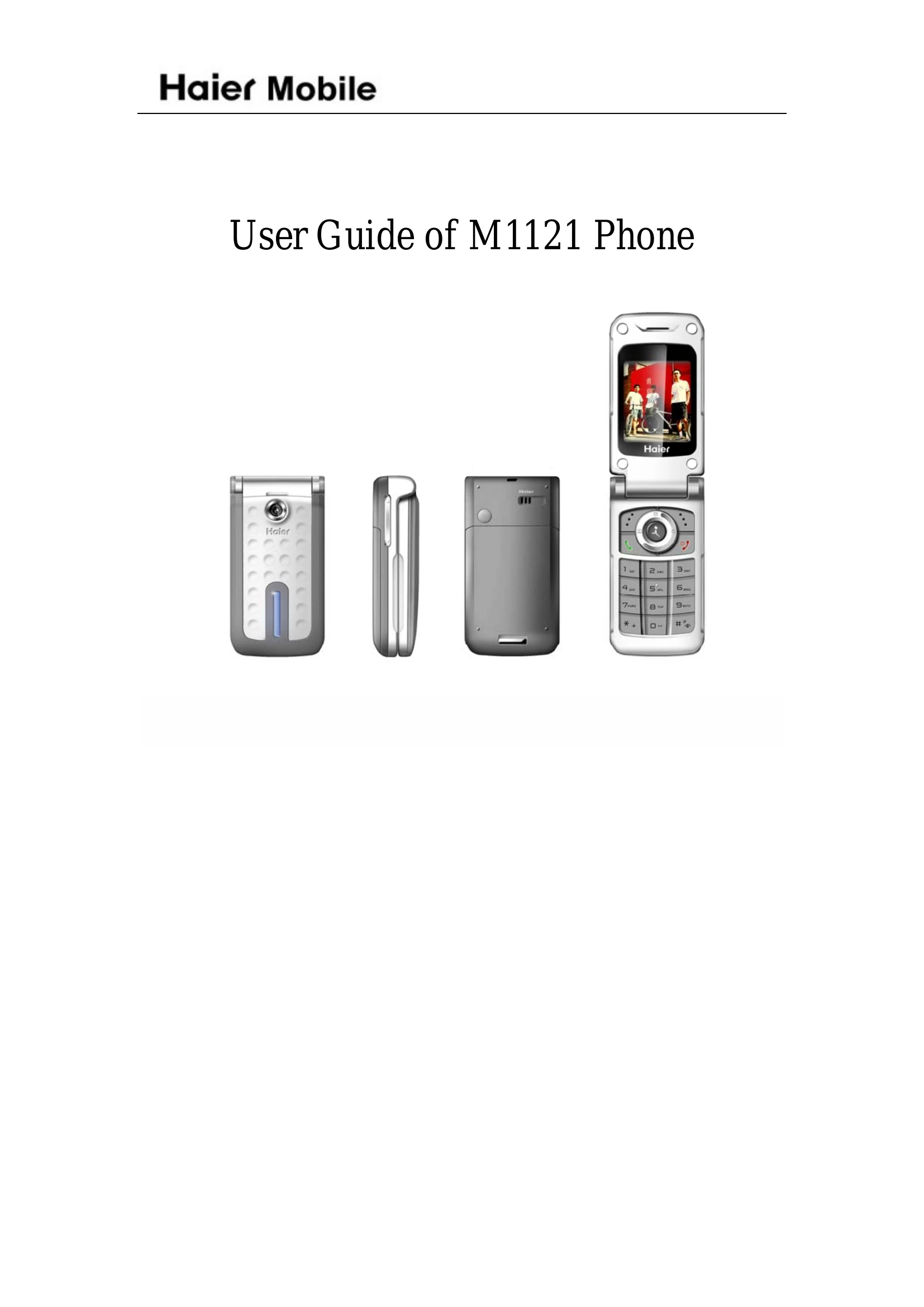
Manual for M1121

Manual for M1121

Brand: Haier

Category: Mobile Phone

Document Type: Manual

Language: EN

Uploaded: Nov. 21, 2025, 8:20 p.m.

Warranty Information

None

  • Powering On/Off: Press and hold the [On/Off] key to turn the phone on or off.
  • Making Calls: Input a phone number and press [PickUp] to dial.
  • Answering Calls: Press [PickUp] or the answer soft key when a call is incoming.
  • Ending Calls: Press [On/Off] or [Stop] to end a call.
  • Navigating Menus: Use the directional keys ([Up], [Down], [Left], [Right]) to navigate and [OK] to select.
  • Inputting Text: Use the keypad for number/letter input and switch between input modes using the [*] key.
  • Phonebook: Save and manage contacts for quick dialing and messaging.
  • Messaging: Send and receive SMS messages using the 'message' menu.
  • Settings: Access various settings via the main menu to customize phone functions.
  • PC Connection: Use PC Sync software to transfer data between the phone and a computer.
Privacy Policy