Brand: GoPro
Category: Electronics
Document Type: Quick Start Guide
Language: EN
Brand: GoPro
Category: Electronics
Document Type: Quick Start Guide
Language: EN
Uploaded: Aug. 10, 2025, 12:48 a.m.
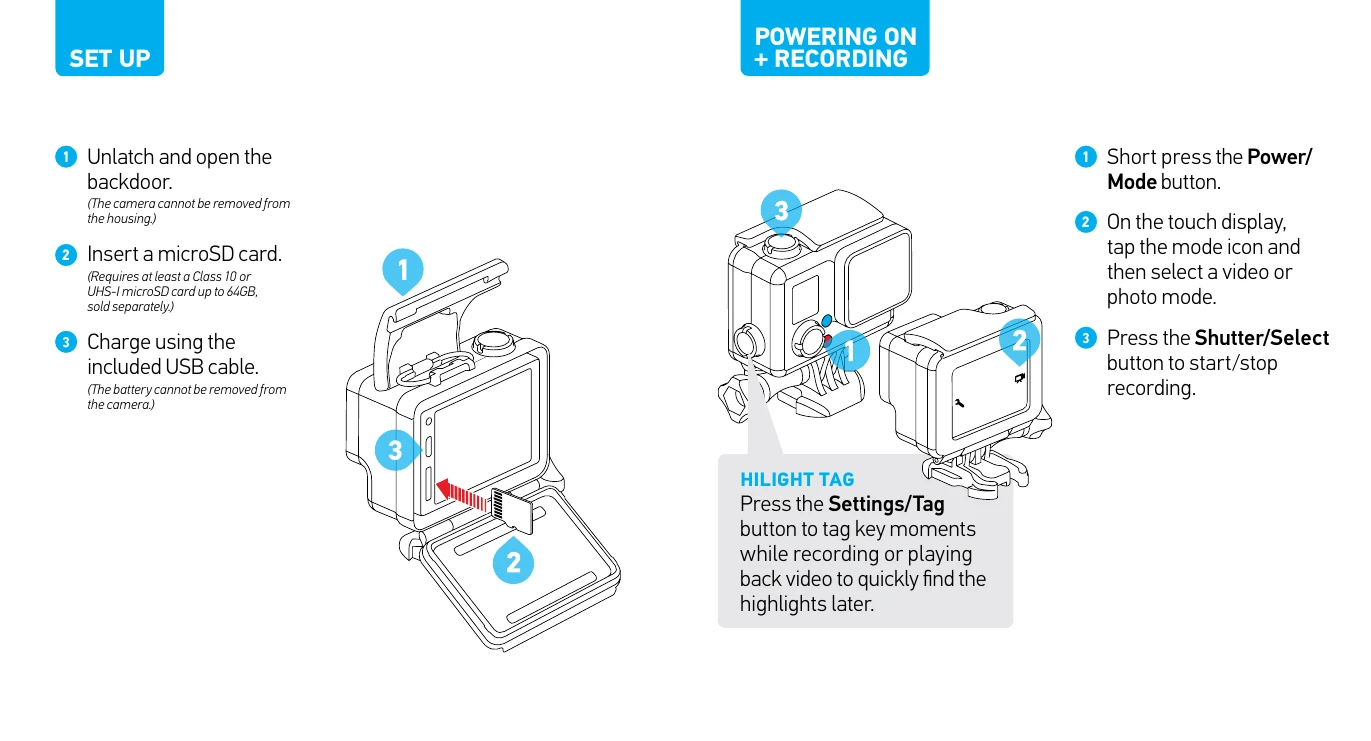
Setting Up Your GoPro:
Powering On and Recording:
Highlight Tagging: Press the Settings/Tag button to mark key moments during recording or playback.