Brand: Generic
Category: Digital Camera
Document Type:
Language: EN
Brand: Generic
Category: Digital Camera
Document Type:
Language: EN
Uploaded: Aug. 9, 2025, 11:41 p.m.
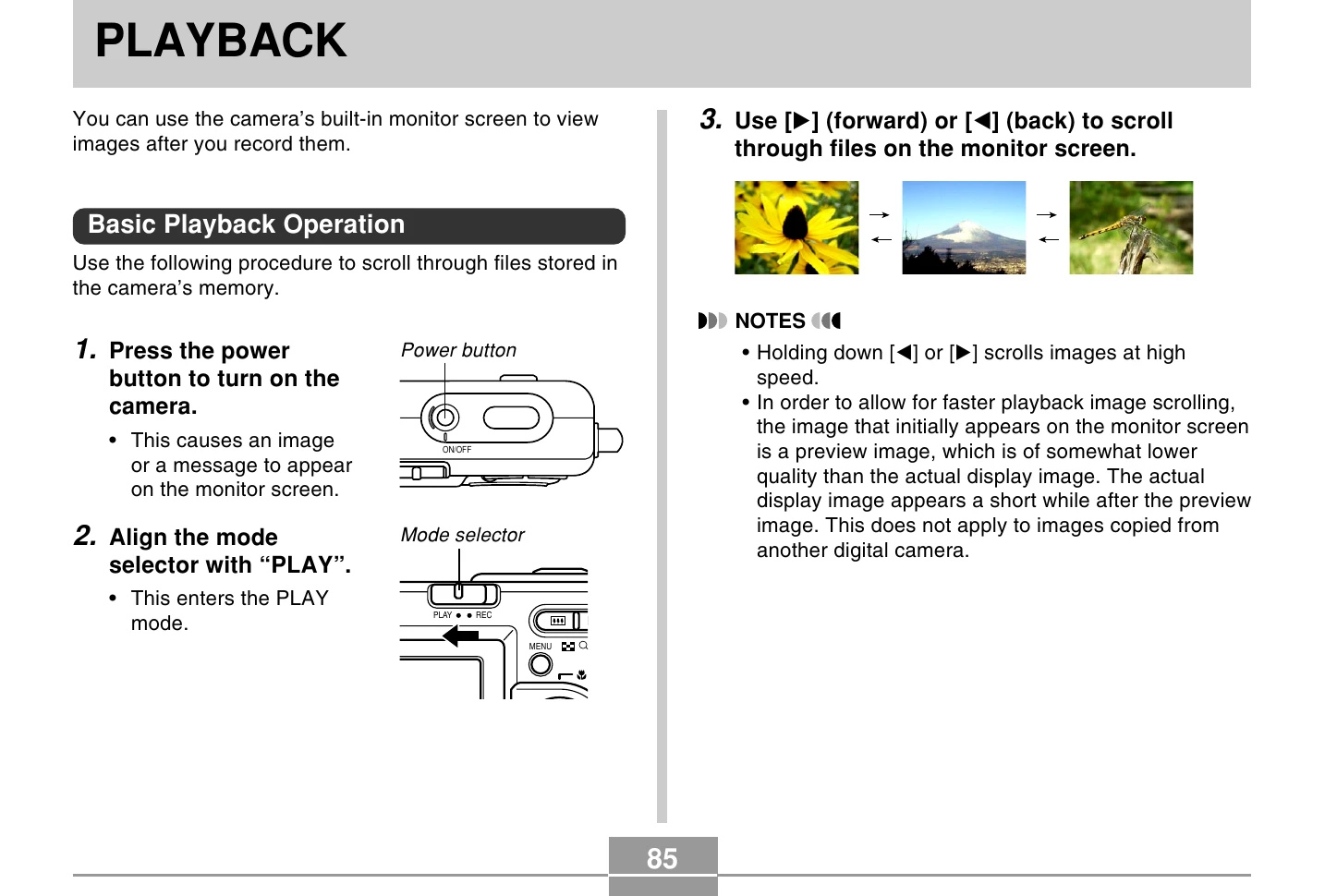
1. Press the power button to turn on the camera.
2. Align the mode selector with "PLAY".
3. Use [◀] (back) or [▶] (forward) to scroll through files.
1. In PLAY mode, use [◀] and [▶] until the desired image is displayed.
2. Press [SET] to play back the accompanying audio.
1. In PLAY mode, use [◀] and [▶] to select the image.
2. Press the shutter release button and [SET] simultaneously to flip the image 180 degrees.
1. In PLAY mode, use [◀] and [▶] to display the desired image.
2. Press the zoom button (⊕) to enlarge the image.
3. Use directional buttons to shift the image.
4. Press [MENU] to return to original size.
1. In PLAY mode, press [MENU].
2. Select "PLAY" tab, then "Resize", and press [▶].
3. Use [◀] and [▶] to select an image.
4. Use [▲] and [▼] to select a setting (SXGA or VGA) and press [SET].
1. In PLAY mode, use [◀] and [▶] to select the image.
2. Press [MENU].
3. Select "PLAY" tab, then "Trimming", and press [▶].
4. Use zoom button to adjust cropping boundary.
5. Use directional buttons to move the boundary.
6. Press [SET] to crop.
1. In PLAY mode, press the zoom button (⊕).
2. Use directional buttons to move the selection boundary.
3. Press any button other than directional buttons to display the selected image.
1. In PLAY mode, press the zoom button (⊕) twice.
2. Use directional buttons to move the date selection cursor.
3. Move cursor to a date and press [SET] to view the first image recorded on that date.
1. In PLAY mode, press [MENU].
2. Select "PLAY" tab, then "Slideshow", and press [▶].
3. Configure slideshow settings (Images, Time, Interval).
4. Use [▲] and [▼] to select "Start", then press [SET].
1. Set the camera onto the USB cradle.
2. Press the USB cradle's [PHOTO] button.
3. To stop, press [PHOTO] again.
1. In PLAY mode, press [MENU].
2. Select "PLAY" tab, then "Rotation", and press [▶].
3. Use [◀] and [▶] to select an image.
4. Use [▲] and [▼] to select "Rotate", then press [SET].
1. Align the mode selector with "PLAY".
2. While camera is off, hold down [◀] and press power button to turn on.
3. Press [◀] or [▶] to restart.
4. To turn off, align mode selector with "REC" or press power button.
1. In PLAY mode, use [◀] and [▶] to select a snapshot.
2. Press [MENU].
3. Select "PLAY" tab, then "Dubbing", and press [▶].
4. Press shutter release button to start recording.
1. In PLAY mode, use [◀] and [▶] to select a snapshot.
2. Select "PLAY" tab, then "Dubbing", and press [▶].
3. Use [▲] and [▼] to select "Delete", then press [SET].
4. Press shutter release button to start recording.
1. In PLAY mode, use [◀] and [▶] to select a voice file.
2. Press [SET].