Manual for 108

Manual for 108

Brand: Generic

Category: Digital Camera

Document Type:

Language: EN

Uploaded: Aug. 9, 2025, 11:38 p.m.
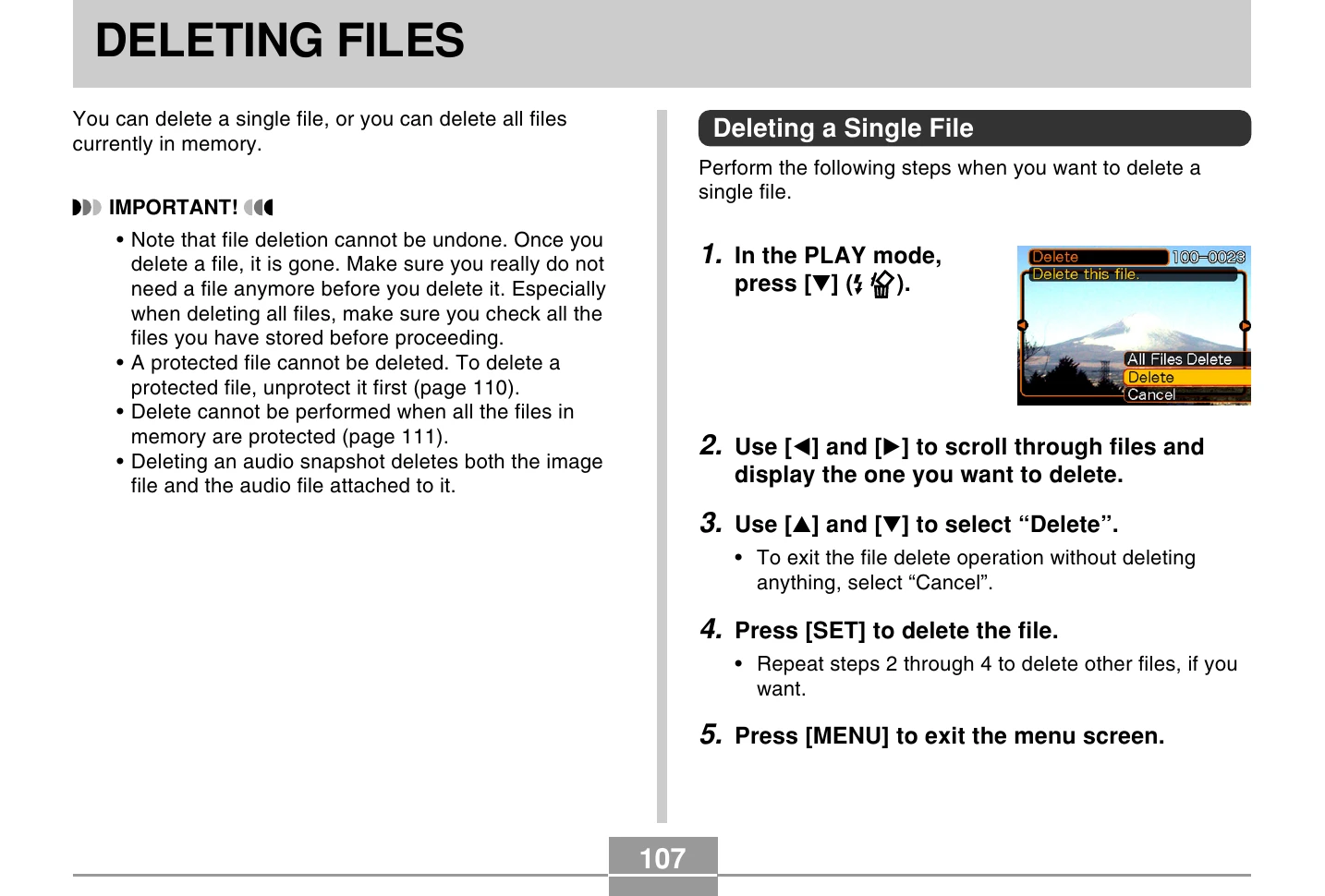
Deleting Files

Deleting a Single File

  1. In PLAY mode, press [▼].
  2. Use directional buttons to scroll and display the file to delete.
  3. Select "Delete" using directional buttons.
  4. Press [SET] to delete.
  5. Press [MENU] to exit.

Deleting All Files

  1. In PLAY mode, press [▼].
  2. Select "All File Delete" and press [SET].
  3. Select "Yes" and press [SET].
  4. Press [SET] to delete all files.
Privacy Policy