Brand: GE
Category: Television
Document Type: Manual
Language: EN
Brand: GE
Category: Television
Document Type: Manual
Language: EN
Uploaded: Nov. 21, 2025, 8:36 p.m.
This warranty covers defects in materials or workmanship for 90 days labor, 1 year parts, and 2 years for the picture tube.
Step 1: Unpack and Connect
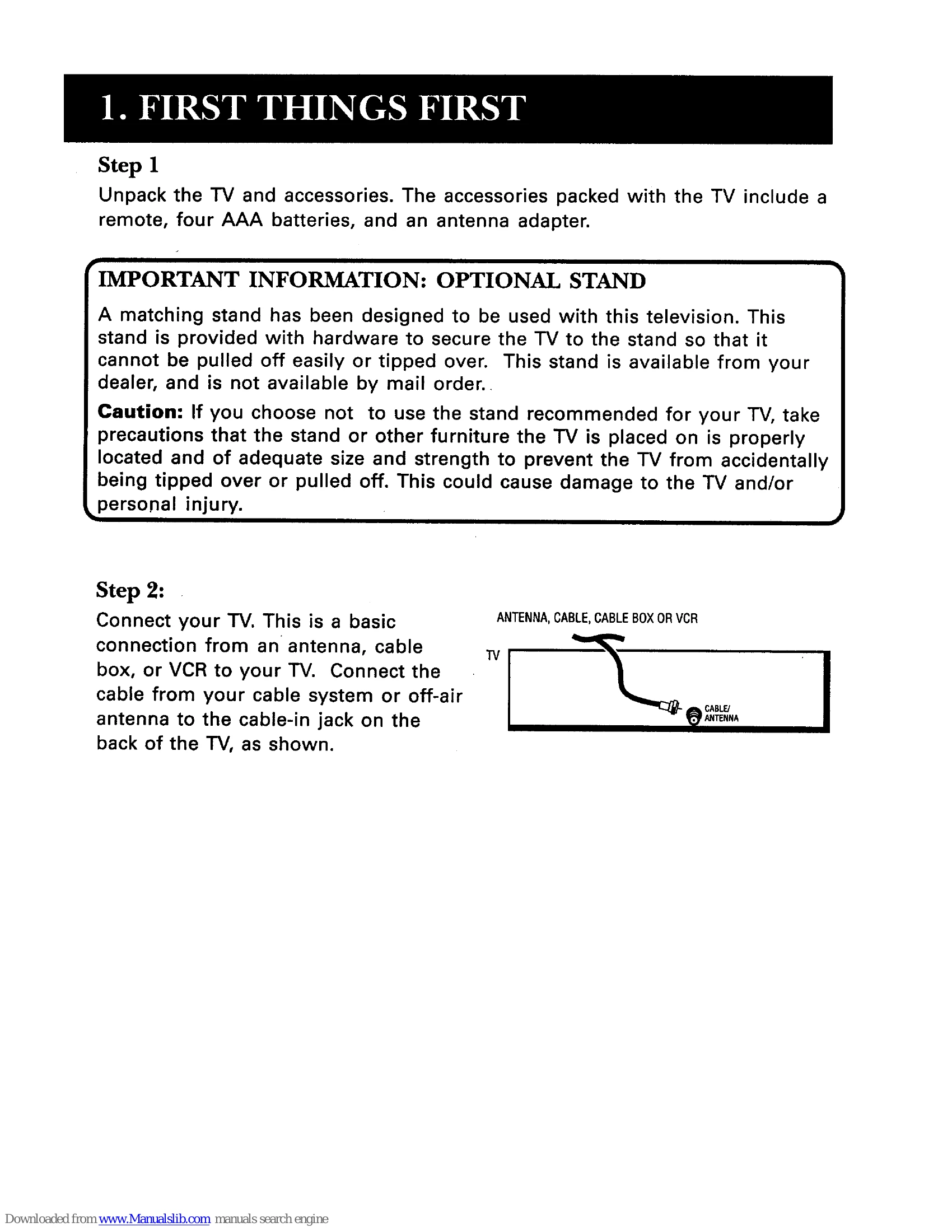
Unpack the TV and accessories (remote, batteries, antenna adapter). Connect your TV to an antenna, cable box, or VCR using the cable-in jack.
Step 2: Power Up
Plug the TV into a wall outlet, ensuring the plug is fully inserted. Insert AAA batteries into the remote.
Step 3: Turn On and Navigate Menus
Press POWER on the remote. Use the "point and select" method with the remote's MOVE arrows and MENU button to navigate TV settings such as Audio, Picture Quality, Screen, and Channel.
Step 4: Program Remote (Optional)
If controlling other devices, follow the programming steps using the provided code lists.
| Problem | Possible Solution |
|---|---|
| TV WILL NOT TURN ON OR CONTROLS DON'T WORK | Check plug and outlet. Unplug set for two minutes and plug back in. |
| PROBLEMS WITH REMOTE | Check for obstructions, aim remote correctly, replace batteries. Try holding buttons down before installing batteries. |
| TURNS ON OR OFF WHILE PLAYING | Schedule function may be activated. Electronic protection circuit may have activated due to power surge; wait 30 seconds. |
| SCHEDULE DOES NOT TURN OFF THE TV AT THE SET TIME | Check if schedule function is ON. Ensure clock is set to the correct time. |
| BLANK SCREEN OR BLACK BOX APPEARS ON THE SCREEN | Try another channel. Press RESET for picture controls. Check if captioning is turned on. |
| NO SOUND, PICTURE OKAY | Check if sound is muted. Press volume up. |
| NO PICTURE, NO SOUND BUT POWER LIGHT IS ON | Check cable/air function, ensure vacant channel is not tuned. For VCR, check TV/VCR switch and channel tuning. |
| SOUND OKAY, PICTURE POOR | Check antenna connections. Adjust sharpness for weak signals. |