Brand: Fujitsu
Category: Computers
Document Type: Manual
Language: EN
Brand: Fujitsu
Category: Computers
Document Type: Manual
Language: EN
Uploaded: Nov. 21, 2025, 7:05 p.m.
Manual Publish Date: 2013-01-01
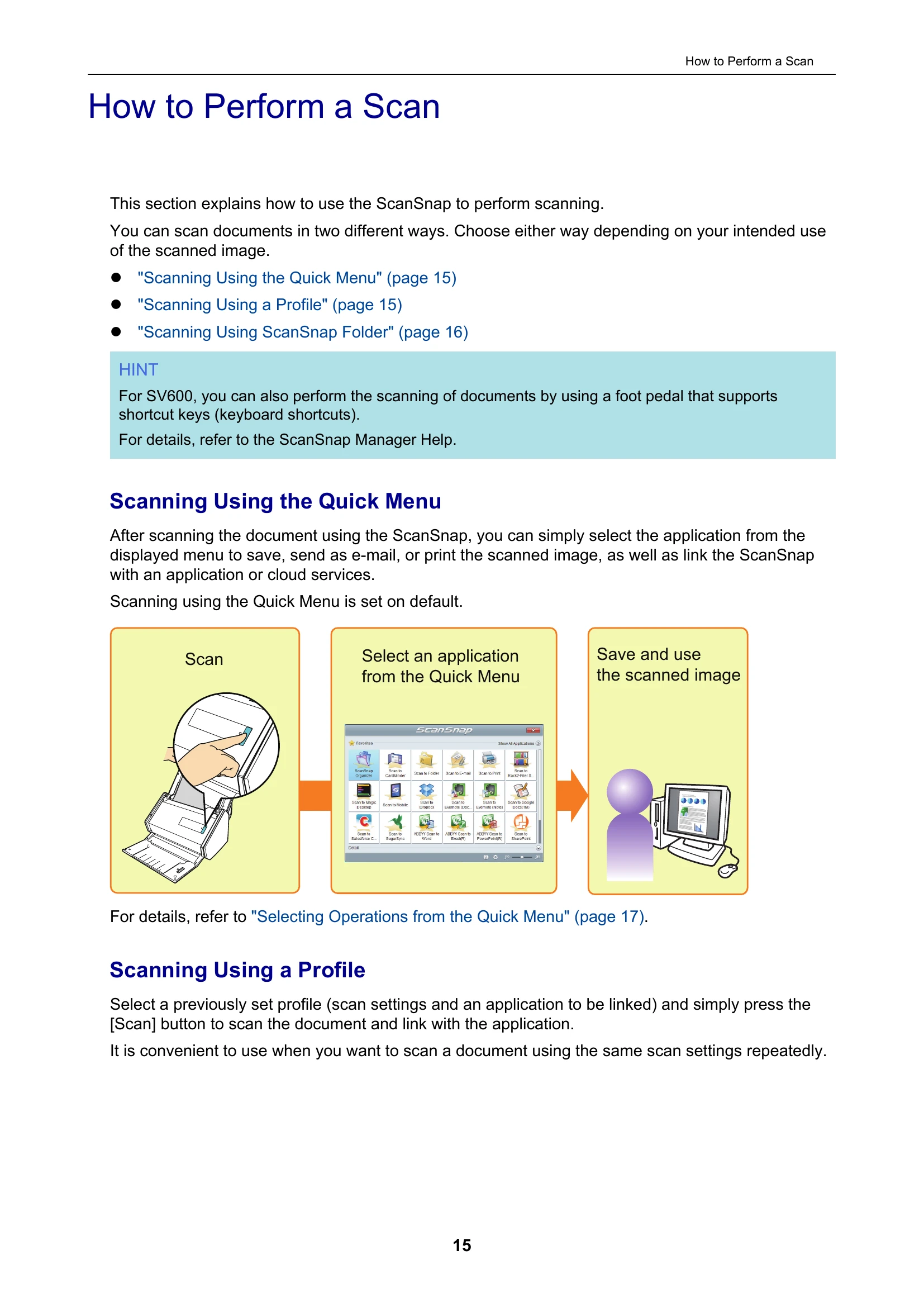
This manual explains how to perform scans using the ScanSnap. You can scan documents in two ways: using the Quick Menu or by using a Profile. The Quick Menu allows you to select an application to save, send, or print scanned images. Profiles let you use pre-set scan settings and linked applications. The manual also details ScanSnap Folder operations for scanning directly into applications and various scan settings for intended use, such as correcting images, setting paper sizes, and linking with applications like ScanSnap Organizer, CardMinder, and cloud services. Online updates for ScanSnap software are also covered.