Brand: Fujifilm
Category: Camera
Document Type:
Language: EN
Brand: Fujifilm
Category: Camera
Document Type:
Language: EN
Uploaded: Aug. 9, 2025, 11:51 p.m.
Manual Publish Date: 2005-06
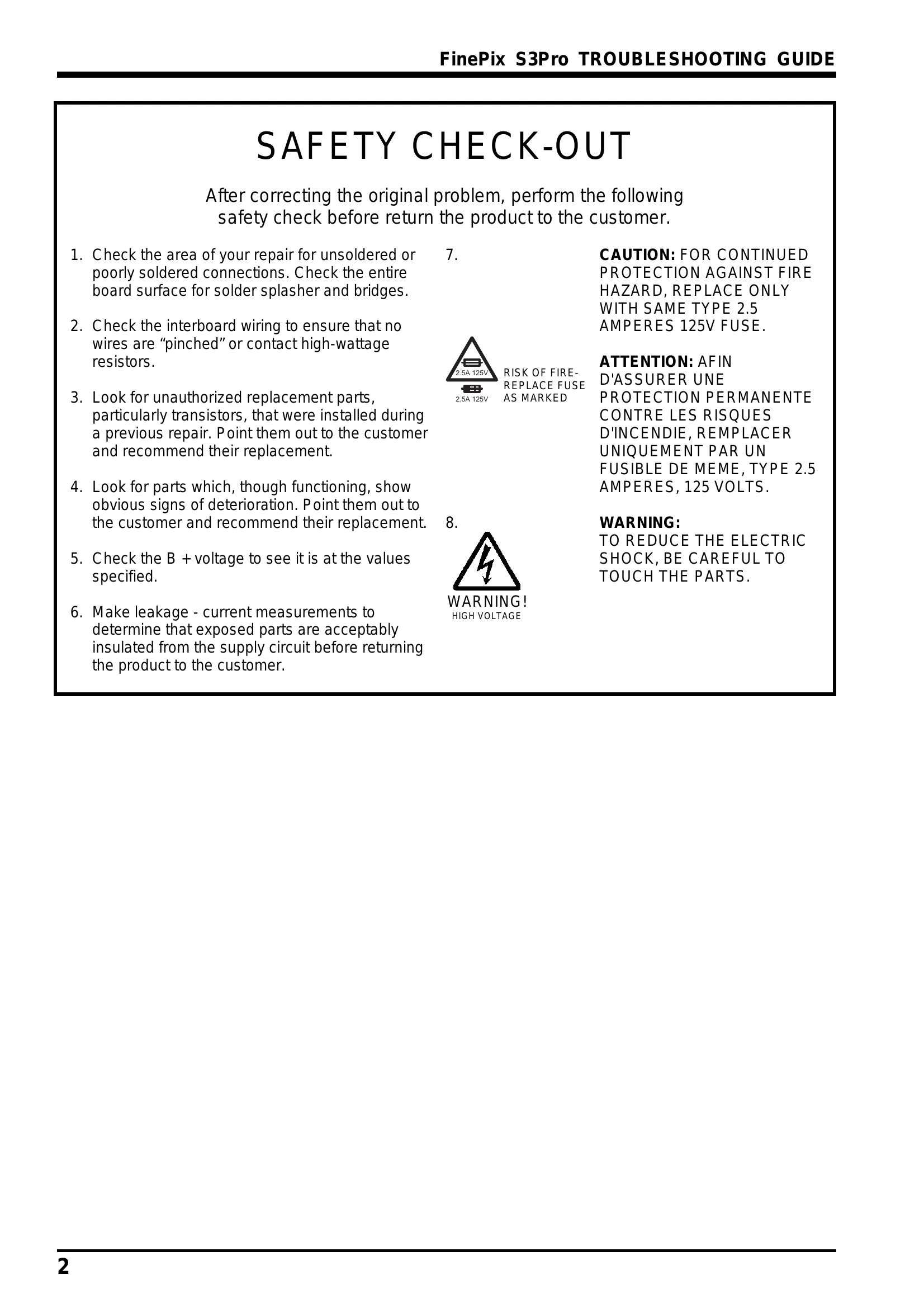
If a fuse blows, replace it ONLY with the same type and rating (e.g., 2.5A 125V) to prevent fire hazards and ensure continued protection.
| Section | Fault Details | Analysis Results | Repair Details |
|---|---|---|---|
| 1. Power | 1-1. "Err" displayed on top panel, camera not working. | FUSE_F600 on MAIN PWB ASSY A side blown. | Replace the F600 |
| 1. Power | 1-2. Power supply problems (camera not turning on, error displayed, no text/images on LCD, camera not turning off). | LSI defect (IEEE 1394), D600/F601/F603/IC600 broken, FROM data corruption, MAIN PWB ASSY defect, or excessive current draw. | Replace relevant component (LSI, D600, F601, F603, IC600), MAIN PWB ASSY. |
| 1. Power | 1-3. Camera does not turn on with AC adapter. | FUSE_F601 on MAIN PWB ASSY A side blown. | Replace the F601 |
| 2. Lens | 2-1. Camera will not focus. | Solder balls stuck to gear teeth in AF board assembly impeding rotation. | Replace the CAMERA BODY |
| 2. Lens | 2-2. Lens cannot be mounted, images become dark. | "Aperture lever" inside mount bent. | Replace the CAMERA BODY |
| 2. Lens | 2-3. Shutter defect (mirror stays raised, "Err" displayed). | Shutter blade is bent, preventing mirror return. | Replace the CAMERA BODY |
| 2. Lens | 2-4. AF does not focus (lens length ring moves, but no focus). | Sub-mirror blade #233 disengaged from sub-mirror pin #234. | Replace the CAMERA BODY |
| 3. Image and trace | 3-1. Dust specks in photographed images. | Dust on the LPF. | Cleaned the LPF |
| 3. Image and trace | 3-2. Sync. terminal dislodged. | Sync. terminal broke off after cap removal; presumed due to loose fastening/adhesion. | Replace the Sync. terminal |
| 3. Image and trace | 3-3. Camera does not automatically switch to vertical position (auto rotate ON). | Defect in MAIN PWB ASSY IC120 (vertical position detection sensor). | See Bulletin GS-2005-025 |
| 3. Image and trace | 3-4. Camera does not automatically switch to vertical position (auto rotate ON). | Defect in vertical position detection sensor on modified board. | Replaced the vertical position detection sensor (IC120). |
| 3. Image and trace | 3-5. Image files not read from Microdrives. | Two pins in CN801 on MAIN PWB ASSY bent. | Replace the CN801 |
| 3. Image and trace | 3-6. Media cannot be ejected. | CN801 (50-pin) pushed in during card insertion, dislodging ejector and disconnecting lever. | Replace the CN801 |
| 3. Image and trace | 3-7. Images cannot be recorded (appear completely black). | Shutter curtain operation error. | Replace the CAMERA BODY |
| 3. Image and trace | 3-8. Recorded images completely black (live images vertical). | CCD UNIT issue. | Replace the CCD UNIT |
| 3. Image and trace | 3-9. Noise (distortion) appears in recorded images. | CCD issue. | Replace the CCD |
| 4. Operation | 4-1. Remote release does not work. | Remote release plug rotated forcibly, breaking terminals. | Replace the remote release |
| 5. LCD | 5-1. Text LCD does not display. | Flexible cable terminal for rear display panel bent upwards. | Replace the LCD |
| 5. LCD | 5-2. Dead pixels in the LCD. | Defect in LCD monitor pixel elements. | Replace the LCD |
| 5. LCD | 5-3. LCD monitor cracked. | Damaged due to external pressure. | Replace the Monitor Window and LCD |
| 6. Operation | 6-1. USB connector dislodged. | Soldering defect in connector CN400. | See Bulletin GS-2005-038 |
| 6. Operation | 6-2. IEEE 1394 communication fails. | Cable connected to IEEE 1394 connector in wrong direction, causing looseness and errors. | Replace the MAIN PWB ASSY |