Manual for FinePix F20

Manual for FinePix F20

Brand: FUJI

Category: Camera

Document Type:

Language: EN
Uploaded: Aug. 9, 2025, 11:49 p.m.

Warranty Information

FUJIFILM warrants Media against defects in material and workmanship for ninety (90) days from receipt.

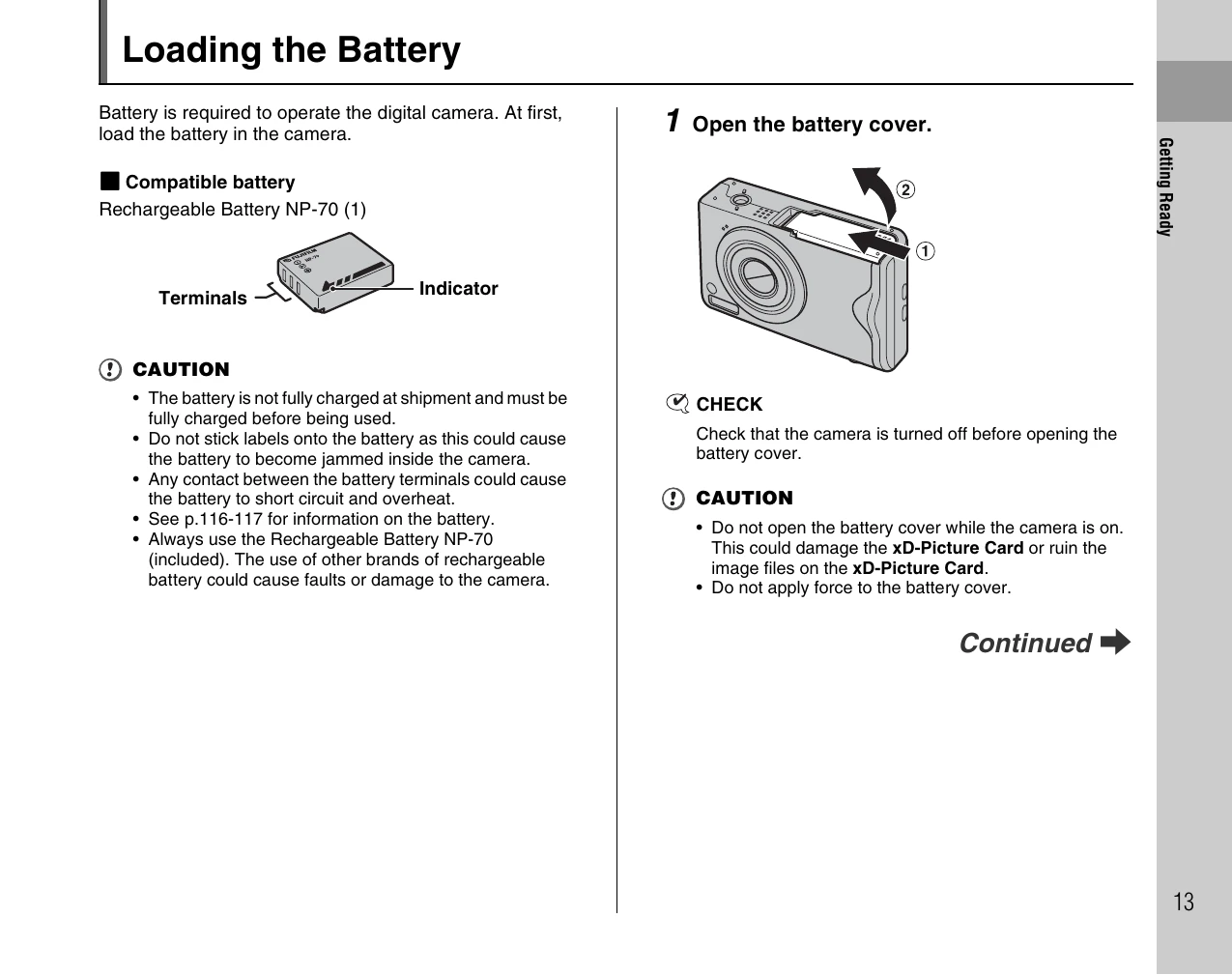
  • Loading the Battery: Open battery cover, insert battery aligning terminals, close cover.
  • Charging the Battery: Connect AC adapter to camera and power outlet. Charging takes approx. 2.5 hours.
  • Loading the xD-Picture Card: Open battery cover, insert card aligning gold marking, close cover.
  • Turning On/Off: Press POWER in Photography mode. Press POWER for 1 sec in Playback mode.
  • Setting Language, Date, Time: Use directional buttons and MENU/OK to set preferences.
  • Correcting Date/Time: Access SET-UP menu, navigate to DATE/TIME, and adjust settings.

Troubleshooting and error codes

Problem Possible Cause Solution
Camera does not turn on Battery is depleted. Charge or replace the battery.
Cannot record images xD-Picture Card is full or not inserted. Replace the xD-Picture Card or insert one.
Images are blurry Camera shake. Use a tripod or hold the camera steady.
Privacy Policy