Brand: EPSON
Category: Printer
Document Type: Quick Start Guide
Language: EN
Brand: EPSON
Category: Printer
Document Type: Quick Start Guide
Language: EN
Uploaded: Sept. 12, 2025, 4:29 a.m.
Consult the online User's Guide for detailed warranty information and coverage.
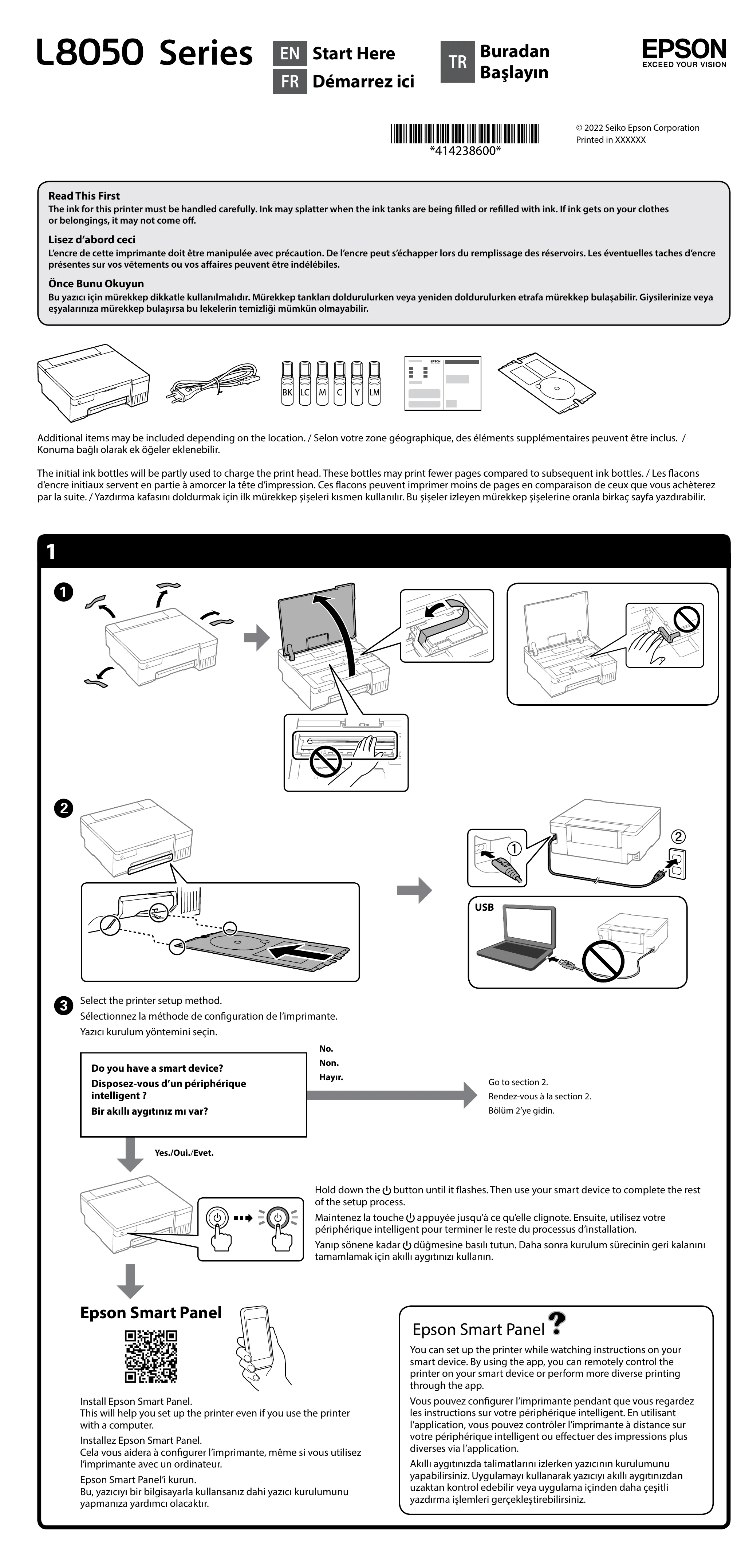
| Indicator | Status | Meaning | Action |
|---|---|---|---|
| Power Button Light | Off | Printer is off. | Press the button to turn on. |
| Flashing | Printer is starting up or powering down. | Wait for the light to become solid. | |
| On (Solid) | Printer is on and ready. | - | |
| Wi-Fi Button Light | Off | Wi-Fi is off. | Press the button to turn on. |
| Flashing | Connecting to a network or Wi-Fi Direct. | Wait for the light to become solid. | |
| On (Solid) | Wi-Fi is connected. | - | |
| Error Light (often red) | Flashing | Various errors: Paper jam, ink pad issue, low ink, etc. | Refer to the online User's Guide for specific error codes and solutions. |
| Ink Lights | Flashing | Ink is low or empty. | Refill the corresponding ink tank. |
| On (Solid) | Ink is ready. | - |