Brand: Doro
Category: Mobile Phone
Document Type:
Language: EN
Brand: Doro
Category: Mobile Phone
Document Type:
Language: EN
Uploaded: Aug. 10, 2025, 12:10 a.m.
Manual Publish Date: 2016-01-01
This product is guaranteed for 12 months from the date of purchase.
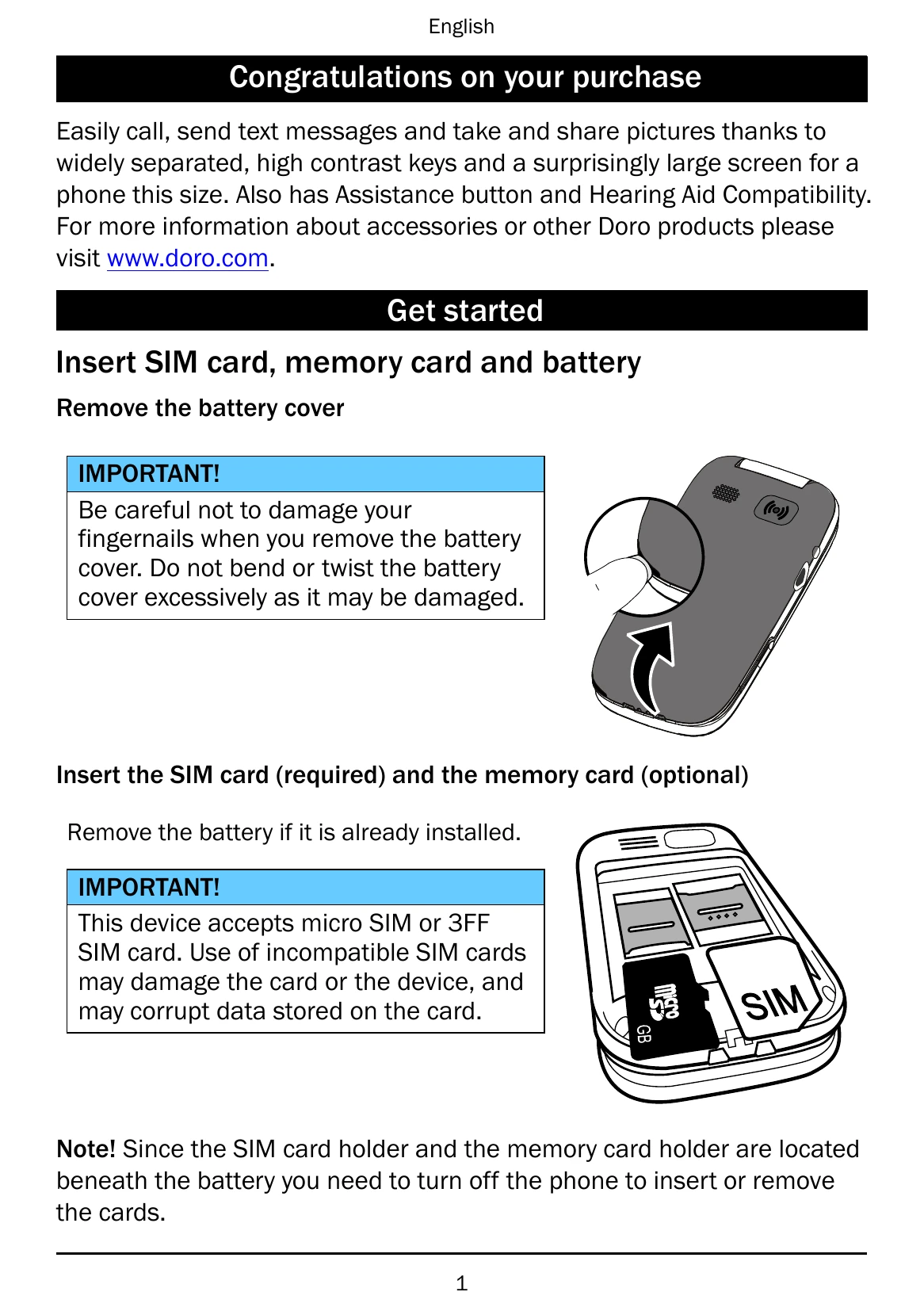
Insert SIM card, memory card and battery. Remove the battery cover carefully. Insert the SIM card (required) and the memory card (optional). Insert the battery and replace the battery cover. Charge the phone using the provided adapter or cradle.
Press and hold the power button to turn the phone on or off. Follow the on-screen prompts to set up the phone with the Start-up wizard.
Use the left and right selection buttons to access the Menu or Phonebook. Use the arrow buttons to scroll through menus and select items by pressing OK.
| Phone cannot be switched on | Battery charge low: Connect the power adapter and charge the battery for 3 hours. Full battery capacity is reached after the battery has been charged 3-4 times. Battery incorrectly installed: Check the installation of the battery. |
|---|---|
| Failure to charge the battery | Battery or charger damaged: Check the battery and charger. Battery should only be charged in temperatures between 0 °C and 40 °C. Charger incorrectly connected to phone or power socket: Check the charger connections. |
| Standby time decreases | Battery charge capacity too low: Install a new battery. Too far from base station, phone is constantly searching for signal: Searching the network consumes battery power. Find a place with a stronger signal, or temporarily turn off the phone. |
| Failure to place or receive calls | Call barring activated: Deactivate call barring. If this does not solve the problem, contact your service provider. PIN code not accepted: Wrong PIN code entered too many times: Enter the PUK code to change the PIN code, or contact your service provider. |
| SIM card error | SIM card damaged: Check the condition of the SIM card. If it is damaged, contact your service provider. SIM card incorrectly installed: Check the installation of the SIM card. Remove the card and reinstall it. SIM card dirty or damp: Wipe the contact surfaces of the SIM card with a clean cloth. |
| Failure to connect to network | SIM card invalid: Contact your service provider. No coverage of GSM service: Contact your service provider. |
| Weak signal | Too far from base station: Try again from another location. Network congestion: Try calling at a later time. |
| Echo or noise | Regional problem from bad network relay: Hang up and redial. This may switch to another network relay. |
| Failure to add a contact | Phonebook memory full: Delete contacts to free up memory. |
| Failure to set a function | Function not supported or subscribed from network: Contact your service provider. |
| Unable to send or receive Picture Messages / MMS with the SIM card | The MMS profile is not set automatically and it is not possible to send or receive MMS: For some operators the MMS profile has to be selected manually. Activate the correct profile to suit your SIM card or network used. |
| Failure to send or download MMS | Phone memory is full and it is not possible to send or download MMS: Delete received MMS or select to set the default storage for MMS to be saved on a memory card (not included). Incorrect MMS profile selected: For some service providers the MMS profile has to be selected manually. |