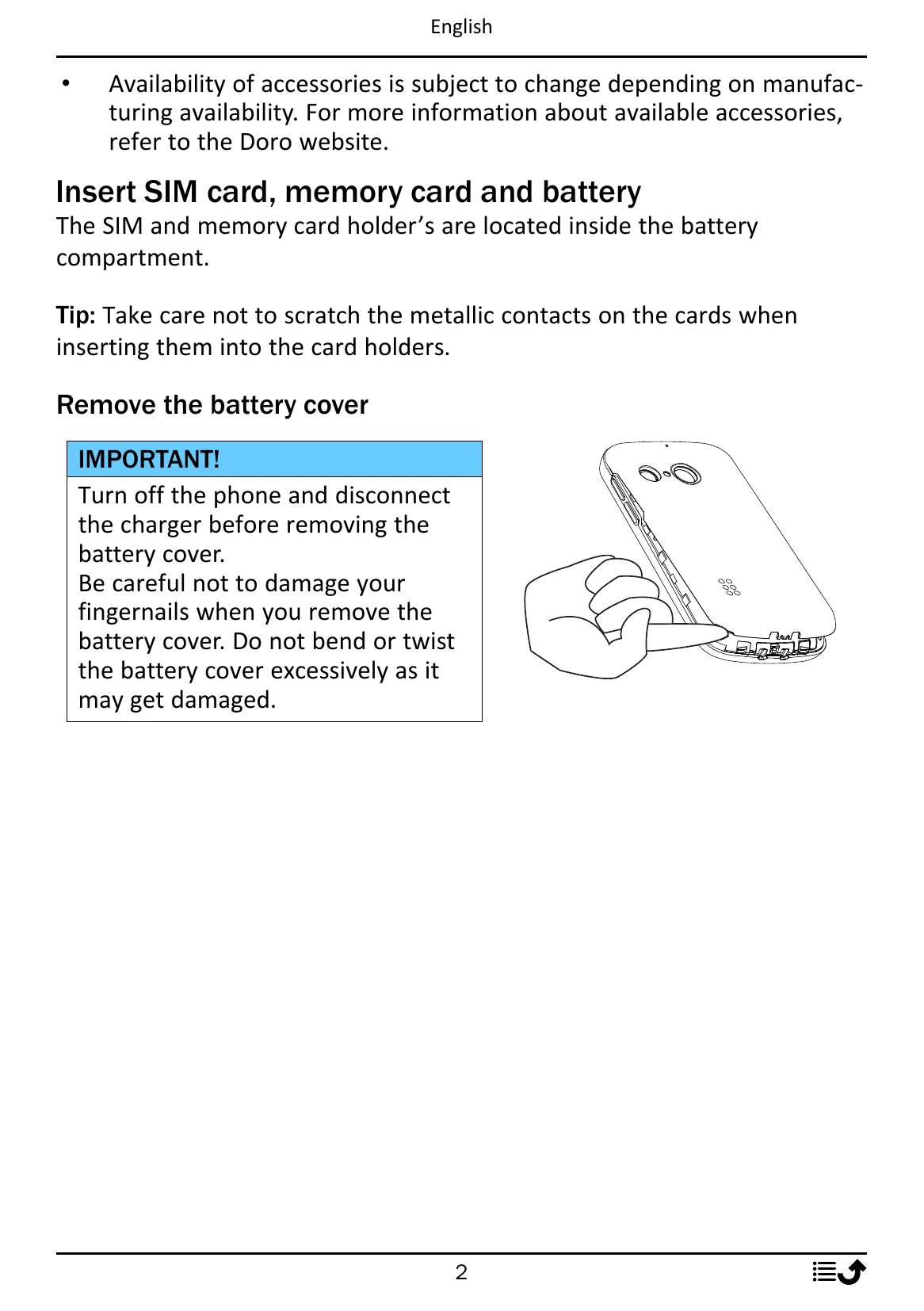
Getting Started: Unbox your phone, insert SIM and memory cards, and charge the battery fully. Follow the Start-up Wizard for initial settings.
Basic Operations: Use the navigation keys to move and the OK button to select. Use the call button to make calls and the end call button to end calls or return to the start screen. Long press the end call button to power on/off.
Assistance Button: Press and hold for 3 seconds or press twice within 1 second to contact pre-defined helpers in case of emergency.
Keypad Lock: Press and hold the '*' key to lock/unlock the keypad. Incoming calls can still be answered.
Entering Text: Use numerical keys repeatedly for characters. Press '#' to switch between input modes (predictive text, case, numerals).
Calls: Dial numbers directly or from the phonebook. Answer or reject incoming calls using the green and red call buttons respectively.
Call Log: Access the call log to view received, missed, and dialed calls. From the log, you can dial, send messages, add contacts, or block numbers.
Contacts: Add, edit, search, and manage contacts in the phonebook. You can also set speed dial numbers.
ICE (In Case of Emergency): Enter personal and medical details, as well as up to two ICE contacts for emergency responders.
Safety: Be aware of operating environment, medical units, implanted medical devices, areas with explosion risk, and protect your hearing by listening at moderate levels.
Care and Maintenance: Protect the unit from moisture, dust, and extreme temperatures. Do not drop or shake the unit. Clean with a dry cloth. Avoid strong chemicals.
Warranty: The product is guaranteed for 24 months, and accessories for 12 months from the date of purchase. Refer to the manual for exclusions and conditions.
Software Update: Check for and install OS software updates from Doro for security and performance. Refer to doro.com/softwareupdates.