Brand: Dell
Category: Storage Hardware
Document Type: Manual
Language: EN
Brand: Dell
Category: Storage Hardware
Document Type: Manual
Language: EN
Uploaded: Sept. 12, 2025, 4:29 a.m.
Manual Publish Date: 2017-12-01
None
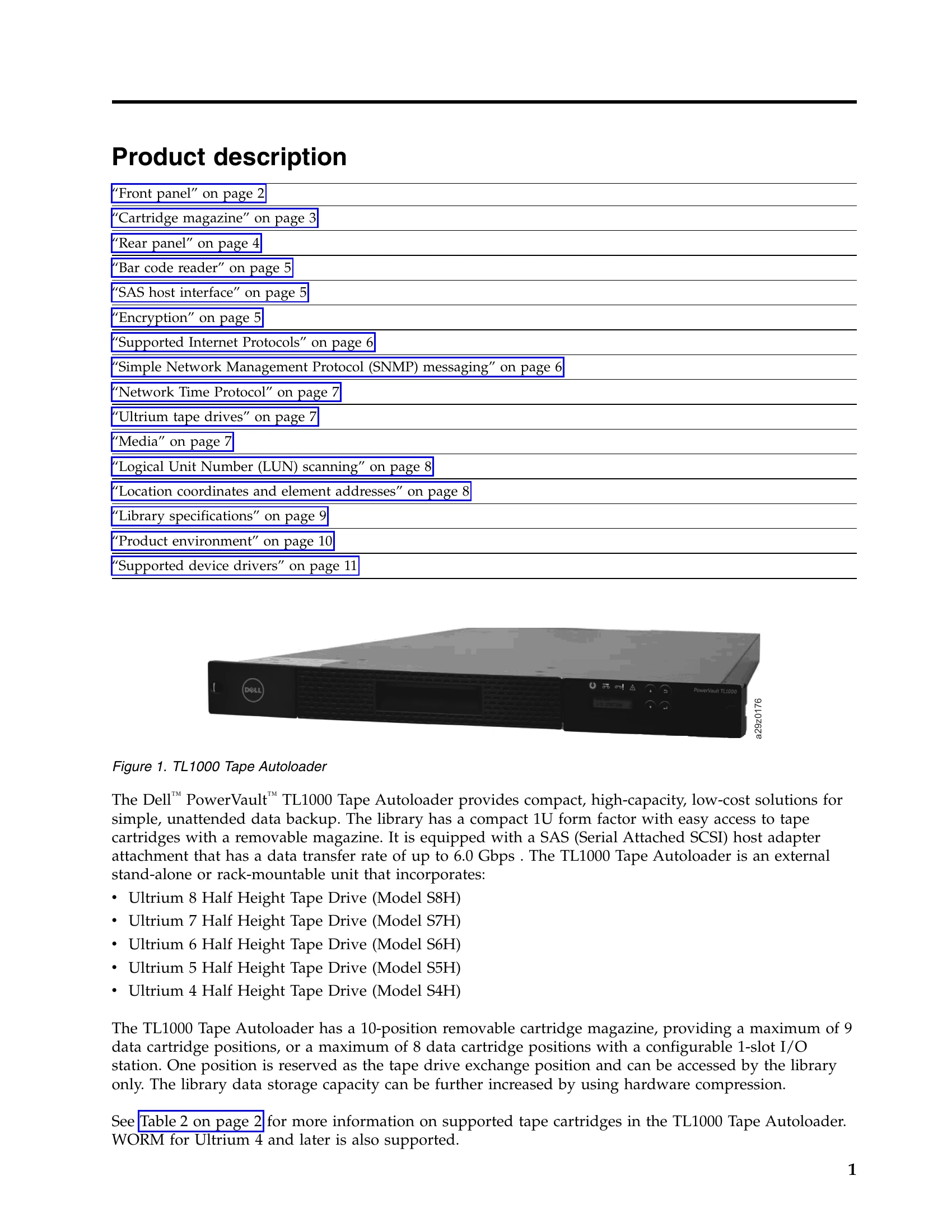
The Dell PowerVault TL1000 Tape Autoloader is designed for simple, unattended data backup. It features a compact 1U form factor with easy access to cartridges via a removable magazine. The library is equipped with a SAS host adapter for high data transfer rates. It supports various Ultrium tape drives and can store up to 9 data cartridges (or 8 with an I/O station). The I/O station allows for importing and exporting cartridges without interrupting library operation. The library's data storage capacity can be enhanced using hardware compression.
Key operations include installing and configuring the library, managing cartridges, performing library inventories, and utilizing the Operator Panel or Web User Interface for monitoring and control. Safety and environmental considerations are also detailed for proper handling and installation.
| Problem | Possible Cause | Solution |
|---|---|---|
| Library does not power on. | Power cord is not connected. | Ensure the power cord is securely connected to the library and the electrical outlet. |
| Library is not recognized by the server. | SAS cable is not connected or is loose. | Ensure the SAS cable is securely connected to the library and the server. |
| Cartridge cannot be loaded into the drive. | Magazine is not properly inserted or locked. | Ensure the cartridge magazine is fully inserted and locked into place. |
| Drive error. | Dirty drive heads. | Perform a manual cleaning of the drive heads using a cleaning cartridge. |
| Unable to access the Web User Interface. | Incorrect IP address or network configuration. | Verify the library's IP address and network settings. Ensure the server is on the same network. |
| Library error message displayed. | Consult the "Appendix A. Error codes" section for details. | Refer to the error code list for specific diagnosis and resolution steps. |