Manual for PW7015MC

Manual for PW7015MC

Brand: Dell

Category: Other

Document Type: Manual

Language: EN
Uploaded: Nov. 21, 2025, 7:25 p.m.

Manual Publish Date: 2015-12

Warranty Information

Dell-branded products carry a 1-year limited hardware warranty.

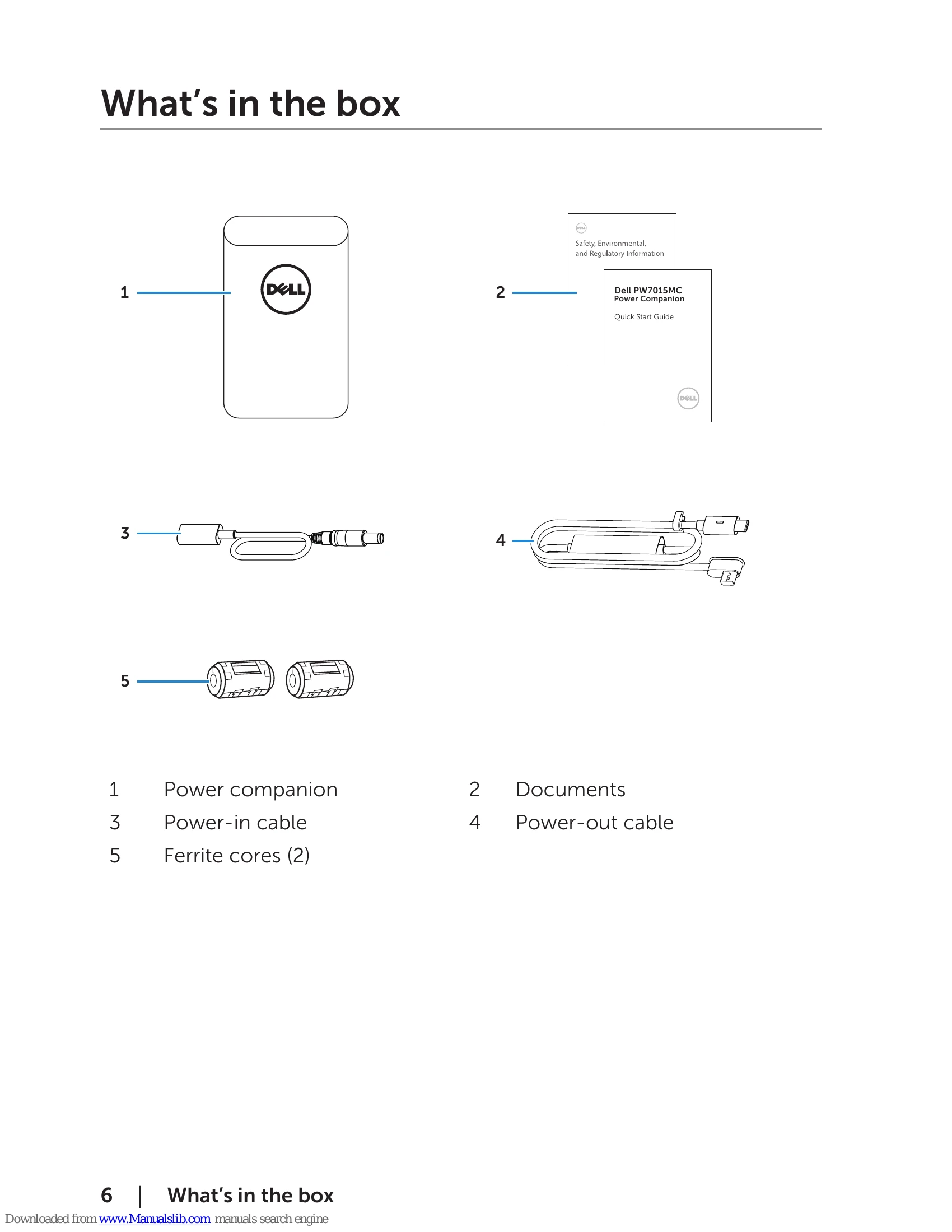
  • Charging the power companion: Connect the Dell computer power adapter to the power-in cable and then to the power companion. Plug the adapter into an electrical outlet. The battery-status light indicates charging.
  • Charging the laptop: Connect the power-out cable from the power companion to the laptop's power-adapter port. Press the power button to start charging. The battery-status light blinks amber if the power companion battery is low.
  • Charging mobile devices: Connect a USB cable from the power companion's USB port to the mobile device's charging port. The USB cable is not included. The battery-status light blinks amber if the power companion battery is low.
  • Checking battery status: Press the power button. The battery-status lights illuminate for 5 seconds, indicating charge level.
  • Checking battery health: Press and hold the power button for 5 seconds. The battery-status lights indicate the battery health status.

Troubleshooting and error codes

Common symptoms Possible solutions
The power companion gets unusually hot when placed inside the pocket/bag.
  • Unplug the power output cable immediately.
  • Take the power companion out of your pocket/bag immediately. Then let it cool down.
The power companion battery power gets drained too fast.
  • When connecting to a mobile device, close applications you are not using or set the device to airplane mode.
The battery-status light does not turn on.
  • Check if the power companion is out of battery power. Charge the power companion.
  • If the problem persists, contact Dell or your dealer for technical assistance.
Privacy Policy