Safety Warnings: Read carefully before using the smartphone. Specific warnings are provided for battery usage, aircraft use, refueling stations, and driving.
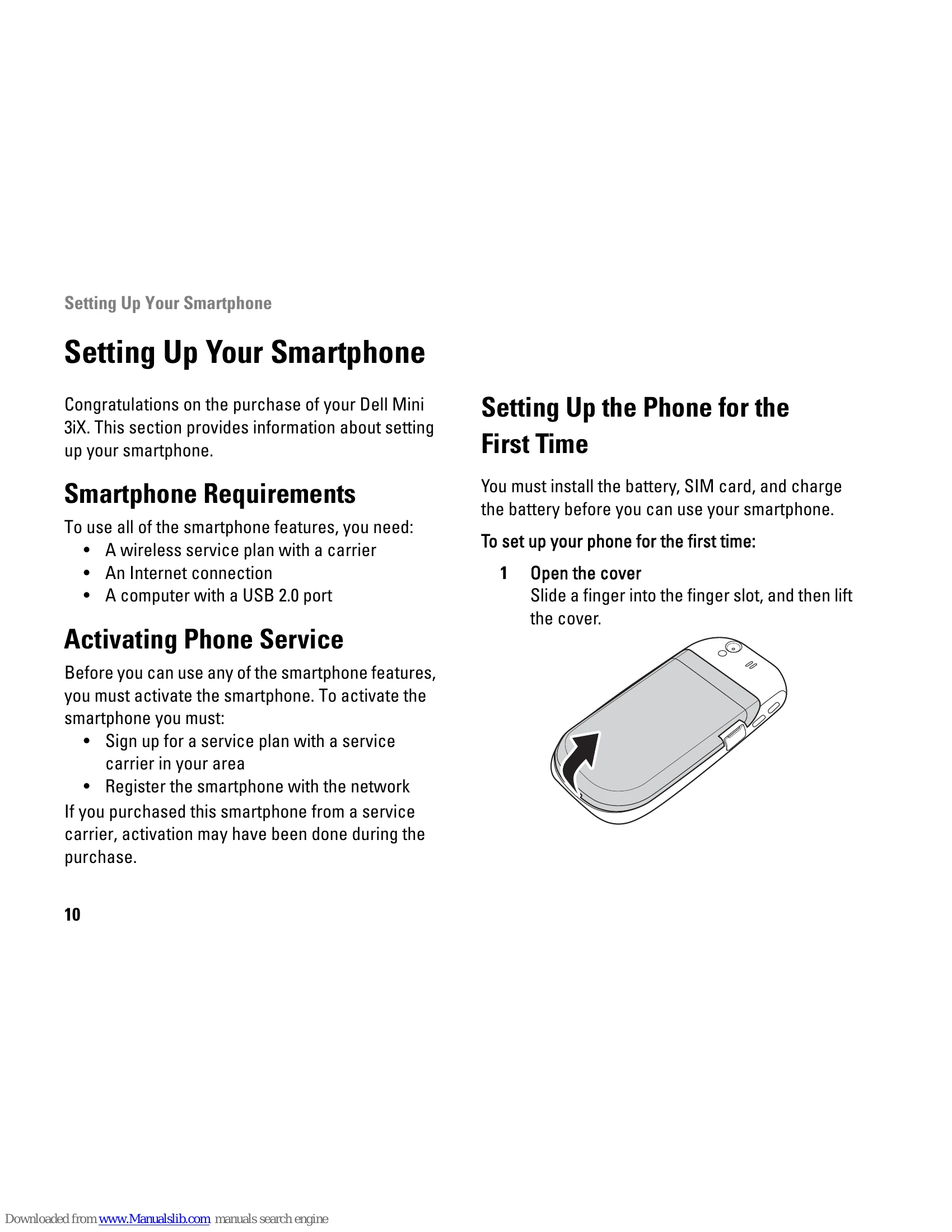
Smartphone Setup: Requires a wireless service plan, internet connection, and a computer with a USB 2.0 port. Phone activation is necessary. Steps for setting up the phone for the first time include installing the battery, SIM card, and microSD card, then charging the battery.
Maintenance: Covers charging the battery, and removing/replacing the battery, SIM card, and microSD card.
Features: Details the accessories provided (headset, stylus, data cable, power adapter, microfiber pouch) and describes the front, back, and left views of the smartphone, identifying key components like the speaker, touch screen, microphone, camera, and ports.
Basics: Explains how to use the touch screen, connection manager, status bar, main panels, home screen, and sleep mode.
Phone Usage: Covers making and receiving calls, accessing the call log, contacts, call settings, speed dial, and voicemail.
Internet Connectivity: Details connecting to the internet via cellular data networks and basic phone settings.
Applications: Instructions for entering text, using the internet browser, email features, multimedia (music, videos), picture application, video editor, camera, recorder, calendar, alarm clock, calculator, file manager, notes, and tasks.
World Clock: Allows viewing and adding times from different cities.
Search: Includes simple and advanced search functionalities.
Backup and Sync: Covers creating backup files, restoring data, and using the PC Sync Tool for synchronization and data transfer.