Manual for aero

Manual for aero

Brand: Dell

Category: Mobile Phone

Document Type: Manual

Language: EN
Uploaded: Sept. 12, 2025, 4:17 a.m.

Warranty Information

The manual details safety warnings, setup, and operation of the Dell Aero smartphone.

Setting Up Your Smartphone

To use your smartphone, you must install the battery, SIM card, and charge the battery. Follow these steps:

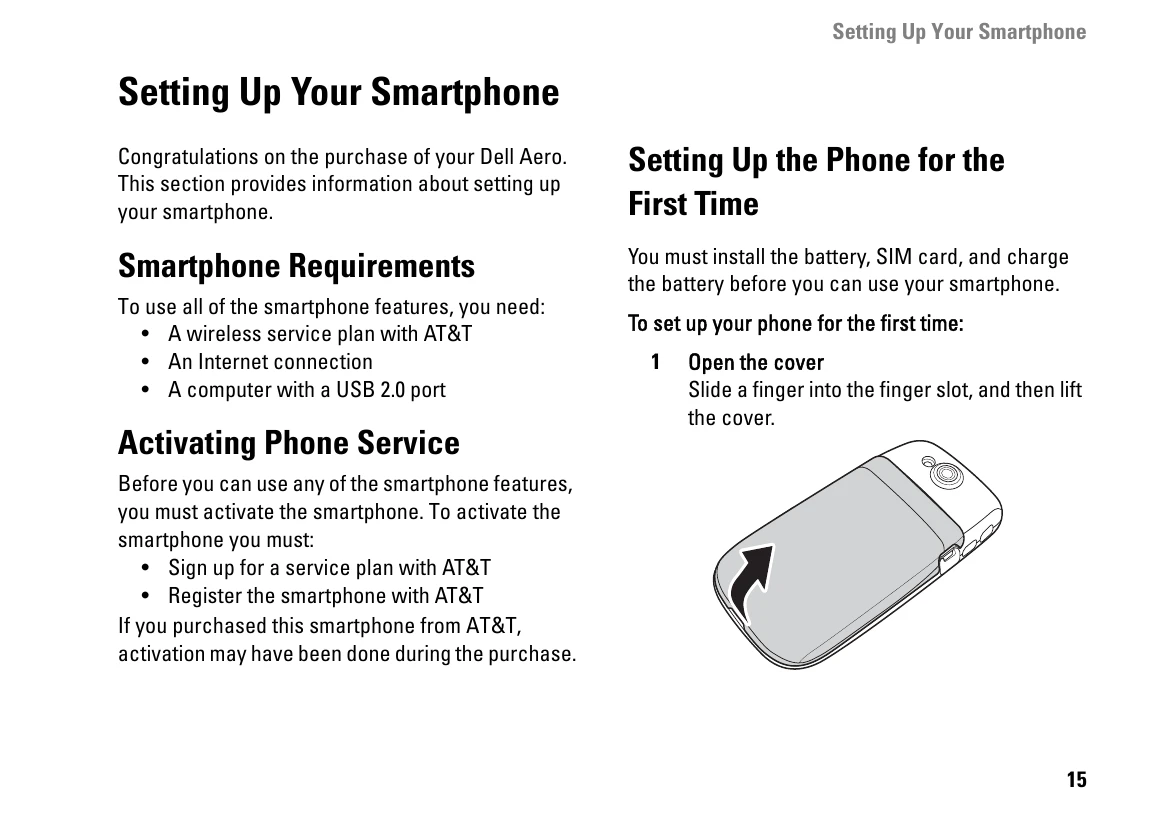
  1. Open the cover by sliding a finger into the finger slot and lifting it.
  2. Install the SIM card by rotating the lock outwards, inserting the card with contacts facing down, and rotating the lock back to secure it.
  3. Install the MicroSD card (if not installed) by holding it with contacts facing down and sliding it into the holder.
  4. Install the battery by aligning the metal contacts and inserting it.
  5. Close the cover by inserting the tabs and snapping it into place.
  6. Charge the battery using the provided Mini-USB to USB cable and power adapter. Charge for about 2 hours until the status indicator shows a full charge.
  7. When charging is complete, press the power button for 2 seconds to exit charging mode.

Your smartphone is now ready to use.

Privacy Policy