Brand: D-Link
Category: Video Conferencing
Document Type: Manual
Language: EN
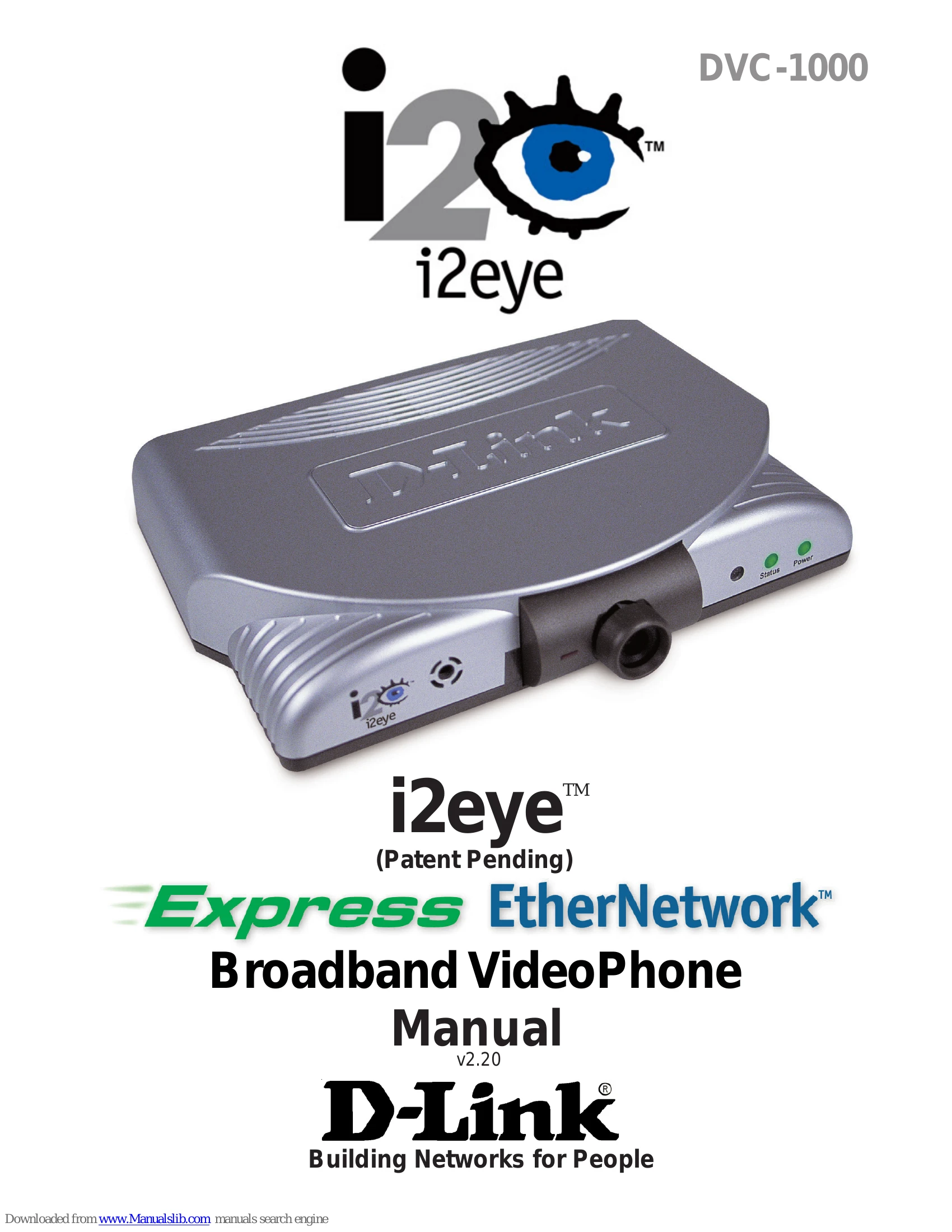
Brand: D-Link
Category: Video Conferencing
Document Type: Manual
Language: EN
Uploaded: Sept. 12, 2025, 4:13 a.m.
Manual Publish Date: 2002
This limited warranty covers the hardware for one year, software for 90 days, and spare parts for 90 days.
| Status Icon | Meaning | Solution |
|---|---|---|
| Update Status Icon | Determining if auto-update is enabled. | Wait for the icon to disappear. |
| Update Status Icon (with yellow X) | Cannot connect to the update server. | Check internet connection. |
| Public IP Status Icon | Attempting to connect to the Internet. | Wait for the icon to disappear. |
| Public IP Status Icon (with yellow X) | Unsuccessful connection to the Internet. | Check internet connection; device can be used on internal network. |
| Directory Service Status Icon | Registering with the Directory Service. | Wait for the icon to disappear. |
| Directory Service Status Icon (with yellow X) | Directory Service cannot be reached. | Calls can still be made using IP addresses. |