Brand: D-Link
Category: Networking
Document Type: Manual
Language: EN
Brand: D-Link
Category: Networking
Document Type: Manual
Language: EN
Uploaded: Nov. 21, 2025, 9:15 p.m.
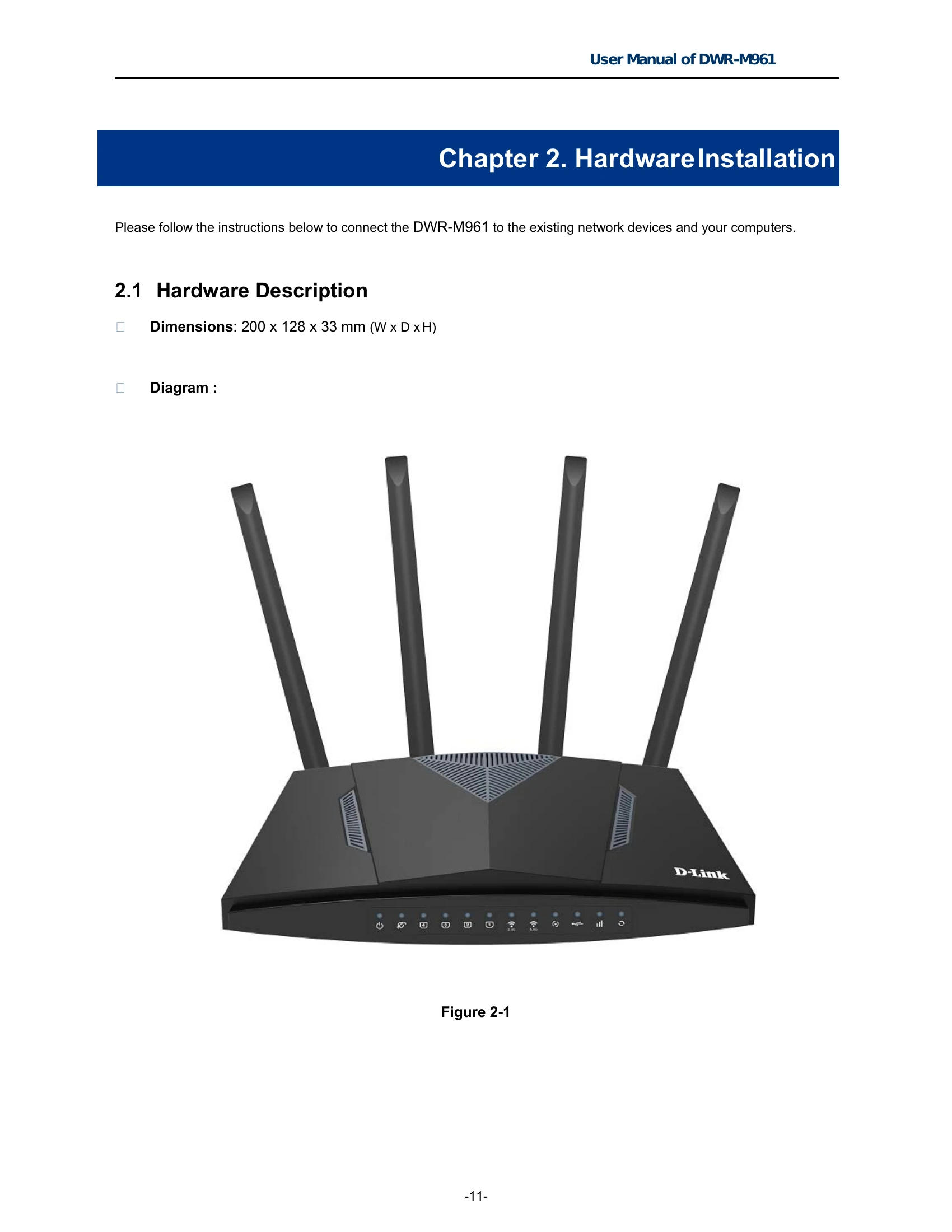
DWR-M961 LTE-A Wireless Broadband Router supports IEEE 802.11b/g/n/ac standard, dual band, and Gigabit LAN and WAN, thus providing the wireless speed of 867Mbps in the 5GHz frequency band and 300Mbps in the 2.4GHz frequency band at the same time, which is 16 times faster than that of the traditional 11g access point. With its outstanding stability of high-speed wireless transmission and enhanced reliability, the DWR-M961 can provide users with excellent multimedia streaming through their mobile devices anywhere, anytime in the home and office.
IEEE Compliant Wireless LAN and Wired LAN
Compliant with IEEE 802.11a/b/g/n/ac dual band [2.4G (300Mbps) and 5G (867Mbps)] wireless
Equipped with 4x 10/100/1000Mbps Fast Ethernet ports and 1x 10/100/1000Mbps WAN ethernet port which supports auto MDI/MDI-X
Fixed Network Broadband Router
Supports WAN connection types: DHCP, static IP, PPPoE
Supports DDNS and DHCP Servers
Mobile network
Supports 3G and LTE / LTE-A technology
Supports auto and manual APN settings
Supports Fail-Over backup
Comprehensive Wireless Advanced Features
Supports AP /client / repeater mode
Supports WMM (Wi-Fi Multimedia) & wireless QoS to enhance efficiency of multimedia application
Supports multiple SSID
Supports TX and RX restrict
Secure Network Connection
Supports Wi-Fi Protected Setup (WPS)
Support WEP/WPA/WPA2 wireless security encryption
Supports NAT firewall, IP / URL-based access control and MAC address filtering
Advanced Networking Function for Specific Application
Supports Bandwidth Control (QoS) based on different local IP addresses
Supports NTP, Port Forwarding, UPnP and DMZ for various networking applications
Supports USB storage(Samba)
Easy Installation and Management
Web-based UI and Quick Setup Wizard for easy configuration
Remote Management allows configuration from a remote site
System status monitoring includes DHCP Client List and System Log
| LED | STATE | FUNCTION |
|---|---|---|
| POWER | On | Device power on |
| Off | Device power off | |
| 2.4G | On | The 2.4GHz Wi-Fi is activated. |
| Flash | Device is transmitting data wirelessly over 2.4GHz. | |
| Off | The 2.4GHz Wi-Fi is disabled. | |
| 5.8G | On | The 5.8GHz Wi-Fi is activated. |
| Flash | Device is transmitting data wirelessly over 5.8GHz. | |
| Off | The 5.8GHz Wi-Fi is disabled. | |
| WPS | Flash | WPS is triggered |
| Off | WPS is connected or disable | |
| LAN1-4 | On | Link is established. |
| Flash | Packets are transmitting or receiving. | |
| Off | LAN port is not connected. | |
| WAN | On | Link is established. |
| Flash | Packets are transmitting or receiving. | |
| Off | WAN port is not connected. | |
| USB | On | USB connection is established. |
| Flash | Data is being transmitted. | |
| Off | USB connection is not established. | |
| LTE | On | LTE or 3G is connected |
| Off | LTE or 3G is not connected | |
| Reset | On | When Router will Reset |
| Off | Normal Status |