Product Overview
- Package Contents: DSH-C310 Omna 180Cam HD, Power Adapter, Quick Start Guide.
- System Requirements: iPhone, iPad, or iPod Touch running iOS 10 or higher. Apple TV (4th generation) or iPad running iOS 10 or higher is required for remote access.
Hardware Overview
The camera features IR LEDs, a light sensor, microphone, 180-degree lens, status LED, MicroUSB port, microSD card slot, and a reset button.
Installation & Getting Started
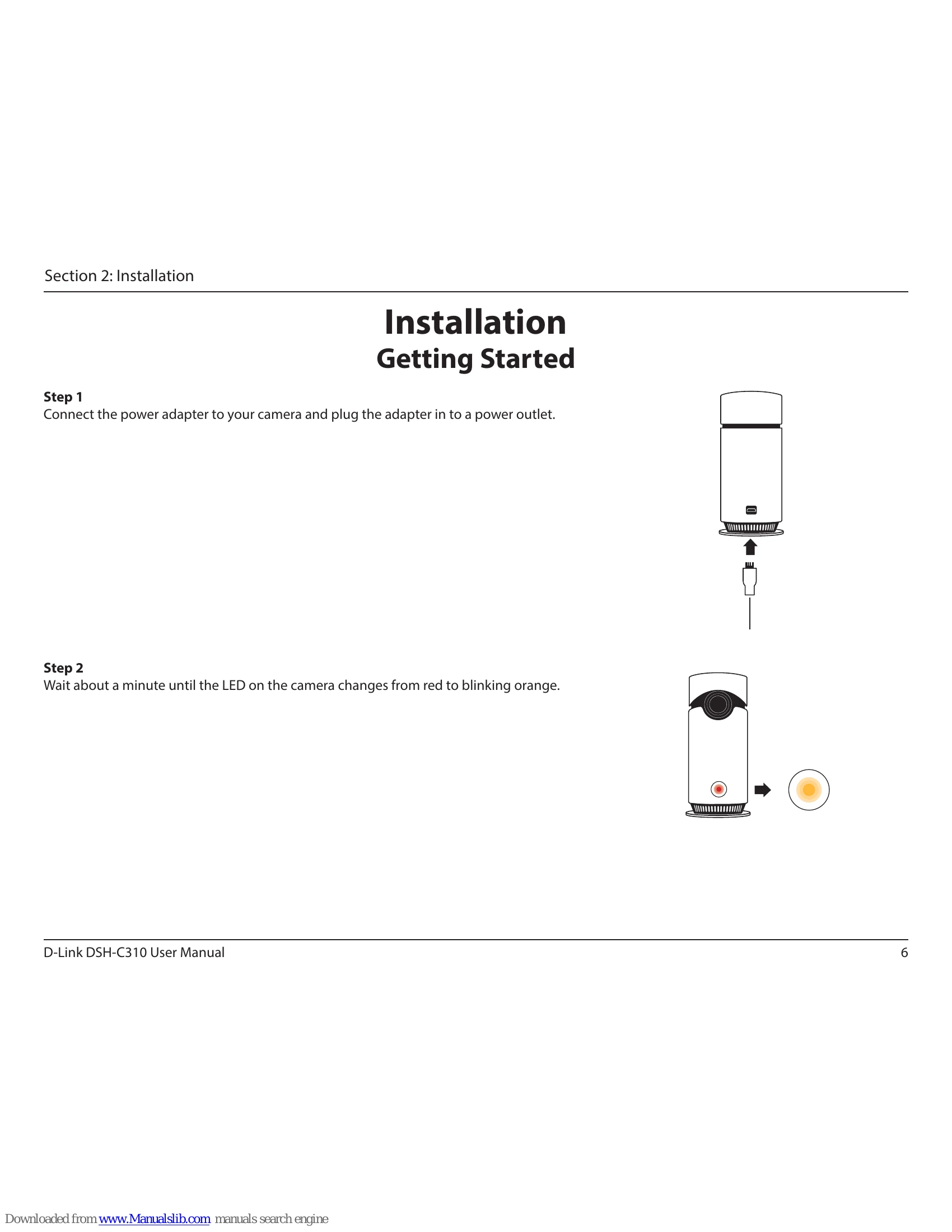
- Connect the power adapter to the camera and plug it into a power outlet. Wait for the LED to change from red to blinking orange.
- Download the Omna app from the App Store to your iPhone or iPad.
- Open the Omna app, tap the '+' icon, and follow the on-screen instructions to set up and configure your camera. You may need the HomeKit Code found on the camera or Quick Start Guide.
Remote Access
To access your camera remotely via the Home app, set up an Apple TV (4th gen) or iPad (iOS 10+) as a HomeHub.
Settings
In the Omna app, navigate to Settings > Accessory to configure:
- Camera Image: Change the camera's identification image.
- Accessory Name: Rename your camera.
- Accessory Room: Assign the camera to a room.
- Set to my favorites: Mark for quick access.
- Motion Detection: Enable, define areas, set sensitivity, and retrigger delay.
- SD Recording: Enable SD card recording and format the microSD card.
- Time Zone: Set the camera's time zone.
- Firmware Upgrade: Check for and install firmware updates.
- Remove Accessory: Remove the camera from your account.