Manual for 61016VI

Manual for 61016VI

Brand: COMPETENCE

Category: Free standing electric cooker

Document Type: Manual

Language: EN
Uploaded: April 20, 2026, 7:47 p.m.

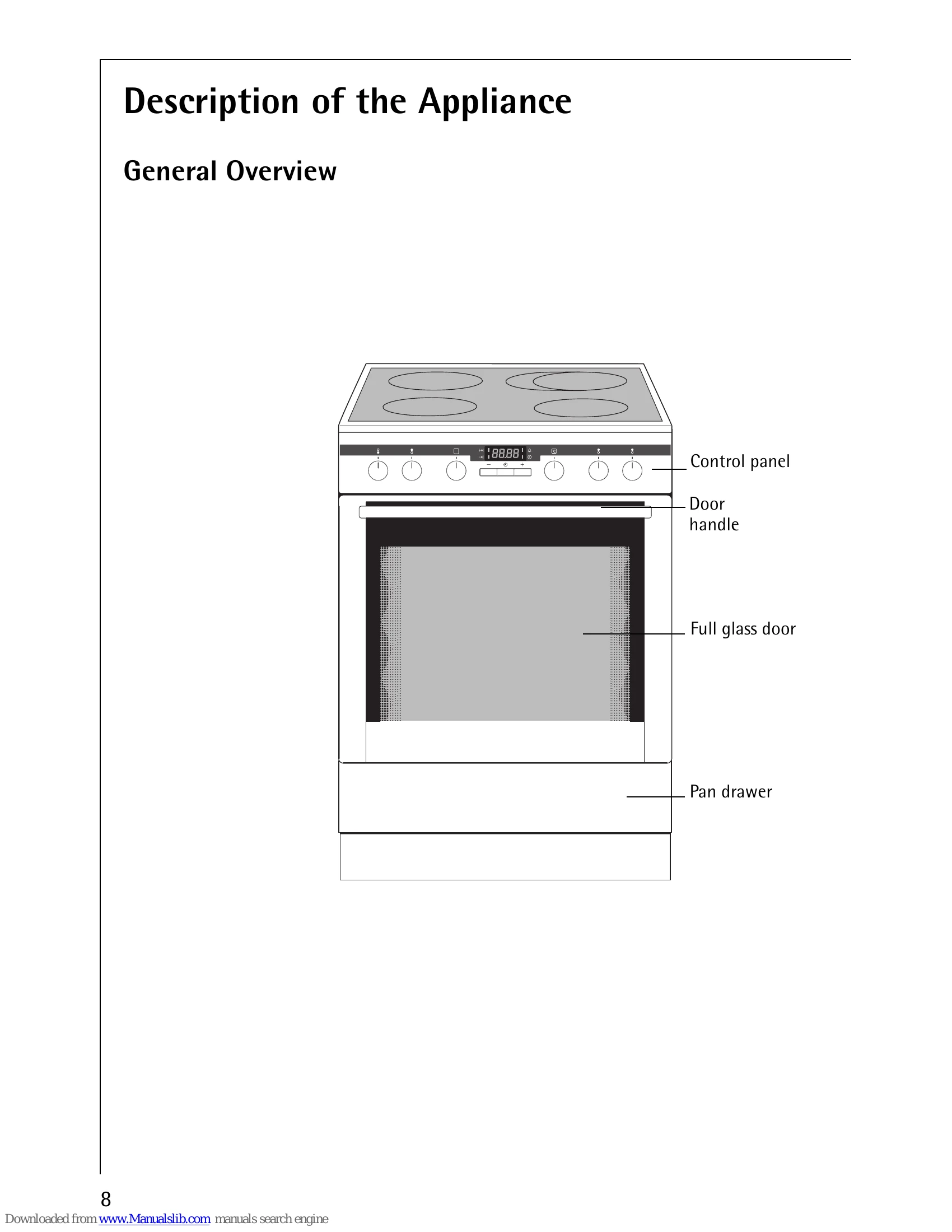
Operating the Hob

  • Turn the hob cooking zone control knob to select heat setting 1-9.
  • Intermediate positions are possible for settings 2-7.
  • The symbol = indicates double ring switching.
  • Switch cooking zones off 5-10 minutes before cooking is finished to use residual heat.
  • Pop-up ring switches: press to use, they will pop up.
  • Dual fry/cook area: turn control right past position 9 to the symbol. Then turn back to desired setting.
  • Residual heat indicator lights up when a cooking zone is hot.

Using the Oven

  • Press retractable buttons for Oven Functions and Temperature Selection. The button sticks out when pressed.
  • Turn the oven functions dial and temperature selector to desired settings.
  • Oven Power Indicator is lit during operation.
  • Temperature Pilot Light is lit while heating up.
  • Turn dials to Off position to switch off the oven.
  • Cooling fan runs automatically to cool the appliance.

Troubleshooting and error codes

Problem Possible cause Solution
The cooking zones are not functioning Consult the operating instructions for the built-in cooking surface -
The oven does not heat up The oven is not switched on Switch the oven on
The clock is not set Set the current time on the clock
The required settings have not been set Check the settings
The house wiring fuse (in the fuse box) has tripped Check the fuse. If the fuses trip a number of times, please call an authorised electrician.
The oven lighting is not operating The oven light bulb is faulty Replace the oven bulb
Privacy Policy