Manual for CDR 840

Manual for CDR 840

Brand: COBRA

Category: Electronics

Document Type: Manual

Language: EN

Uploaded: Aug. 10, 2025, 12:39 a.m.

Warranty Information

This product is warranted for one year from the date of first consumer purchase against defects in workmanship and materials.

Powering On/Off: Press the POWER button to turn on. Press and hold the POWER button for three seconds to turn off. Charging: Charge using the included car charger or a USB cable. The device has a short-term internal battery. Modes: Switch between Video Mode, Still Photo Mode, Video Playback Mode, and Still Photo Playback Mode using the MODE button. Video Recording: In Video Mode, press OK to start/stop recording. Press FILE LOCK to protect a clip. Press UP to toggle the microphone, and DOWN to toggle the screen. Still Photos: In Still Photo Mode, press OK to take a picture. Press and hold UP/DOWN to digitally zoom. Playback: Use the MODE button to return to the file selection screen. Press OK to play a selected file. Use UP/DOWN to navigate files. Use MENU to adjust volume or delete files. Protection: In playback mode, press MENU, navigate to PROTECT, and press OK to lock a video or image, preventing it from being overwritten.
Troubleshooting and error codes

If your unit does not appear to be operating properly, please follow these troubleshooting steps:
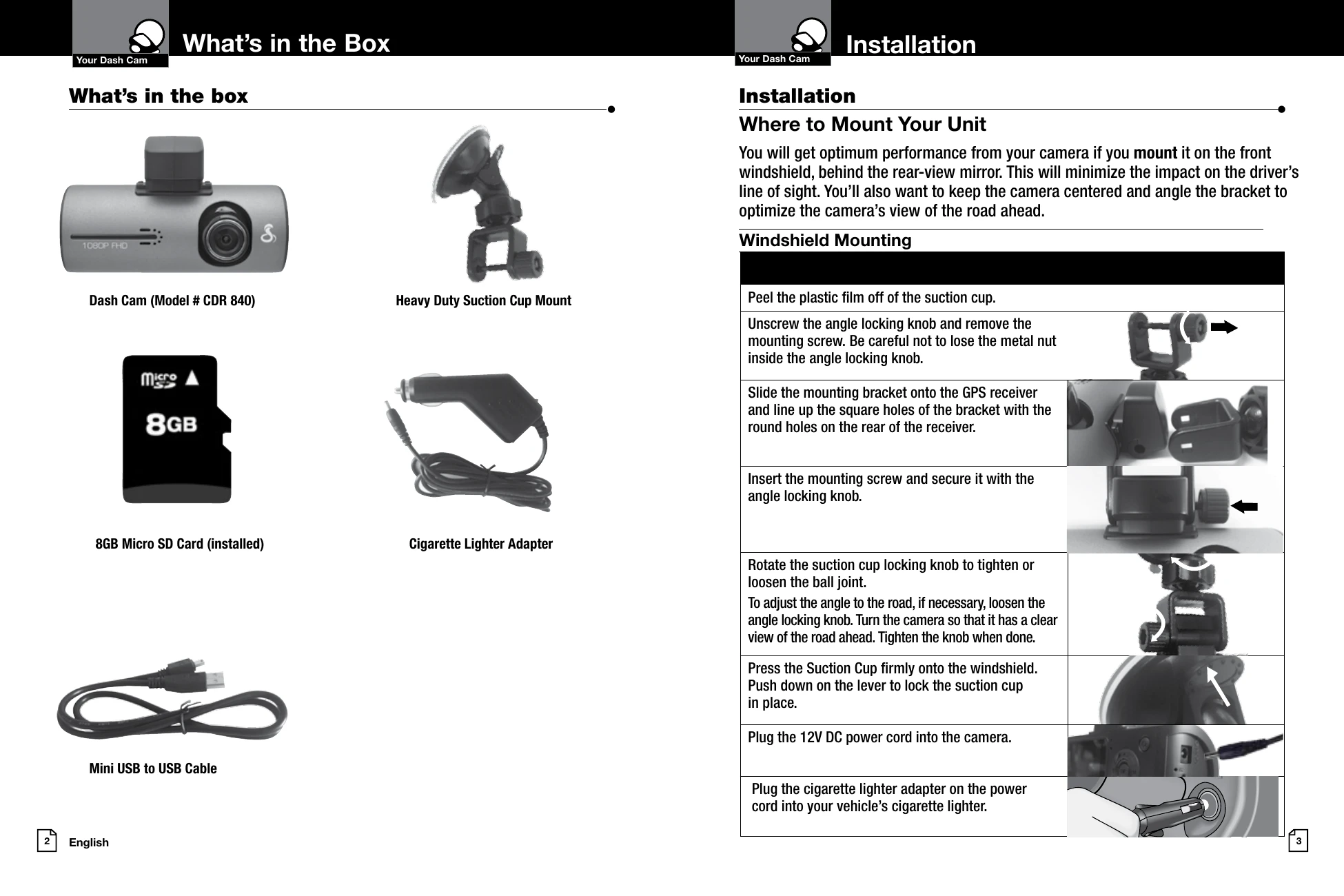
  • Make sure the power cord is properly connected.
  • Make sure the socket of your vehicle's cigarette lighter is clean and free of corrosion.
  • Make sure the power cord's cigarette lighter adapter is firmly seated in your cigarette lighter, and the Status LED is on.
  • Check the power cord fuse. (Unscrew the ribbed end cap of the cigarette lighter adapter and examine the fuse. If required, replace it with a 2-amp fuse only.)
For detailed and up-to-date FAQ's, please visit www.cobra.com/support/faqs.
Privacy Policy