Brand: Cisco
Category: Telephony
Document Type: Manual
Language: EN
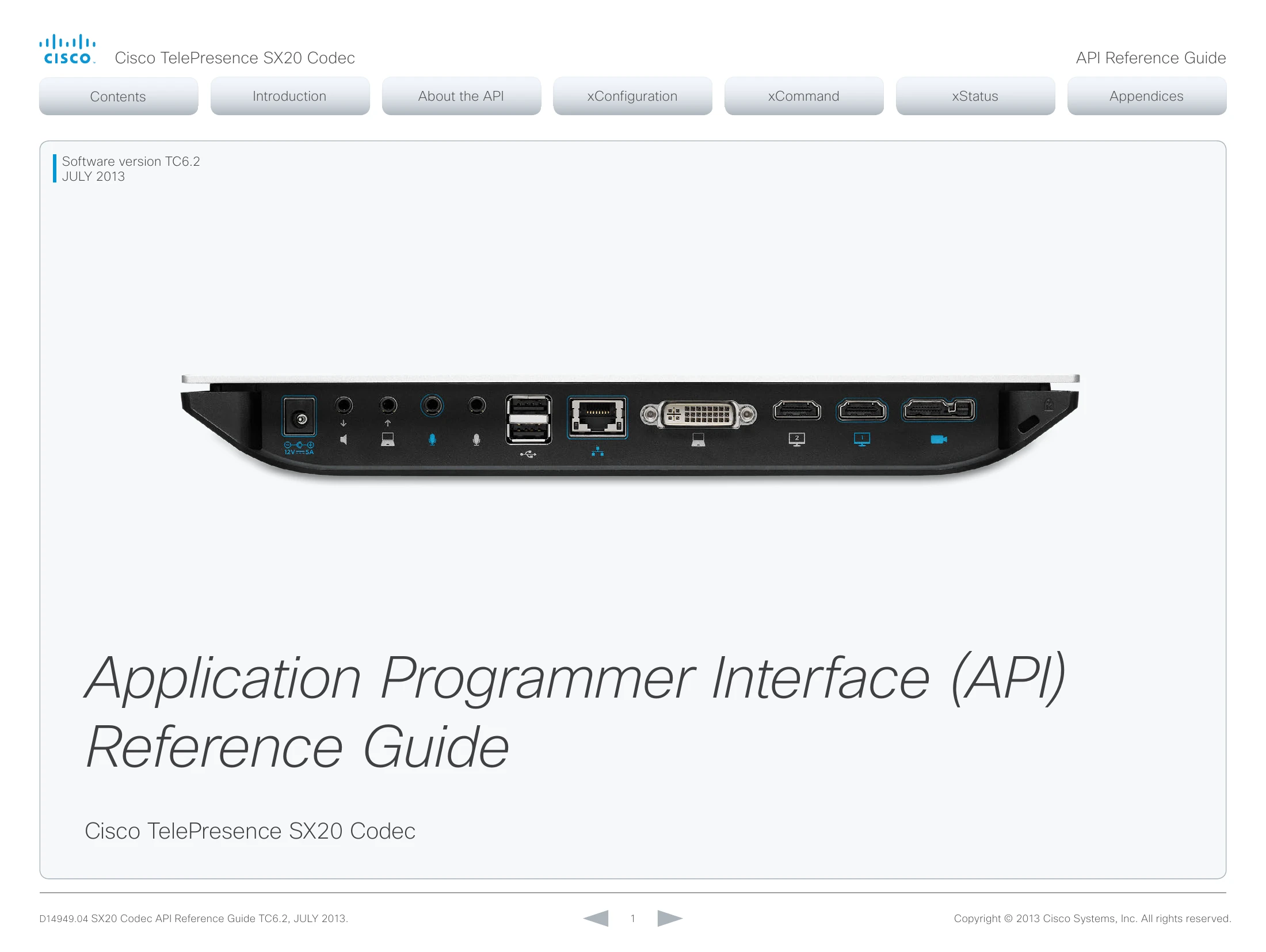
Brand: Cisco
Category: Telephony
Document Type: Manual
Language: EN
Uploaded: April 20, 2026, 8:02 p.m.
Manual Publish Date: 2013-07-01
None
| Problem | Possible Cause | Solution |
|---|---|---|
| System does not respond to commands | Network connection issues | Check network connection. Verify IP address and subnet mask. Ensure the codec is powered on and accessible on the network. |
| Call setup fails | Incorrect configuration of SIP/H.323 settings | Verify SIP/H.323 profile settings, including proxy addresses, domain names, and authentication credentials. Ensure correct gateway and gatekeeper configurations. |
| Video or audio quality is poor | Network bandwidth limitations or incorrect codec settings | Check available bandwidth. Optimize QoS settings. Ensure camera and audio input settings are correctly configured. Consider updating firmware. |
| Remote control not working | Remote control pairing issues or IR signal obstruction | Re-pair the remote control. Ensure a clear line of sight between the remote and the codec. Check battery status. |
| Startup script execution fails | Incorrect script syntax or permissions | Verify the script starts with '#!/usr/bin/env tsh', uses correct command syntax, and has executable permissions. Ensure Unix line endings (LF) are used. |