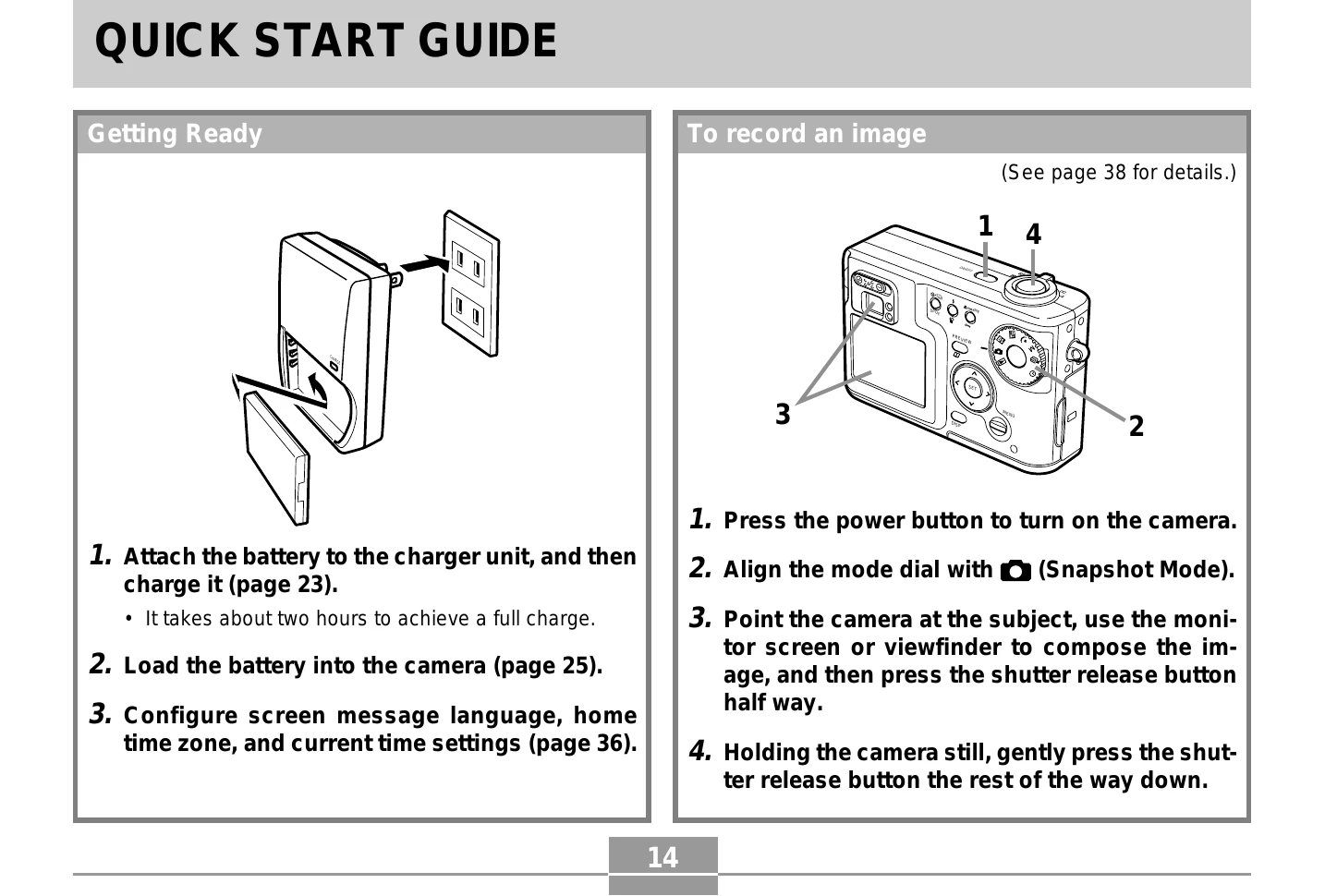
Getting Started: Attach battery to charger and charge. Load battery into camera. Configure language, time zone, and date settings. Press power button to turn on. Align mode dial to Snapshot Mode. Point at subject and press shutter button halfway. Press shutter button fully to capture image.
Viewing Images: Turn on camera, align mode dial to Play Mode. Use [<] and [>] to scroll through images.
Deleting Images: In Play Mode, select image to delete using [<] and [>]. Press [^]/[v] to select 'Delete' and press SET.