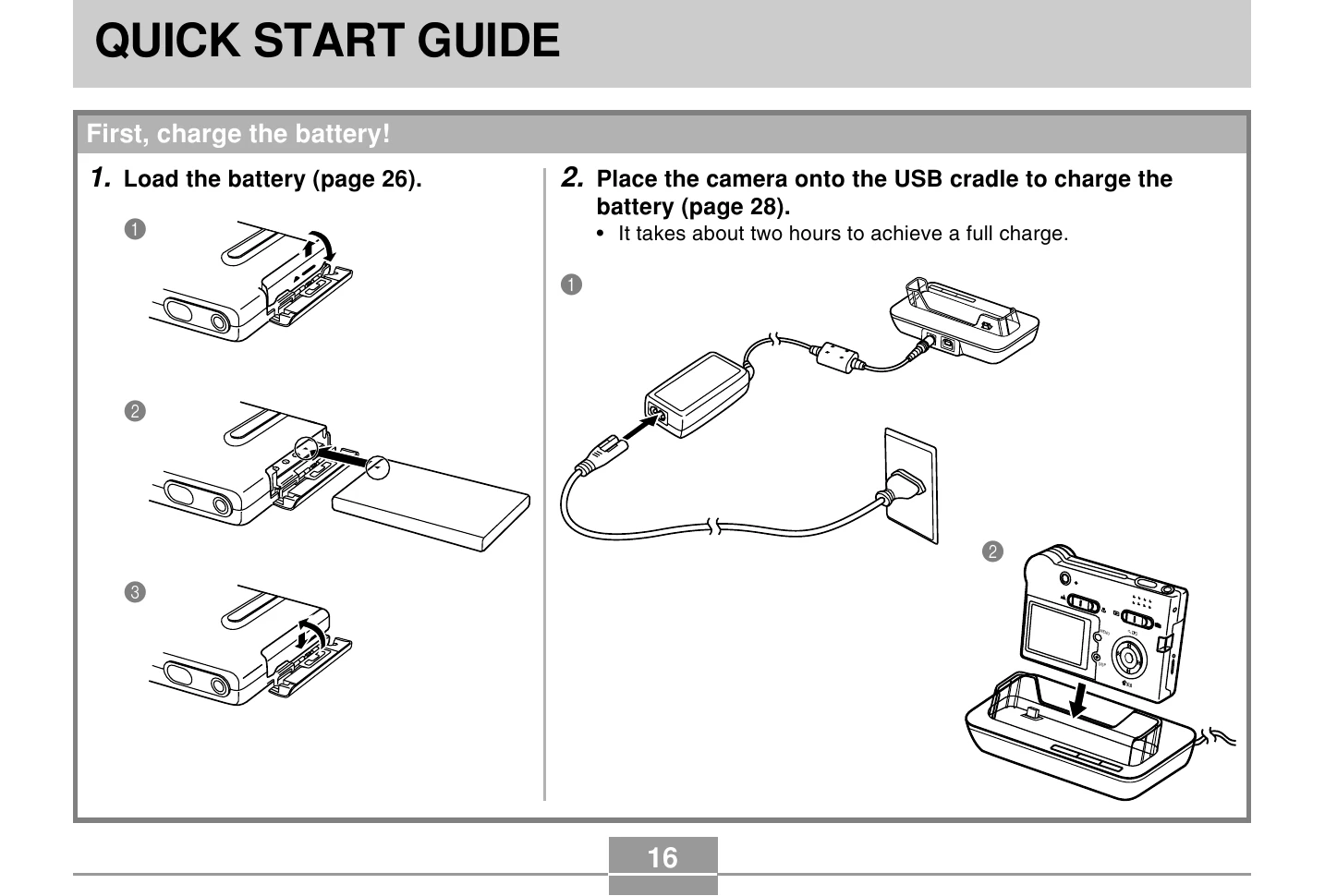
Charge the Battery: Load the battery into the camera and place it on the USB cradle to charge. A full charge takes about two hours.
Configure Settings: Turn on the camera and set the display language, geographical area, home city, summer time, date format, date, and time.
Record an Image: Turn on the camera, select REC mode, aim at the subject, compose the image using the monitor screen, and gently press the shutter release button.
View a Recorded Image: Turn on the camera, select PLAY mode, and use the directional buttons to scroll through recorded images.
Delete an Image: In PLAY mode, select the image to delete, choose "Delete", and press SET.