Manual for imageRUNNER 2530/2525/2520

Manual for imageRUNNER 2530/2525/2520

Brand: Canon

Category: Printer

Document Type: Manual

Language: EN
Uploaded: April 20, 2026, 8:07 p.m.

Manual Publish Date: 2009-01-01

This manual covers the following sections:

  • Safety Precautions: Outlines safety guidelines including CDRH Act, laser safety, handling of laser systems, turning the power on/off, toner safety, and notes for handling batteries and before servicing.
  • Product Overview: Details the product lineup, features, specifications, and names of parts.
  • Technology: Explains the basic configuration, original exposure system, image formation system, printer unit output image processing, laser exposure system, fixing system, and pickup feed system.
  • Periodical Service: Covers consumable parts and cleaning.
  • Parts Replacement and Cleaning: Lists parts and provides instructions for removing and replacing external covers, main units, and consumable parts.
  • Adjustment: Details adjustments related to replacing parts, scanning systems, controller systems, and laser exposure systems.
  • Troubleshooting: Provides guidance for upgrading targets and procedures.
  • Error Code: Lists various error codes and their details.
  • Service Mode: Explains how to use service mode and details various service functions.
  • Installation: Guides through the installation procedures for various components and the machine itself.
  • Appendix: Includes general circuit diagrams and information on oils and solvents.

Troubleshooting and error codes

Troubleshooting
Trouble Likely Cause Solution
Paper Jams Incorrect paper loaded, worn rollers, or foreign objects in the paper path. Check paper type and loading, clean or replace rollers, remove obstructions.
Poor Print Quality (Streaks, smudges, faint images) Dirty toner cartridge, faulty drum unit, or issues with the fixing unit. Clean or replace toner cartridge, replace drum unit, inspect fixing unit.
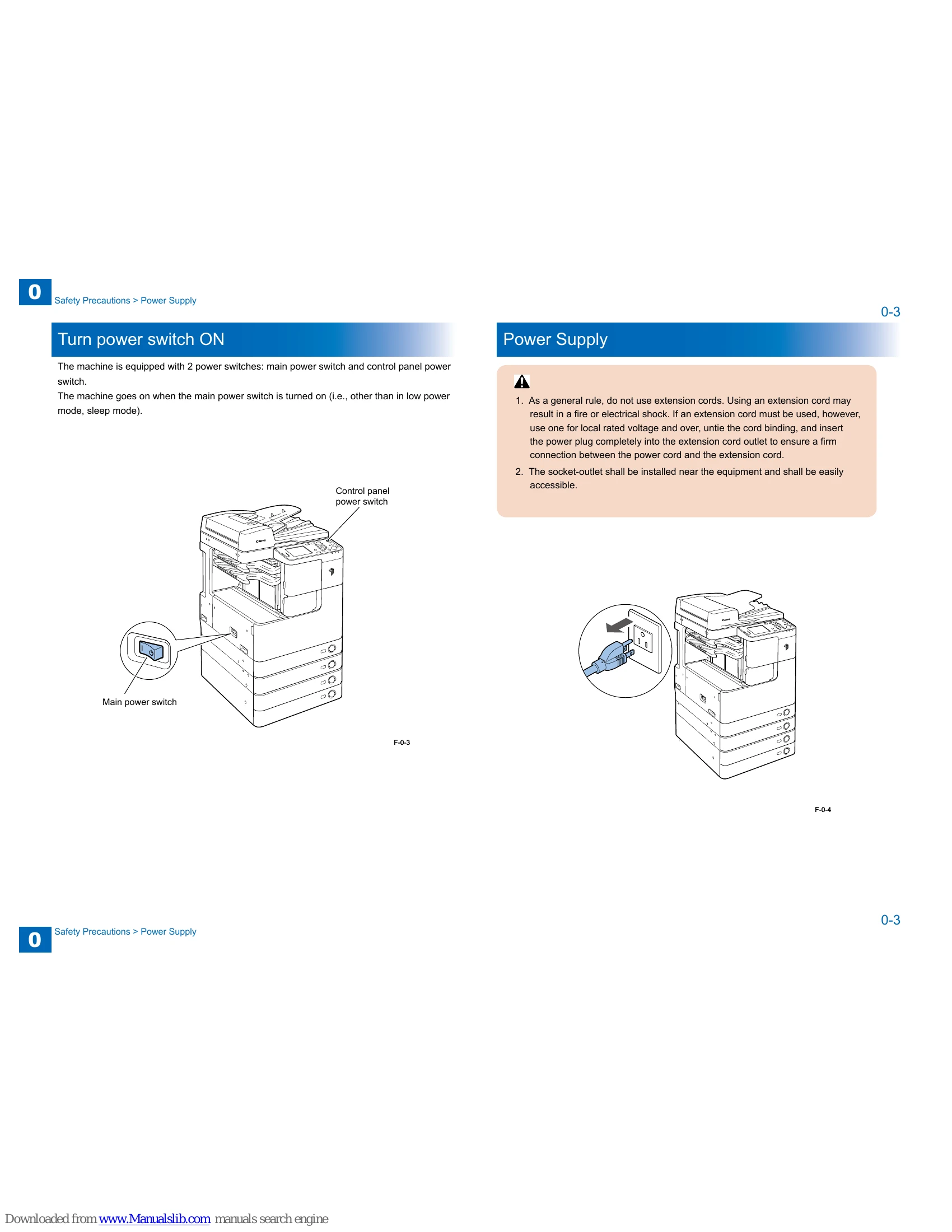
Machine Not Turning On Power cord issue, faulty power supply, or main power switch problem. Check power cord connection, inspect power supply, verify main power switch.
Error Codes Displayed Specific system malfunction indicated by the code. Refer to the "Error Code" section for detailed explanations and solutions.
Scanner Issues (Vertical lines, poor image clarity) Dirty scanner glass, faulty CIS sensor, or problems with the reader relay PCB. Clean scanner glass, inspect CIS sensor, check reader relay PCB.
Privacy Policy