Brand: CANON
Category: Camera
Document Type: Manual
Language: EN
Brand: CANON
Category: Camera
Document Type: Manual
Language: EN
Uploaded: Aug. 10, 2025, 12:26 a.m.
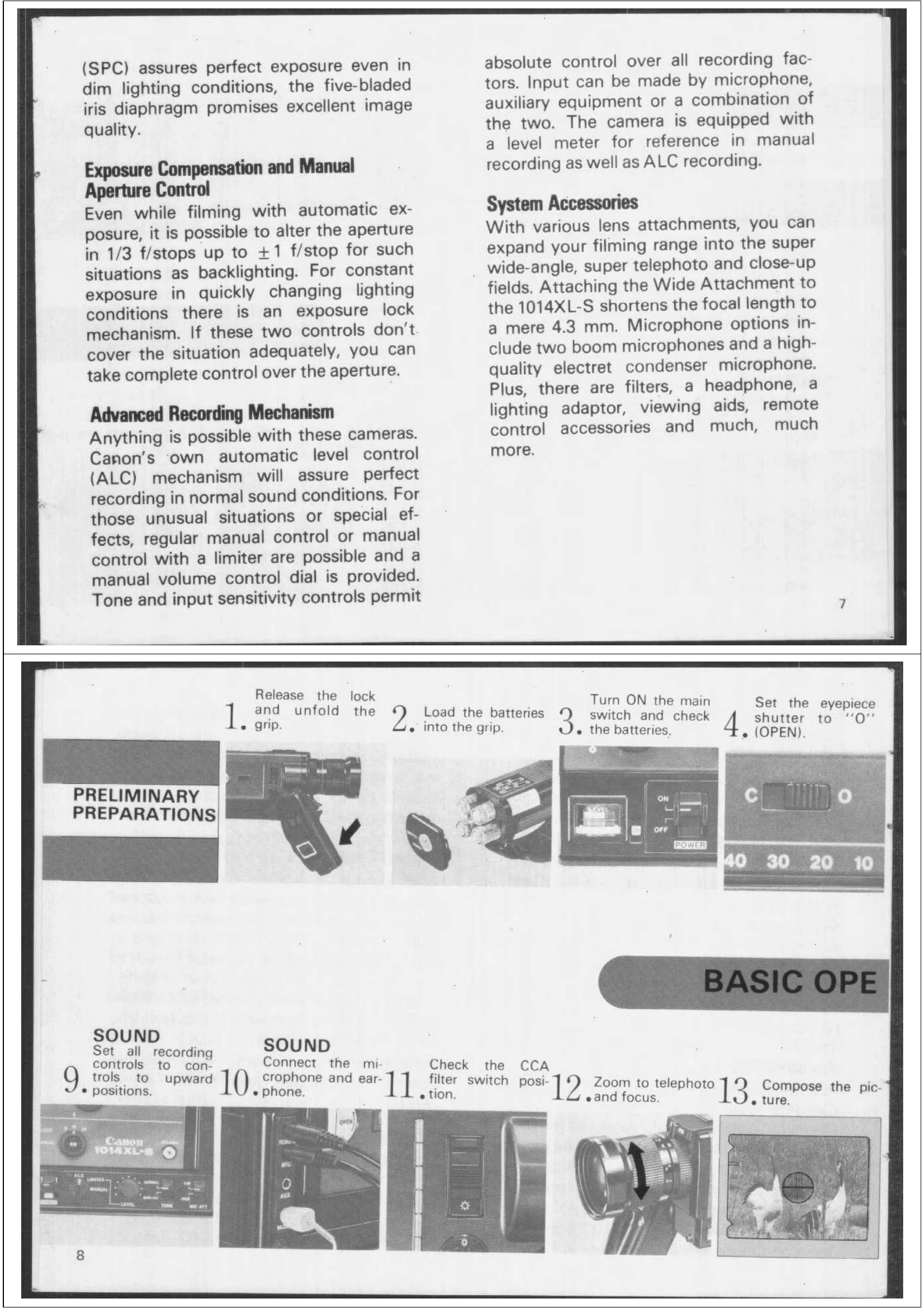
PRELIMINARY PREPARATIONS:
BASIC OPERATION:
FILMING SPEEDS: Dial positions for 9, 18, 24 fps, and slow motion. Note that 9 fps is for silent filming only. 24 fps offers a slight slow-motion effect and better quality. 9 fps speeds up movement and allows filming in lower light.
SHUTTER OPENING ANGLE: Variable from 0° to 220°. 150° for regular filming, 220° for XL filming in dim light. Fading is achieved by closing the shutter blades.
| Situation | Possible Cause | Remedy |
|---|---|---|
| Film transport warning (blinking END/LED) | Two feet before end of cartridge | Continue filming until end. |
| Camera operation stops (steady END/LED) | Cartridge finished | Replace cartridge. |
| Camera operation stops (steady END/LED) | Film jam | Check film gate, carefully remove jam, possibly reload. |
| Camera operation stops (steady END/LED) | Battery exhaustion | Change batteries. |