Manual for ScoutingCam BLACK800 WiFi

Manual for ScoutingCam BLACK800 WiFi

Brand: Braun

Category: Trail Camera

Document Type:

Language: EN
Uploaded: Aug. 9, 2025, 11:46 p.m.

Warranty Information

Warranty information is not explicitly stated but the product specifications are subject to change without notice.

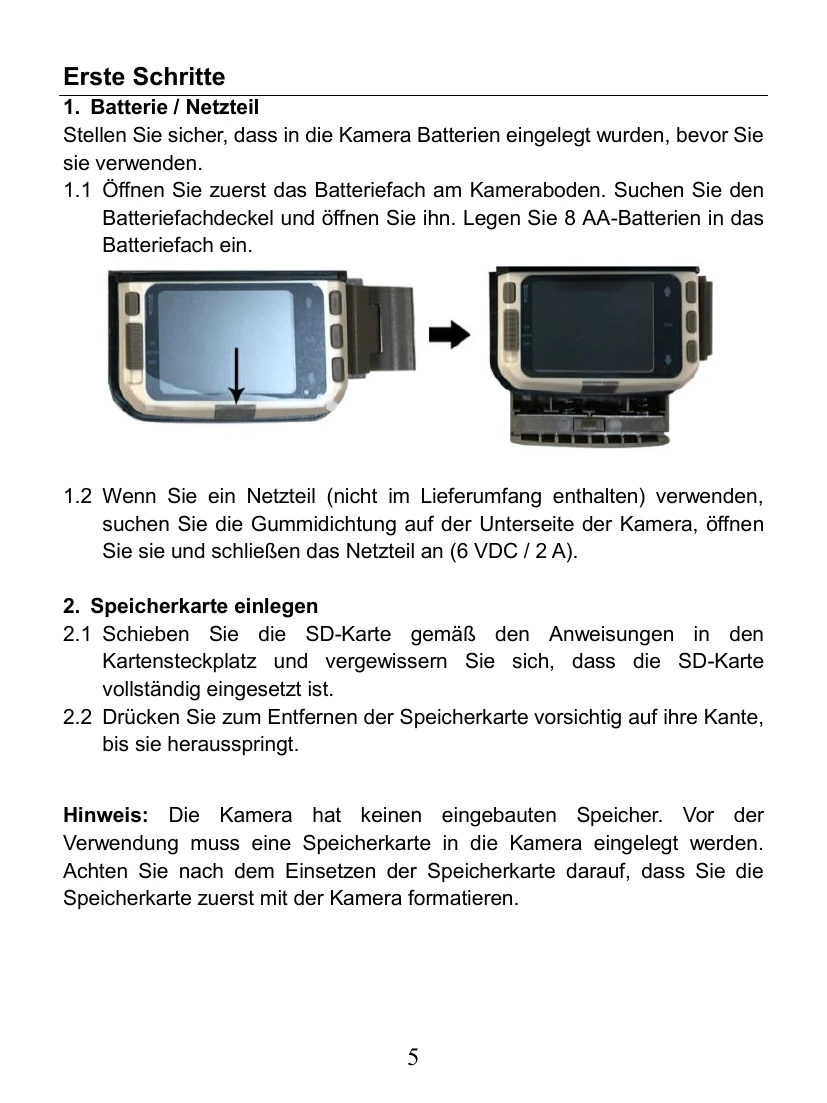
To use the camera, first insert batteries or connect to a power adapter. Insert a high-speed SD card (Class 6 or above) and format it. Set the power switch to 'SETUP' to configure settings such as Photo/Video mode, resolution, and PIR interval/sensitivity. Use the MODE button to switch between modes, and OK/SHOT to confirm or take photos/videos. The 'ON' mode activates the camera for automatic recording triggered by motion sensors. The camera supports WiFi connection to a smartphone via the 'Hunting Cam Pro' app for real-time viewing and control. To end the WiFi connection, press and hold the Up button for 3 seconds or use the remote control's 'OFF' button.

Troubleshooting and error codes

Header 1 Header 2 Header 3 Header 4
Data 1A Data 2A Data 3A Data 4A
Data 1B Data 2B Data 3B Data 4B
Data 1C Data 2C Data 3C Data 4C
Privacy Policy