Manual for H-16 Rex 5

Manual for H-16 Rex 5

Brand: BOLEX

Category: Camera

Document Type: Manual

Language: EN
Uploaded: Aug. 10, 2025, 12:37 a.m.

Introduction

The Bolex H-16 Rex 5 is a versatile 16mm reflex camera.

Reflex Viewfinder

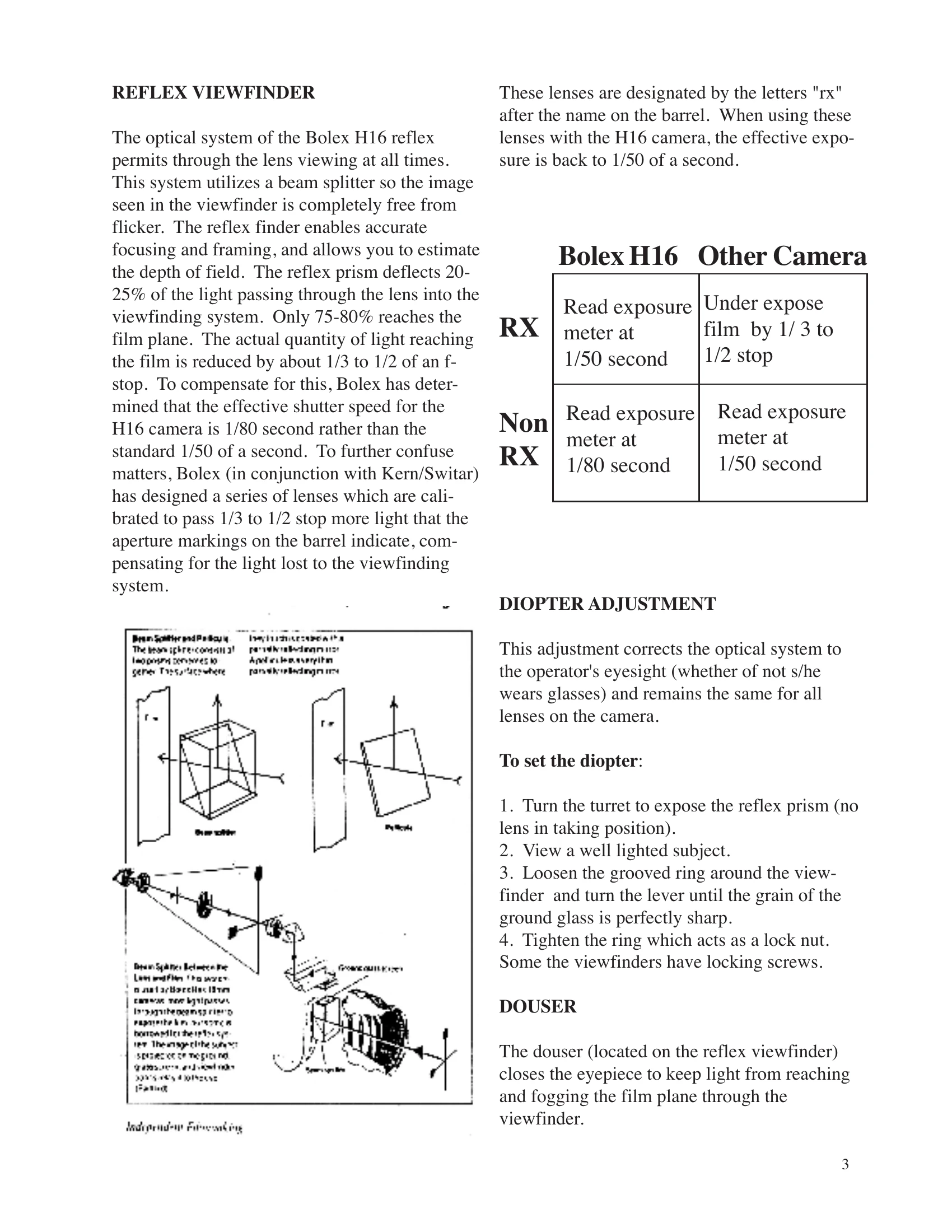
Provides through-the-lens viewing with a beam splitter for flicker-free images, allowing accurate focusing, framing, and depth-of-field estimation. It deflects 20-25% of light, reducing effective shutter speed. "RX" lenses compensate for this loss.

Diopter Adjustment

Corrects the viewfinder to the operator's eyesight. Adjust by loosening the grooved ring, turning the lever until the ground glass is sharp, then tightening the ring.

Douser

Closes the viewfinder eyepiece to prevent light fogging the film. It's open in horizontal position and closed in vertical.

Turret

Allows changing lenses by turning the turret. Use the fold-away lever to avoid accidentally moving focus or aperture rings. Lock the turret for heavy lenses.

Filters

Filters are placed between the taking lens and reflex prism, remaining in place for all lenses. An empty carrier prevents light entry when no filter is used.

Camera Motor

Internal spring drive motor allows electric use and backwinding for dissolves. Fully wound provides about 18 feet of filming. Do not store wound.

Film Speeds

Offers seven speeds from 12-64 fps. Adjust exposure when changing speeds.

Release Selector (ON/OFF)

Controls normal, continuous, and single frame filming via the side release.

Variable Shutter

Adjustable shutter aperture for reducing exposure without changing camera speed or f-stop. Can be locked in four positions.

Lap Dissolve

Achieved by superimposing a fade-in on a fade-out for smooth transitions. Requires specific steps including rewinding and using the frame counter.

Loading the Camera

Involves setting the side release, disengaging motor, selecting FPS, winding, and ensuring the pressure plate pin is locked.

Footage Counter

Indicates exposed film length. Resets to "0" when the lid is removed. An audible CLICK option is available at 24 fps.

Frame Counter

Useful for lap dissolves, double exposures, and animation. Has two dials for frame counts.

Troubleshooting

Addresses issues like black film, underexposure, reversed images, jumpy images, red-orange tint, obscured images, scratches, fogged film, and out-of-focus pictures.

Troubleshooting and error codes

Film is black: Variable lens shutter was closed
Lens cap left on
Exposure incorrect
Film underexposed, images reversed; with color film, general orange tint: Film incorrectly loaded with the base facing forward instead of the emulsion.
Jumpy images: Loops formed incorrectly
Shrunken film stock.
Dominant red-orange tint: Using tungsten lamps with a daylight film or an underpowered tungsten lamp.
Obscured Images: Turret incorrectly positioned.
Telephoto lens on turret obscuring view of other lenses.
Partly obscured pictures: Telephoto lens in the way of the taking lens or turret badly positioned.
Parallel scratches on the edge of the film: Dust or particles of emulsion in the film gate.
Camera poorly loaded.
Fogged film: Light entering through the viewfinder or filter slot.
Film was loaded in extremely bright light.
Camera not seated well.
Film fogged at edges: Camera loaded in strong light.
Warped take up or feed reel.
Filter carrier not in slot during exposure.
Out of focus or 'breathing' picture: Pressure pad incorrectly locked.
Privacy Policy