Brand: au by KDDI
Category: Mobile Phone
Document Type: Manual
Language: EN
Brand: au by KDDI
Category: Mobile Phone
Document Type: Manual
Language: EN
Uploaded: Nov. 21, 2025, 6:58 p.m.
Manual Publish Date: 2006-10-01
Refer to the warranty document included in the package for details.
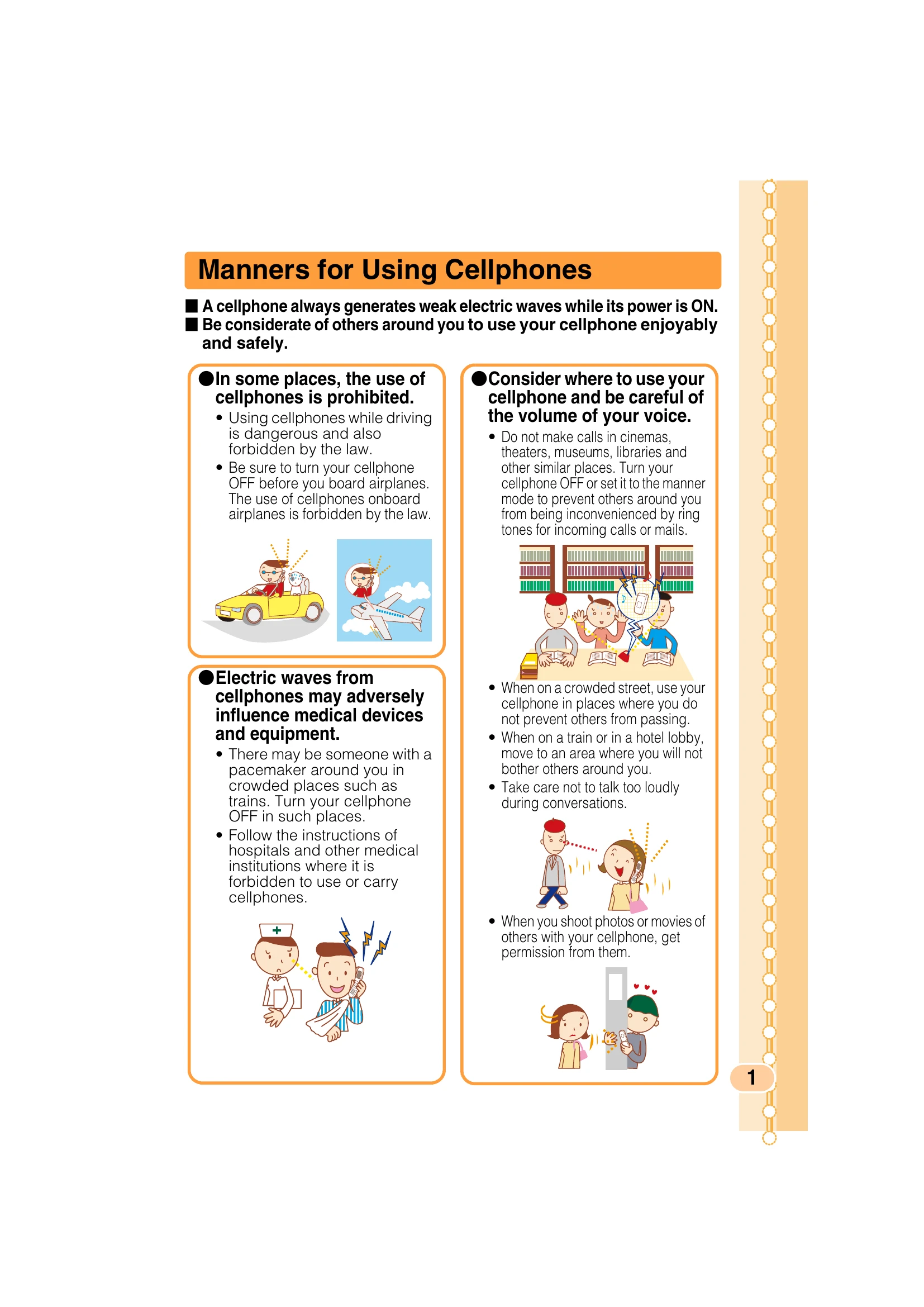
Be considerate of others. Prohibited in some places (driving, airplanes). Be careful of volume. Avoid influencing medical devices.
Features include Mail, EZweb (downloads), EZ FM (radio), EZ Navi (location services), Hello Messenger (chat), Camera, and EZ Television (1Seg).
Manner Mode silences the ringer. Answer Phone allows callers to leave messages.
Ensure the power is ON. Weak radio waves affect calls. Monitor battery level.
Penalties apply for using the phone while driving. Use Drive Mode for automated responses.
Use mail filters to reject junk mail. Be cautious of one-ring calls.
Prevent accidental key presses when the phone is closed.
Register and check safety information during disasters via EZweb or the Internet.
Confirm package contents, identify parts, charge the battery, learn basic operations (power ON/OFF, language switching), and understand icons.
Navigate the main menu using the Center Key and Cursor Keys.
Understand the meaning of various icons displayed on the screen.
Perform initialization to use E-mail and EZweb services, which also provides your E-mail address.
Check your phone number and E-mail address via the Profile screen.
Follow the steps to change your E-mail address, requiring your Security Code.
| Symptom | Item to Check | Solution | Page |
|---|---|---|---|
| Cannot turn the power ON. | Is the battery pack charged? | Charge the battery pack. | 12 |
Did you press PWR for more than one second? |
Press PWR for more than one second. |
13 | |
| Cannot make a call. | Does Out appear on the screen? |
Try to make the call again at the place where Out does not appear on the screen. |
13 |
| Did you include the area code? | If you are making a call to a phone other than a cell phone, include the area code, even when calling from the same city. | 21 | |
| Is the power turned ON? | Press PWR for more than one second. |
13 | |
Did you press ? |
Press ? after entering the phone number. |
21 | |
| Cannot receive calls. | Does Out appear on the screen? |
Move to a place where Out does not appear on the screen. |
13 |
| Is the power turned ON? | Press PWR for more than one second. |
13 | |
| The battery runs out in a short time. | Have you used "EZ apps (BREW®)", "Hello Messenger" or "au Music Player" for a long time? | EZ apps (BREW®) such as EZ Television (1Seg) may consume a large amount of the battery. Note that "Hello Messenger" or "au Music Player" also requires the large amount of the battery. | — |
Do you often use W43SA in standby where Out appears? |
Move to a place where Out does not appear on the screen. |
13 | |
| Keys do not respond. | Is the power turned ON? | Press PWR for more than one second. |
13 |
| The power is turned off after an alarm sounds. | The battery pack level is low. | Charge the battery pack. | 12 |
| Calls are answered automatically. | Is Answer Phone ON? | Press MEMO for more than one second to turn Answer Phone OFF. |
28 |
| Cannot hear the other party's voice. | Is the receiver volume setting high enough? | Press VOL+ while talking. The volume of the other party is increased. |
27 |