Manual for Isolette V

Manual for Isolette V

Brand: Agfa

Category: Camera

Document Type:

Language: EN
Uploaded: Aug. 9, 2025, 11:36 p.m.

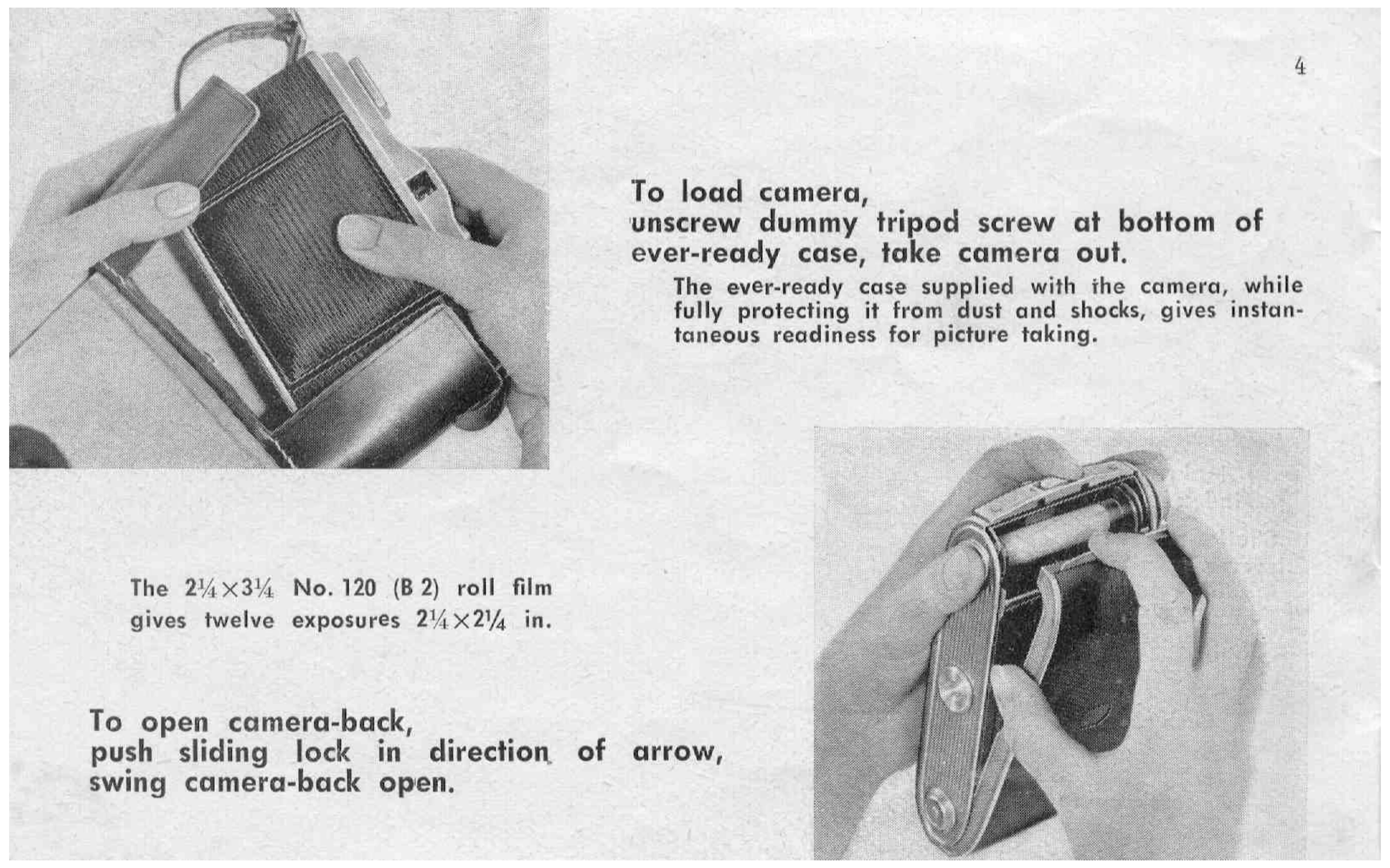
Loading the Camera: Remove camera from case. Open camera back by sliding lock. Swing out lower spool holder. Insert new spool. Thread film by unfolding backing paper and inserting into spool slot. Wind several turns to tauten. Close camera back. Taking a Picture: Open camera front. Set diaphragm, shutter speed, and focus. Wind the shutter by pulling the lever. Bring viewfinder to eye. Hold camera firmly and press release. Advance film using winding knob until next number appears. Closing the Camera: Gently depress brace joints to close. Press front firmly until locked. After last picture, wind until end of backing paper passes window. Unloading Film: Open camera back. Pull out winding knob, turning clockwise. Hold backing paper to exclude stray light. Fold in flap of backing paper and secure with tape.

Troubleshooting and error codes

Double exposures Film not advanced after exposure Advance film immediately after each exposure.
Camera won't close Brace joints not fully depressed Gently depress brace joints with both index fingers.
Front won't lock Front not pressed firmly Press front firmly against camera body until it locks.
Blurry pictures Camera shake / Improper focus Hold camera steady, use tripod for long exposures, ensure correct focus.
Privacy Policy