Manual for n10

Manual for n10

Brand: acer

Category: Handheld Device

Document Type:

Language: EN
Uploaded: Aug. 10, 2025, 12:09 a.m.

Manual Publish Date: 2003-08-01

Warranty Information

Warranty information is not explicitly stated with a period in months.

Getting Started:
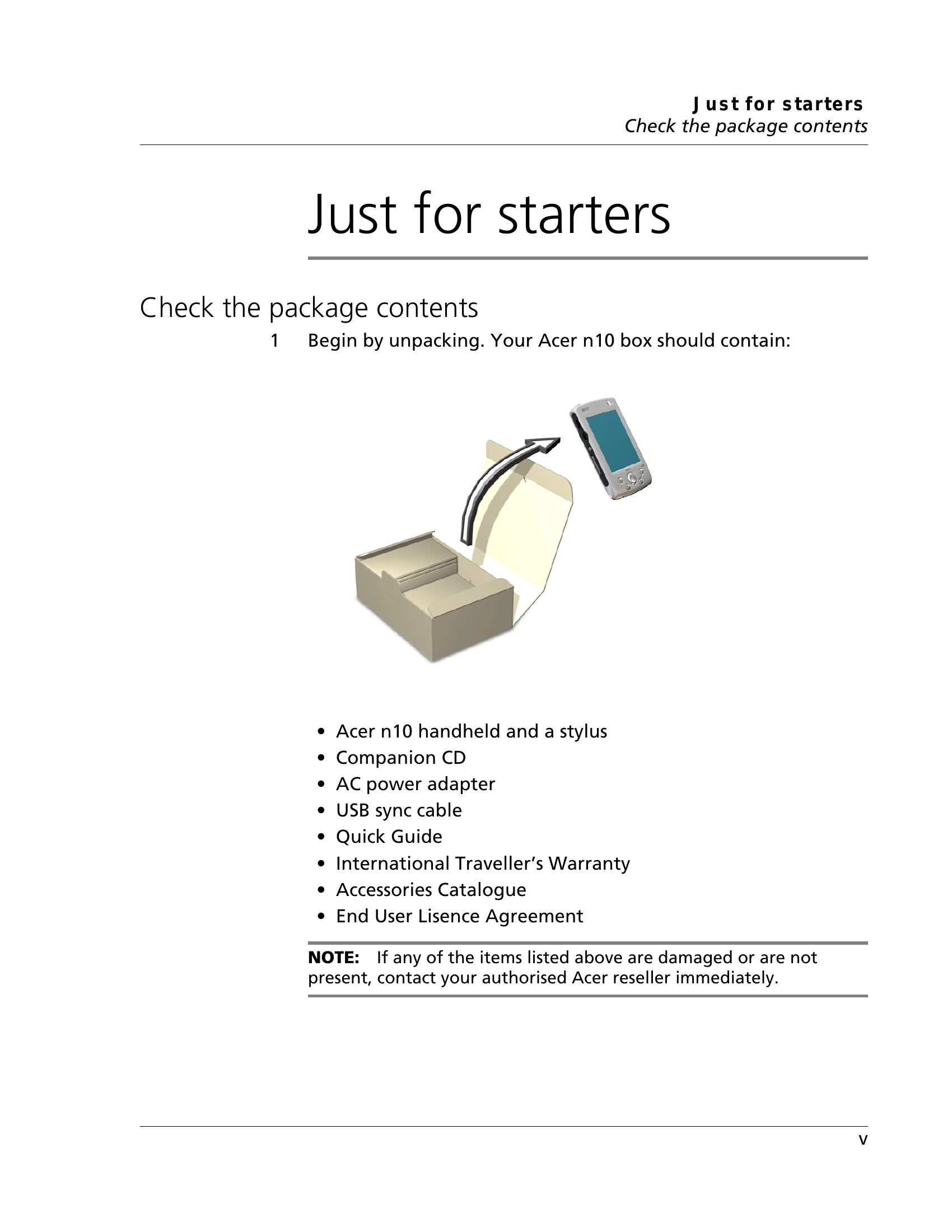
  • Unpack your Acer n10 and verify contents.
  • Connect to power and charge the device.
  • Synchronize with your computer.
  • Turn on and set up your handheld.
  • Remove the USB sync cable.
Taking Care of Your Acer n10:
  • Avoid scratching the screen.
  • Keep away from moisture and extreme temperatures.
  • Handle with care to avoid drops or impacts.
  • Clean with a soft, damp cloth.
Resetting Your Acer n10:
  • Soft Reset: Press the reset button on the rear panel with the stylus. Retains data.
  • Hard Reset: Toggle the reset switch on the bottom of the handheld. Erases all data and restores factory settings.
Privacy Policy