Manual for Easy MP3 Player

Manual for Easy MP3 Player

Brand: acer

Category: Handheld Device

Document Type: Manual

Language: EN
Uploaded: April 20, 2026, 7:49 p.m.

Manual Publish Date: 2004-01-01

Warranty Information

Copyright 2004 by Acer Inc. All rights reserved. No part of this publication may be reproduced without prior written permission.

Basic Operation

  • Store data: Connect to computer via USB to store and delete files.
  • Add Songs: Copy MP3 files directly to the root directory.
  • Power On: Insert earphones, then press and hold Play/Stop for two seconds.
  • Play Songs: Press Play/Stop when the yellow light is blinking.
  • Next/Previous Song: Press VOL+/VOL- during playback.
  • Adjust Volume: Press and hold VOL+/VOL-.
  • Stop Playing: Press Play/Stop; the yellow indicator will turn on.
  • Key Lock: Slide the HOLD switch. All keys are disabled in lock mode.
  • A-B Repeat: Set start (A) and end (B) points for repeating a section of a song. Press A-B again to cancel.
  • Power Off: Press and hold Play/Stop for two or more seconds.

Troubleshooting and error codes

Issue Possible Cause & Solution
Player does not power on after holding "Play" for two seconds.
  • Check if the battery is installed correctly.
  • Check if the battery is depleted; install a new one.
  • Check if the HOLD key is locked; unlock it.
No sound in earphones during playback.
  • Ensure MP3 files are present on the player.
  • Increase the volume.
  • Check if the earphones are properly connected.
USB device not detected when connected to PC.
  • Check if the USB extension cable is properly connected.
  • Ensure the computer's motherboard supports USB interface or upgrade the driver.
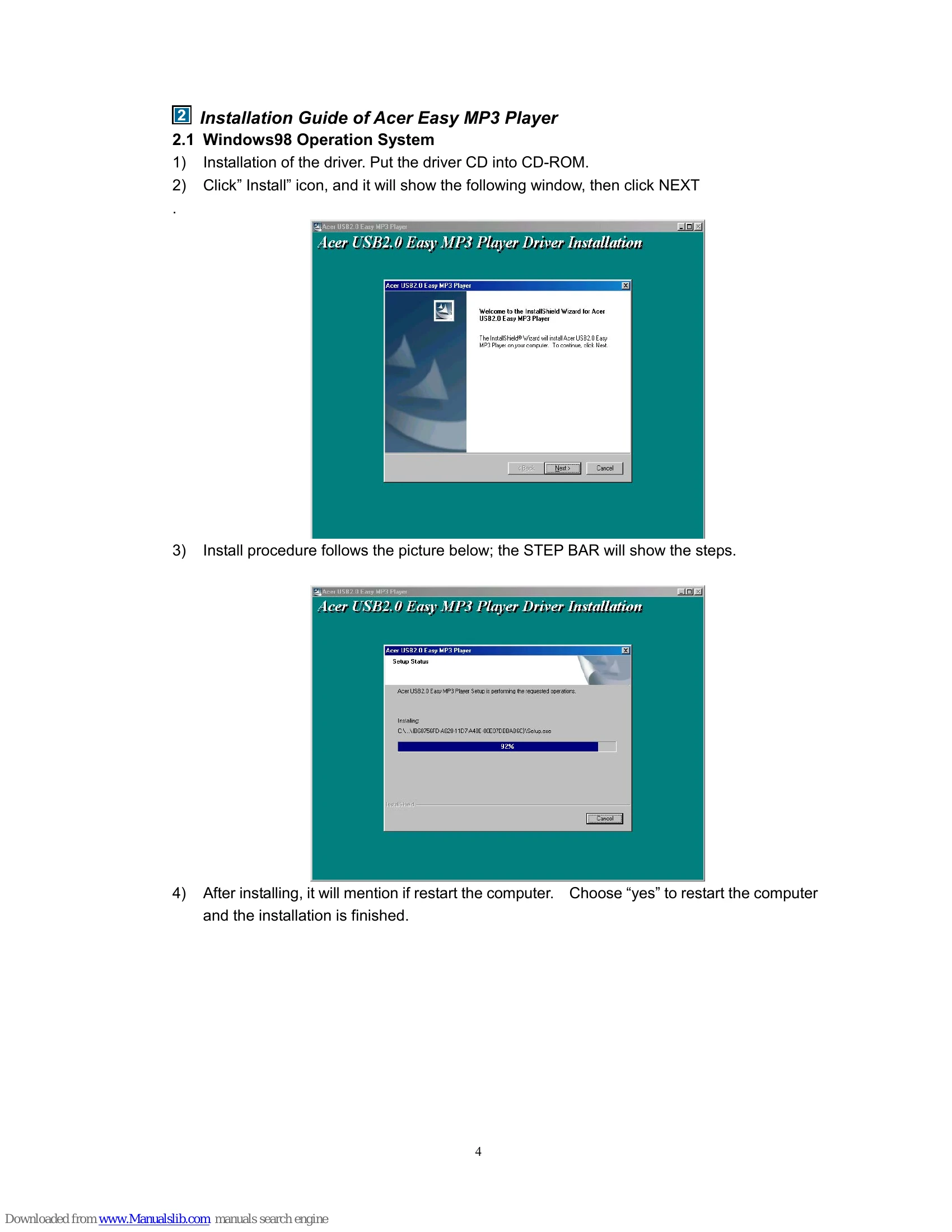
  • For Windows 98, the driver must be installed for the player to be recognized.
Computer does not work normally when unplugging the player.
  • Unplug the player only after the transmission is complete (green indicator stops blinking).
  • Warning: Data may be lost if unplugged incorrectly.
Player suddenly halts or shuts down during playback.
  • Check if the battery is depleted; install a new one.
  • In case of halting, remove and reinsert the battery.
Player halts or has loud noise with certain MP3 files.
  • The player supports a maximum bit rate of 224kbps. Files exceeding this may cause issues. Delete the problematic file.
"HI-SPEED USB Device Plugged into non-HI-SPEED USB Hub" message appears.
  • This is a USB2.0 player connected to a USB1.1 port. It does not affect functionality, only transfer speed.
Privacy Policy